- Digital Microscope VHX-5000 User’s Manual -
Displaying Text and Markers
9-36
Measuring Dimensions and Area
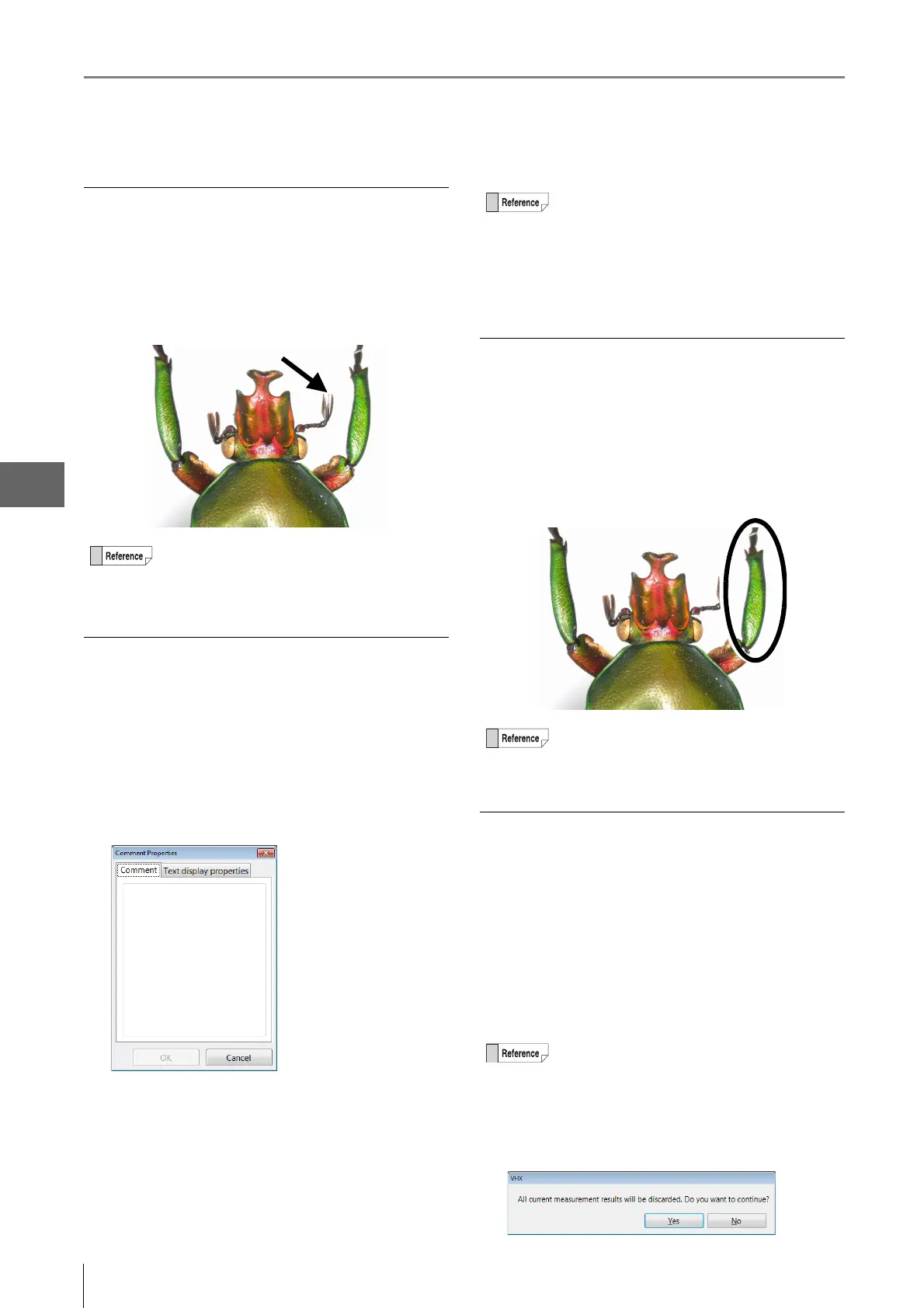
Arrow marker
Drawing an arrow marker on the observation window.
Click the [Arrow] icon. On the observation window,
click the start and end point for the arrow.
An arrow that points to the start point will appear.
Arrow/Text comments
Drawing arrow/text comments on the observation window.
Entering arrow/text comments
1 Click the [Arrow/Text] icon and enter the comment
when the [Comment Properties] dialog box
appears.
2 Click [OK]. On the observation window, click the
start and end point for the arrow.
An arrow marker that points to the start point and the
comment will appear.
Ellipse marker
Drawing an ellipse marker on the observation window.
Click the [Ellipse] icon. On the observation window,
click two diagonal corners for a rectangle that will
contain the ellipse.
The ellipse is drawn.
Deleting normal comments
After the normal comments show up on the screen,
selected comments or markings can be deleted.
Deleting one specified normal comment
Click the [Delete] icon. On the observation window,
click the comment or marker to delete.
Click any of the text in the comment or on the line of the
marker to delete only one item.
Deleting all normal comments
Click the [Del All] icon.
A confirmation dialog box appears. Click [Yes].
The arrow marker can be moved to another position
by clicking on the line with the left mouse button
and dragging.
• The comment and arrow marker can be moved
separately by clicking the left mouse button and
dragging.
•Double-clicking the currently displayed comment
displays its [Comment Properties] allowing you
to edit the [Comment] and [Text display
properties].
The ellipse marker can be moved to another
position by clicking on the perimeter with the left
mouse button and dragging.
Only normal comments can be deleted.


 To Next Page