- Digital Microscope VHX-5000 User’s Manual -
Enhancing Resolution and Increasing Gradation
7-2
Improving Images
Enhancing Resolution and Increasing Gradation
Parts that are difficult to inspect under normal observation can be observed in great detail with the high resolution HDR
function.
With high resolution observation and the HDR function
together, details that are too small to be seen under normal
optical observation can be observed.
Acquiring sharpen images than normal by employing the
shortest wavelength of visible light, blue light.
The HDR function captures multiple frames of an image in
varying degrees of brightness by varying the shutter speed.
These are composed into a single high-resolution image.
Capturing a broader brightness spectrum reproduces
images of objects that cause glare with greater accuracy. It
also increases the level of detail seen in the image by
increasing the levels of color gradation.
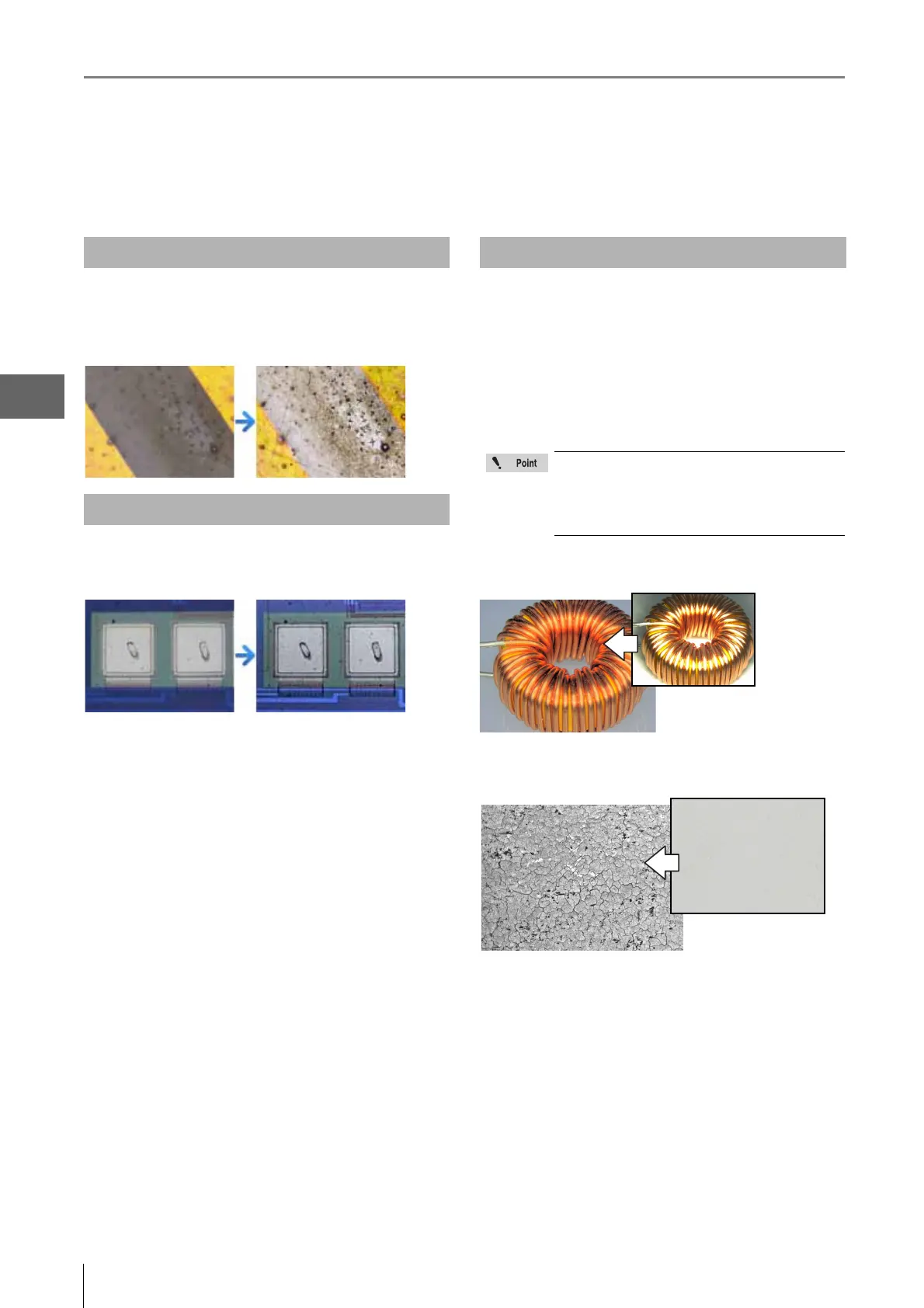
<Objects that cause glare>
[Coil (20x)]
<Objects with few gradation levels.>
[Inkjet paper (300x)]
About high resolution HDR
About high resolution Observation
About HDR
The HDR function cannot be used with the
following functions. Cancel these functions
before using the HDR function:
Glare removal, Shake correction mode, non-
normal recording sizes.



 To Next Page