- Digital Microscope VHX-5000 User’s Manual -
Album
6-18
Playing and Editing Images
Recycle Bin
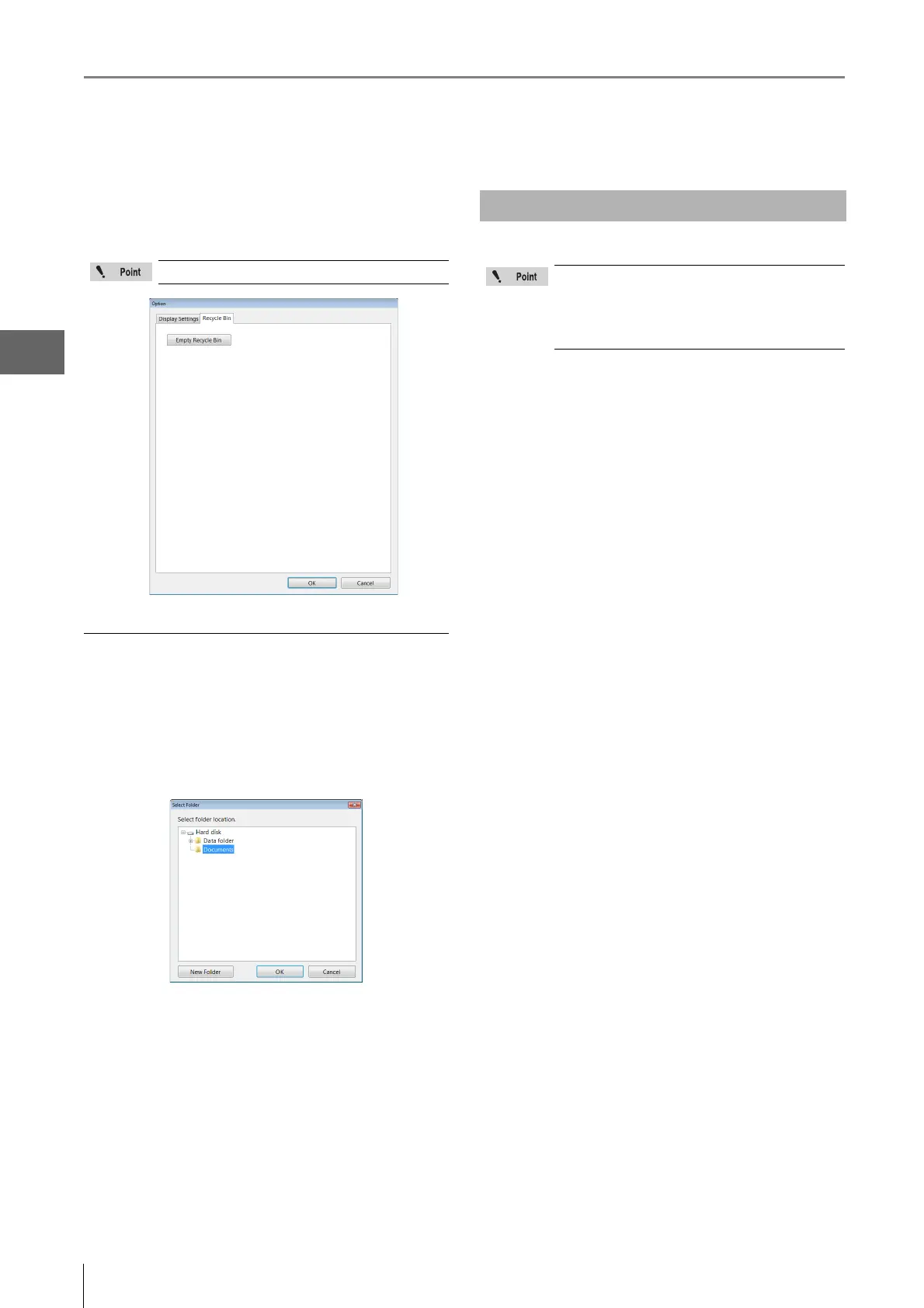
Click on [Empty Recycle Bin] to delete the files in the
recycle bin.
Copy PC Software
Clicking [Copy PC Software] displays the [Select Folder]
dialog.
This software allows you to copy the VHX-5000 [Network
Communication/Editing Application].
Select the destination folder and click [OK].
This launches Explorer, included with Windows7.
If these folders are changed, the applications for the VHX-2000E
may not function properly.
Deleted files cannot be recovered.
Explorer
The album function on this microscope treats
and displays "D:\CommonData" as the "Data
folder", and "D:\Personal\(Computer
name)\VHX_Admin\Documents" as the
"Documents" folder.



 To Next Page