- Digital Microscope VHX-5000 User’s Manual -
VHX-5000 Communication Software
14-4
Connecting to an External PC
VHX-5000 Communication Software
VHX-5000 communication software enables remote control operation of the microscope, and can capture images to a PC.
File editing functions
• Browse files on the microscope and PC on the same
screen, and effortlessly copy, move, and delete files.
• Export CSV formatted files to Excel files.
This section explains the procedures for installing the VHX-
5000 Communication Software.
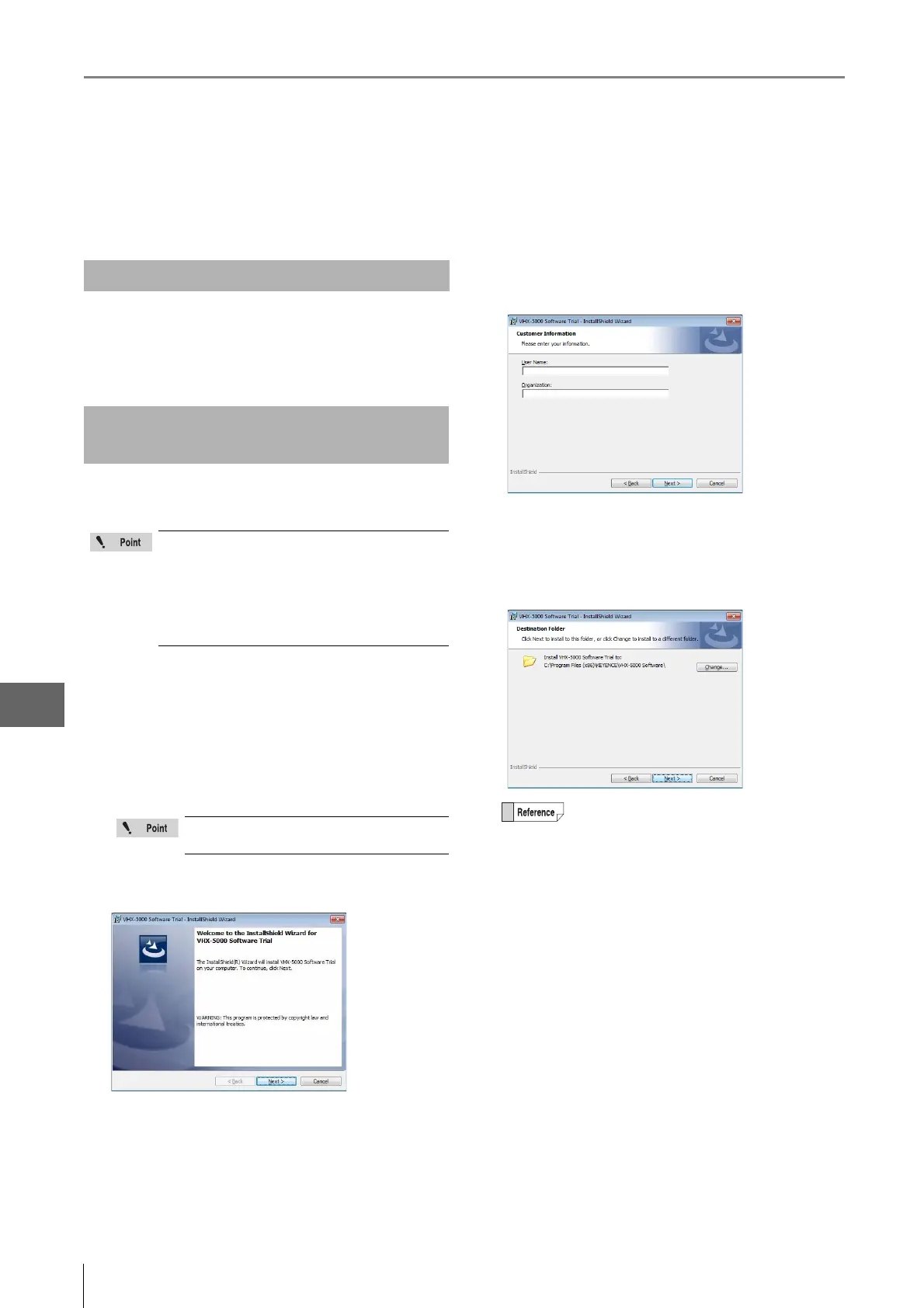
1 Turn the PC power on and start up Windows.
2 Insert the disk labeled [VHX-5000 Communication
Software] in the CD-ROM drive.
The [VHX-5000 Communication Software] window
appears.
3 Click [Next].
The window for entering the user information appears.
4 As required, enter [User Name] and [Organization ]
and click [Next].
The window for selecting the folder to be installation
destination appears.
5 Click [Next].
The [Ready to Install the program] dialog appears.
Overview of Functions
Installing the Communication
Software
To perform the installation, users must log in
with an account that has Administrator
privileges.
To use the software, log in with an account that
Normal or higher privileges for Windows Vista/7,
and Power User or higher privileges for
Windows XP.
If [User Account Control] appears, click
[Yes].
To change the folder to be installation
destination, click [Change] and specified a
different folder.



 To Next Page