- Digital Microscope VHX-5000 User’s Manual -
Z Stage Control
10-39
Observing in 3D
Z Stage Control
The VHX-S550, VHX-S500, VHX-S90F, VHX-S50F or VHX-S15 adds the ability to control the lens height from the
microscope to adjust the focus, measure height, perform depth composition, and display in 3D.
Adjusting manually
1 Click [VHX MENU], then [Depth UP], and then [Z-
stage control].
The [Z-stage control] dialog box appears.
2 Click the icons to adjust focus.
Moves in fine (small) increments.
Moves in coarse (large) increments.
To exit, click [Close].
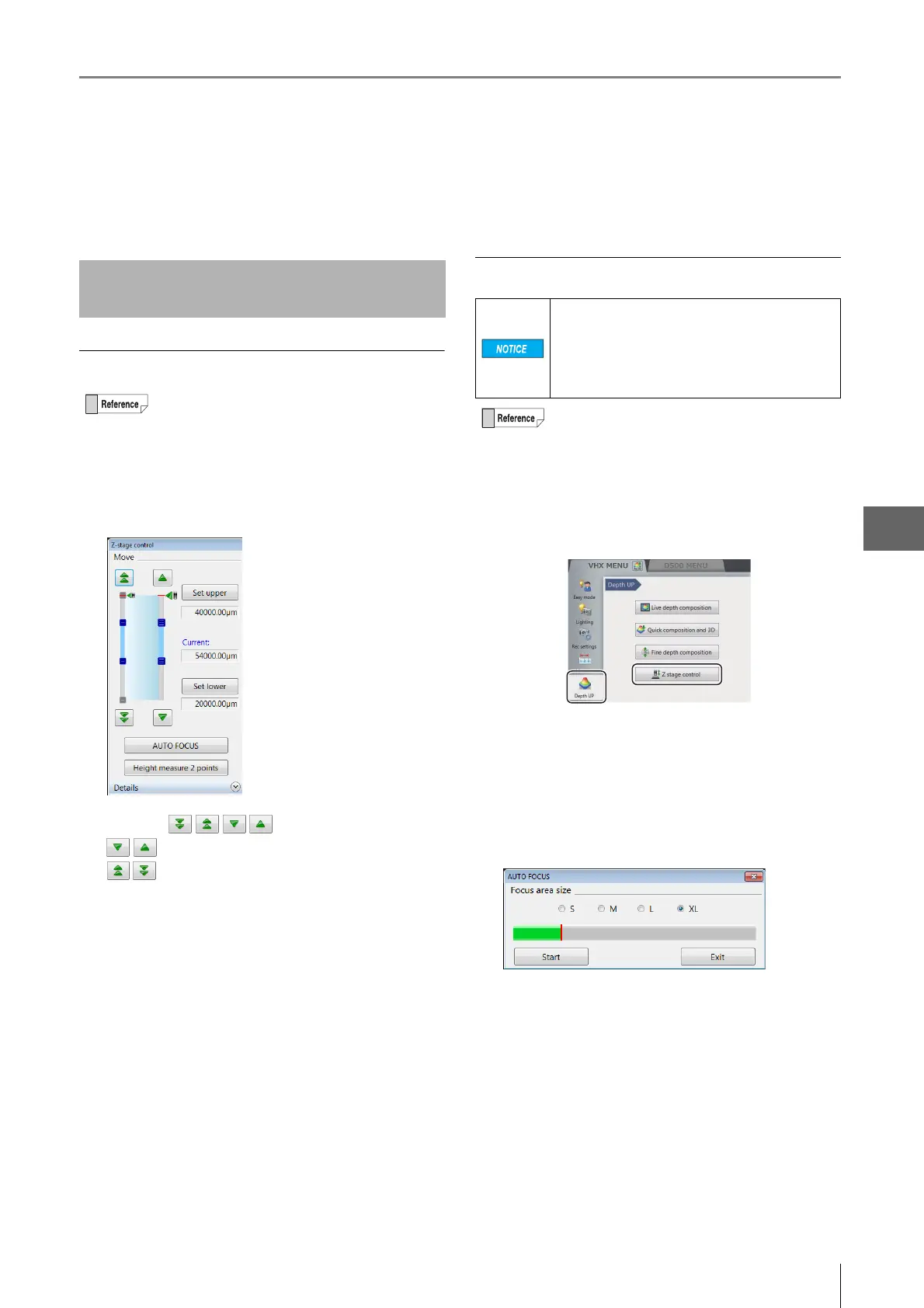
Using auto focus
1 Click [VHX MENU], then [Depth UP], and then [Z-
stage control].
The [Z-stage control] dialog box appears.
2 Click [AUTO FOCUS].
The [AUTO FOCUS] dialog box appears, and the focus
area is shown by a green frame in the observation
window.
3 Drag the focus area to the location to focus on.
To change the size, select a size from S to XL.
4 Click [Start].
The Z stage starts moving up and down and stops at
the height where the image is in focus.
To stop using auto focus, click [Exit].
Adjusting Focus from the VHX
MENU
The Z stage can also be controlled using the
FOCUS dial on the console.
To prevent interference with the observation
object, auto focusing is done by moving the Z
stage upwards.
To avoid interference while using auto focus, be
sure there is at least 3 mm between the lens and
object.
Auto focus can also be executed by pressing the
AUTO FOCUS button on the console. In this case,
auto focus begins immediately and the [Auto focus]
dialog box appears.



 To Next Page