- Digital Microscope VHX-5000 User’s Manual -
Album
6-19
Playing and Editing Images
This function generates images and file information using
pre-formatted templates for Word and Excel.
It allows you to easily create formatted reports.
1 Select the image for which you wish to generate a
report.
2 Click [Report Output].
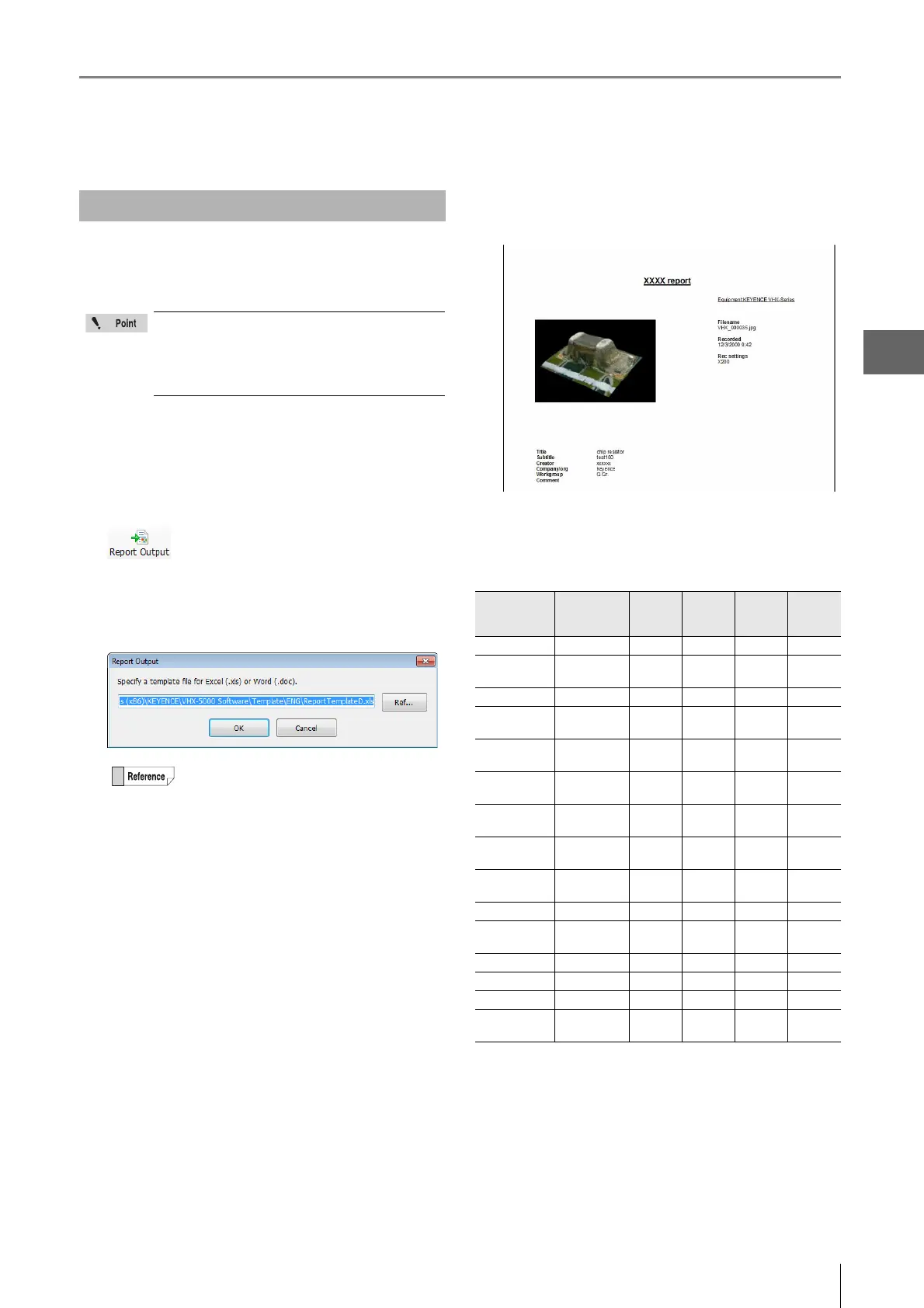
The [Report Output] dialog box appears.
3 Select a template to use.
4 The application (Word or Excel) launches
according to the selected template.
Quick placeholders for templates
The quick placeholders allow you to import the properties
displayed for an image file in your template.
Yes: this file type supports this quick placeholder.
No: this file type does not support this quick placeholder.
*: Available only on the images captured with VHX-D500.
Report Output
Word or Excel must be installed in order to use
the Report Output function.
Refer to "Completely disabling system
protection" (Page 13-6) for details on installing
these applications.
Standard templates are stored in this folder.
C:\Program Files\Keyence\VHX\APP\Template\Eng\
Yo u can also create and save your own
templates using Word or Excel.
Keyword Content
displayed
VHX
Image file
Non-VHX
Image file
Image file
with CSV
data
Measure
results
CSV file
[image] Image Yes Yes Yes No
[lensname] Lens Name
eg.) "VH-Z20"
Yes No Yes No
[lenspower] Lens power Yes No Yes No
[title] Title file
property
Yes No Yes No
[subtitle] Subtitle file
property
Yes No Yes No
[creator] Creator file
property
Yes No Yes No
[company] Company/org:
file property
Yes No Yes No
[workgroup] Workgroup file
property
Yes No Yes No
[comment] Comment file
property
Yes No Yes No
[measurement] Measure results No No Yes Yes
[datecreated] Date recorded
(date created)
YesYesYesYes
[filename] Filename Yes Yes Yes Yes
[tilt angle] Tilt angle Yes No Yes No
[focus *] Focus Yes No Yes No
[obsmode *] Observation
mode
Yes No Yes No



 To Next Page