- Digital Microscope VHX-5000 User’s Manual -
Album
6-6
Playing and Editing Images
Report Output
This command prints the image and file
information on a single sheet (Word, Excel)
using a predefined format. (Page 6-19)
Tab results
This button combines multiple one-click
automatic measurement results in Excel. (Page
6-20)
Close
This button closes the album function and
returns to the observation window.
The following methods can be used to playback selected
files.
• Click [Playback].
• Click [Playback] from the mouse right-click menu.
•Double-click the preview window.
Playing still images
1
Select the file to play in the files window.
2 Click [Playback].
The image appears in the entire observation window.
To play and confirm high-resolution images, use the
Wide-view window (Page 5-9).
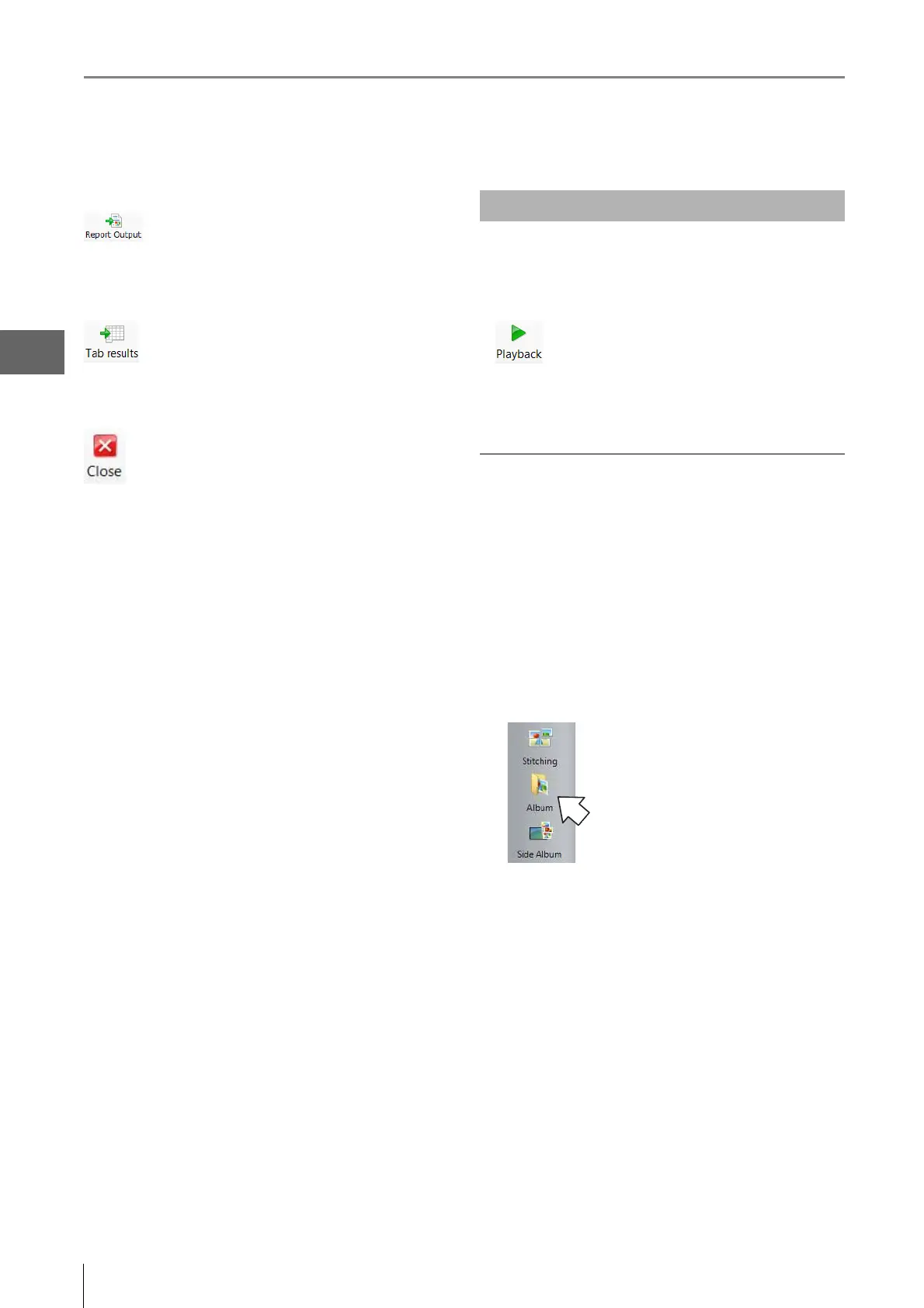
To exit playback and return to the album
Click [Album] on the [VHX MENU].
Playing Files



 To Next Page