- Digital Microscope VHX-5000 User’s Manual -
Viewing the Screen
1-12
Before Using the VHX-5000
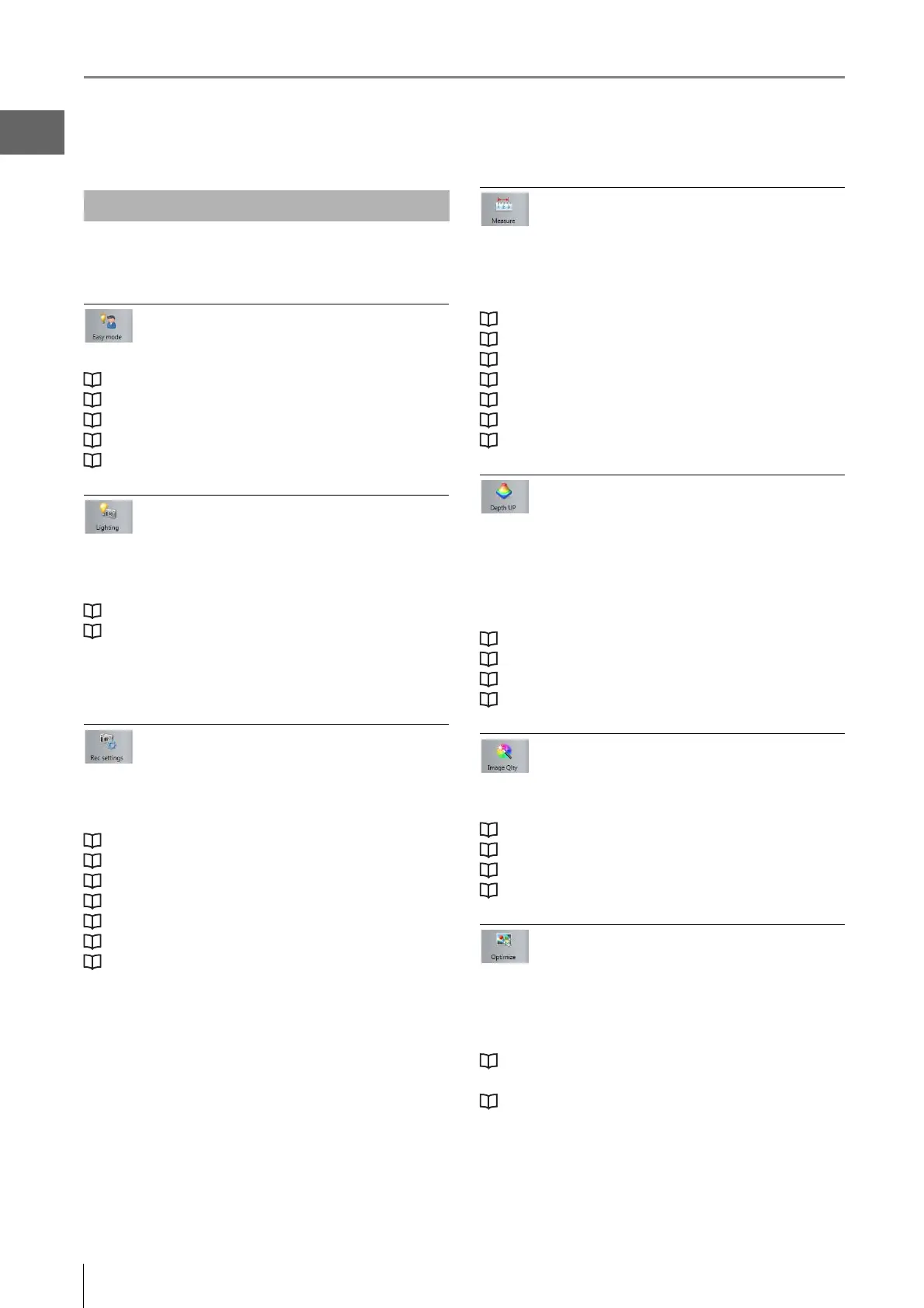
The following commands are displayed as icons. Clicking
the icon executes the command.
Easy mode
This allows you to quickly access frequently used functions.
"Improve image" (Page 7)
"Focus" (Page 8)
"Measure" (Page 8)
"Open a saved image" (Page 9)
"Reproduce rec settings" (Page 9)
Lighting
Use this to make advanced adjustments for images that are
too bright (or too dark), to correct the color tone, or for fast
moving objects.
"Adjusting Image Brightness" (Page 4-2)
"Adjusting the Lighting" (Page 4-5)
The following settings are available:
• Camera brightness (shutter speed, gain)
• Lighting (Epi-illumination, Transmitted illumination)
Rec Settings
Performs detailed settings and correction of capturing
images and image saving.
The setting details are as follows.
“A d j usting the White Balance” (Page 4-6)
“Setting the Recording Size” (Page 5-5)
“Setting up Timer Recording” (Page 5-8)
“Recording and Saving Videos” (Page 5-10)
“Observing Tilted Z Axis” (Page 3-6)
“Shake Correction Mode Settings” (Page 7-7)
“Vision correction mode” (Page 8-4)
Measure
Measures distances, areas, angles, etc., of the
object.
Measurements can also be made while moving the object
horizontally (XY direction) by using the VH-M100E stage.
“Dimensional measurement” (Page 9-11)
"Area Measurements" (Page 9-25)
"Displaying a Scale" (Page 9-39)
"One-Click Automatic Measurement" (Page 9-40)
"Automatic Area Measurements" (Page 9-44)
"Maximum Area Measurement" (Page 9-63)
"XY Stage Measurement (Optional)" (Page 9-66)
Depth Up
This command is used to adjust the focus on the entire
object when it has large height differences.
It combines and displays the focused parts of multiple
images with different focal points. The combined image can
be used to form a 3D image.
"Live Depth Composition" (Page 10-3)
"Quick Composition and 3D" (Page 10-4)
"Fine Depth Composition" (Page 10-9)
"Z Stage Control" (Page 10-39)
Image Qlty
Accu rately reproduces the delicate state of objects difficult
to observe normally.
"High resolution HDR Observation Settings" (Page 7-3)
"High resolution Observation Settings" (Page 7-4)
"HDR Settings" (Page 7-4)
"Glare Removal Settings" (Page 7-6)
Optimize
Selects the settings (processing) suitable for the target
object before observing.
Also performs image settings such as edge enhancement
and gamma correction.
"Selecting an Image from 9 Different Settings
(Optimize)" (Page 7-10)
"Image Setting Procedures" (Page 7-12)
VHX MENU



 To Next Page