Precautions on Regulations and Standards
9
- Digital Microscope VHX-5000 User’s Manual -
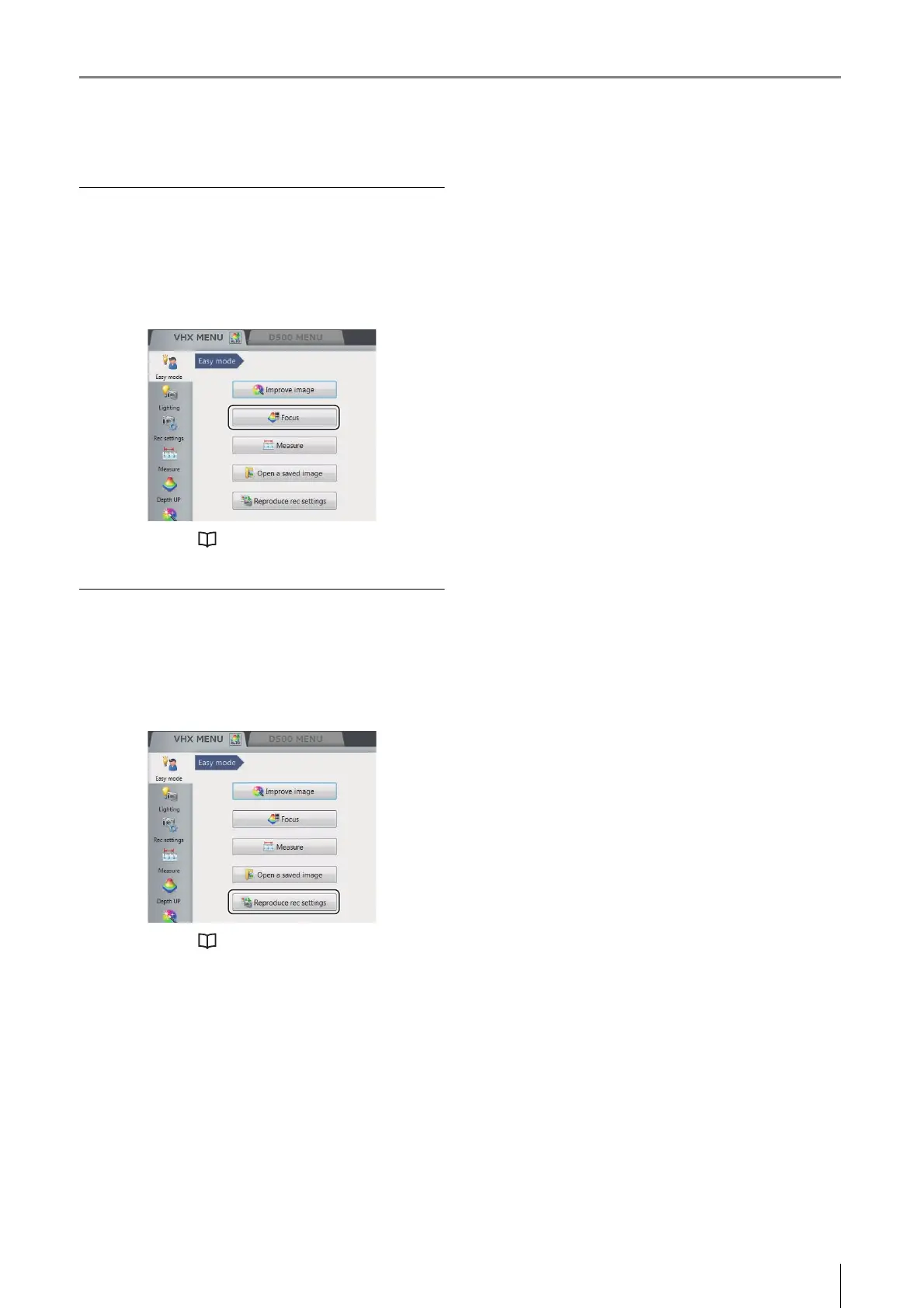
Open a saved image
Open the album window to confirm the saved images on
this device.
Click the [Open a saved image] button from the [Easy
mode] menu.
For details, refer to "Album" (Page 6-2).
Reproduce rec settings
Display the side album, and read the camera setting from
the saved images to set the same setting.
Click the [Reproduce rec settings] button from the [Easy
mode] menu.
For details, refer to "Side Album" (Page 6-21).


 To Next Page