- Digital Microscope VHX-5000 User’s Manual -
3-1
Chapter
3
Basic Operation
Basic Operation
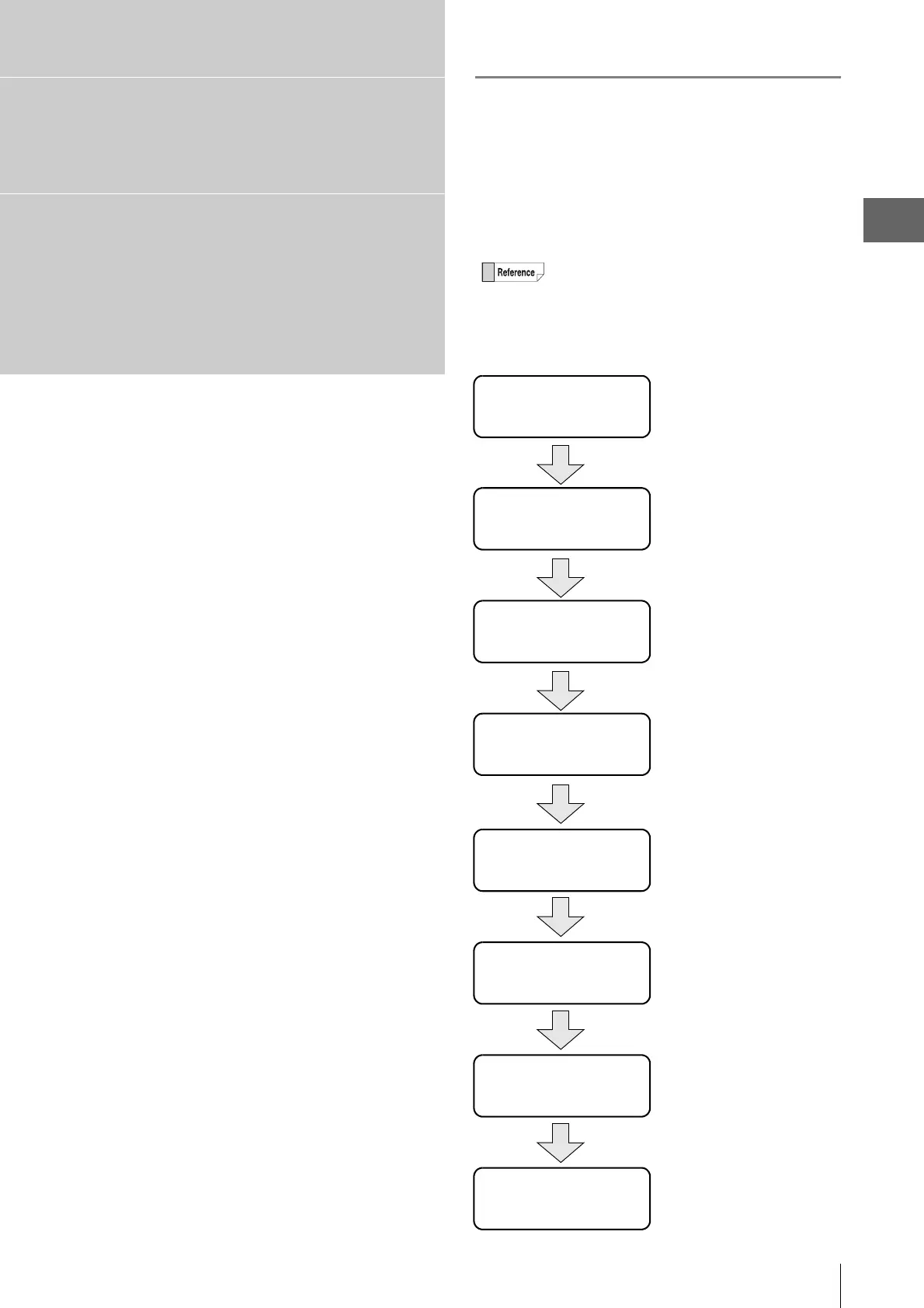
Flow from Adjustment to
Observation
This chapter explains the settings and steps taken to
acquire images.
This explanation is based on the Digital Microscope
VHX-5000 used with the ultra-small compact high-
performance zoom lens VH-Z20T and free-angle
observation base unit VHX-S550.
Turning the Microscope
Power On
(Page 3-2)
Adjusting the Color
Balance
(Page 3-4)
Observing Tilted Z-Axis
(Page 3-6)
Turn the Power Off
(Page 3-8)
Adjust the brightness
and focus
(Page 3-4)
Initializing XY Motorized
Stage
(Page 3-3)
Move XY Motorized
Stage
(Page 3-5)
Capturing (Saving)
Images
(Page 3-7)



 To Next Page