- Digital Microscope VHX-5000 User’s Manual -
Basic Operation
3-8
Basic Operation
Turn the microscope power off.
Press the POWER switch on the lower right
of the front panel
The power turns off.
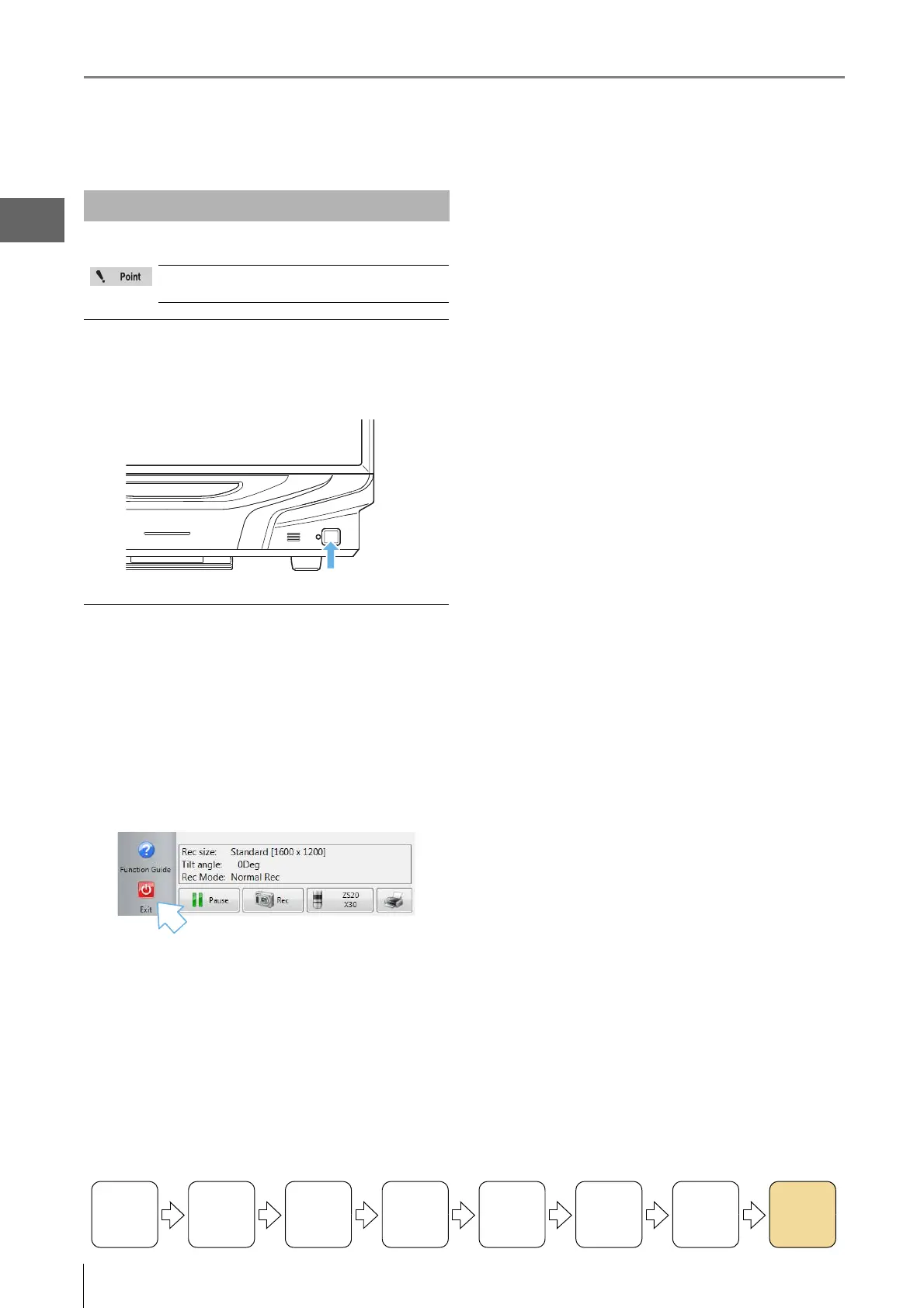
Click the [Exit] button
A menu of shut down options will appear. Select one and
click [OK].
Shut down options
Shut Down : Turns off the power.
Sleep : Places the microscope in the standby
condition for quick startup. (Default)
Reboot : Reboots the system.
Shutting Down the Microscope
The power settings (Page 13-19) determine how
the microscope shuts down.
Turning the
Power On
Initializing
XY Motorized
Stage
Adjusting
the Color
Balance
Adjusting the
Brightness
and Focus
Move XY
Motorized
Stage
Observing
Tilted
Z-Axis
Capturing
(Saving)
Images
Turn the
Power Off



 To Next Page