- Digital Microscope VHX-5000 User’s Manual -
File Sharing Function
14-21
Connecting to an External PC
File Sharing Function
The file sharing function allows you to copy files between
the microscope and the PC.
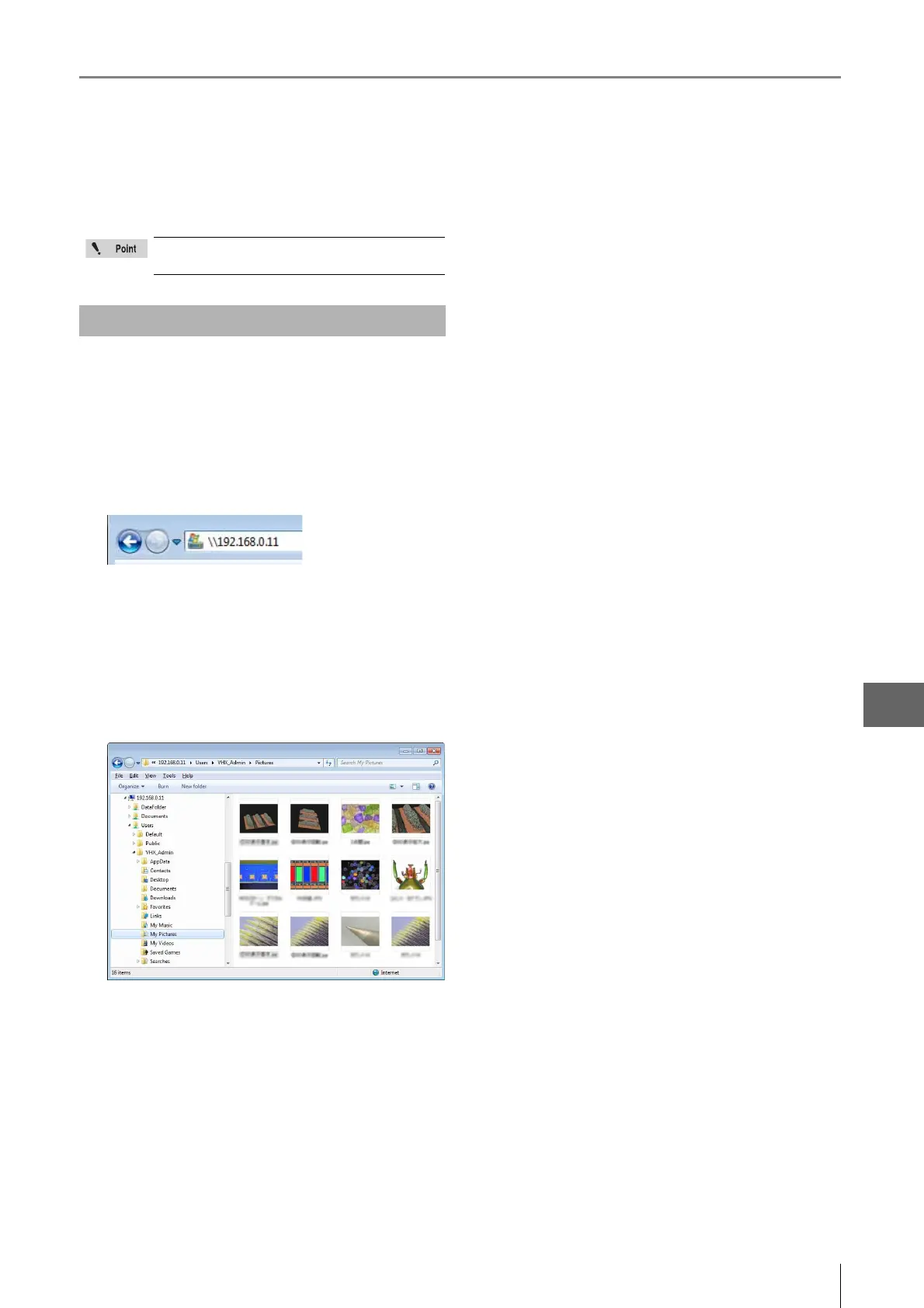
1 Startup Internet Explorer.
2 In the address bar, type "//IP address of the
microscope".
3 Click [Go].
4 Enter the user and password and click [OK].
Enter the [User] as "VHX_User", and [Password] as the
password specified in the microscope's settings (Page
13-4).
The contents of the D:\CommonData folder (data folder
for the album function) on the microscope appears.
The files can be manipulated using Explorer.
Turn the [File sharing] function (Page 13-4) on
the microscope on.
Using Internet Explorer to Connect



 To Next Page