- Digital Microscope VHX-5000 User’s Manual -
Installation/Connection
2-5
Installation/Connection
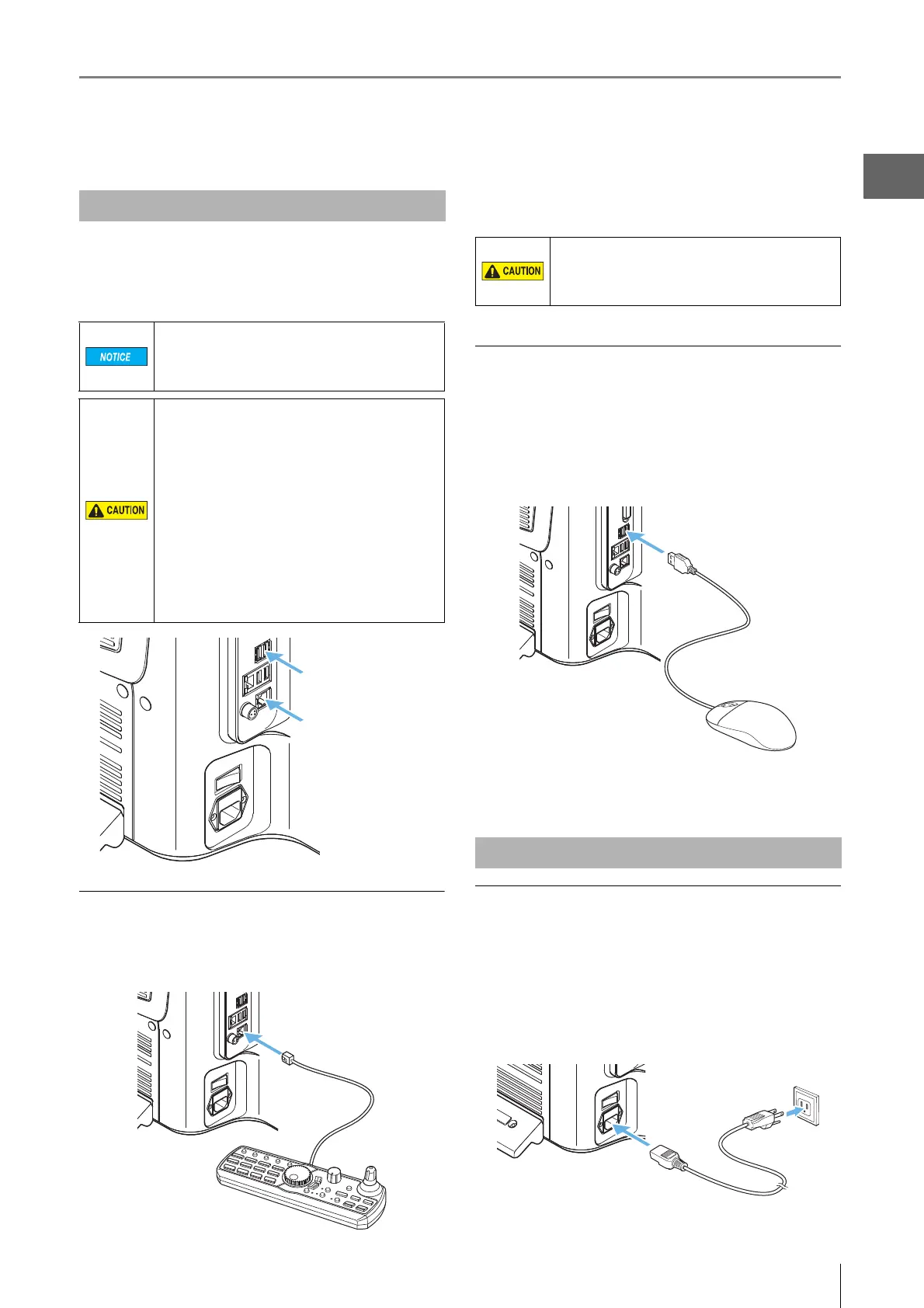
Connect the AC power cord set, console, mouse, and
keyboard to the microscope.
These connection ports are located at the lower left side of
the microscope.
Connecting the console
Align the console connector to the orientation of the
CONSOLE connection port on the left side of the
microscope, and insert.
To remove
Remove while pushing on the tab on the connector.
Connecting the mouse and keyboard*
Align the orientation of the mouse and keyboard connector
and insert into the USB port located on the left side, or the
lower left on the front panel of the microscope.
The mouse and keyboard can be connected to any of the
eight USB ports provided.
* Keyboard is not provided.
To remove
Hold the connector and pull.
Connecting the AC power cord set
1 Connect the AC power cord set to the AC power
supply connection port on the left side of the
microscope.
2 Plug the other end into a wall outlet.
Connecting the Console, Mouse, etc.
Always turn the main power switch off before
connecting or disconnecting the AC power cord
set and console. Doing so with the power
turned on may result in failure or damage.
• The AC power cord set is not provided with
the VHX-5000 Series. Use the cord set, which
complies with the regulations and standards
in the country or the region in which the
VHX-5000 Series are used. (In North America,
use the cord set, which type of cable is SVT
or equivalent, 18AWG or better, rated
temperature 90°C or better.)
• When installing the VHX-5000, connect the
protective ground terminal of the AC power
cord set to the protective ground conductor
at the installation site. Failure to ground the
VHX-5000 may result in electric shock or
other product failure.
Mouse and keyboard
Console
Do not connect any other device, except for the
supplied console, to the CONSOLE connector.
Doing so may result in fires, electric shock, or
product failure.
Connecting Power



 To Next Page