- Digital Microscope VHX-5000 User’s Manual -
Displaying Text and Markers
9-37
Measuring Dimensions and Area
Residual comments show both user-specified comments
and information on the observation image, such as its lens
name, date, time, etc.
For residual comments, the display contents and position
are retained for each user setting. The display contents and
position can be changed by changing user setups (Page
13-14).
Comments
Entering text and displaying it as a comment on the
observation window.
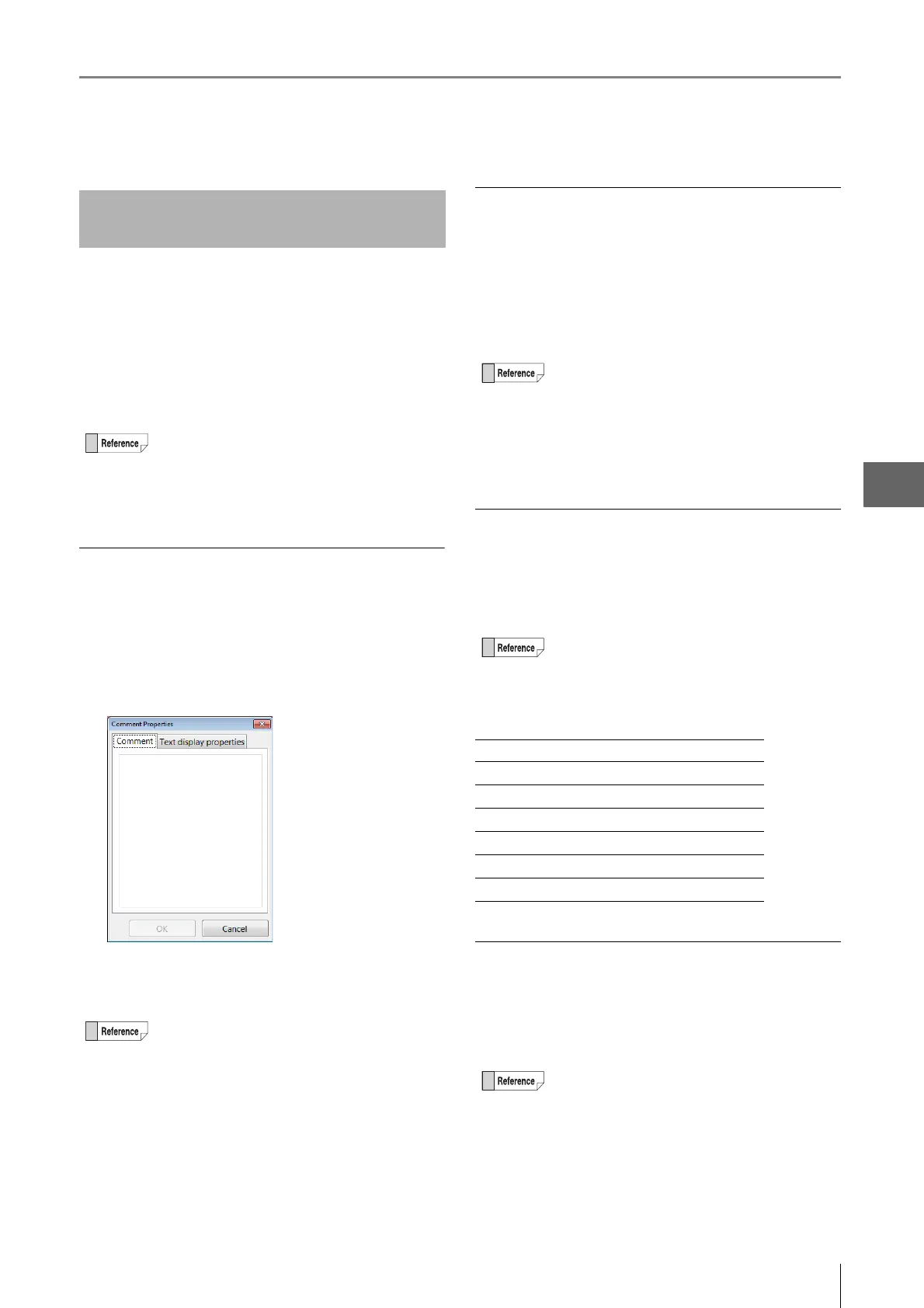
1 Click [Comment] and enter the comment in the
[Comment Properties] dialog box.
2 Click [OK].
The comment appears.
Displaying the lens name
Displaying the lens type and power currently in use.
Click [Lens Name] .
For lenses with the automatic lens/zoom recognition
function, the lens name appears automatically. For other
lenses, the selected lens names are displayed.
Displaying the date
The date can be displayed on the observation window.
Click [Date].
The date appears.
The display style can be changed as shown below.
Time
Displaying the time.
Click [Time] .
The time appears at the clicked point.
Entering and Setting Residual
Comments
• The comment can be moved by clicking with the
left mouse button and dragging.
•Double-clicking the currently displayed comment
displays its [Text display properties], allowing
you to edit the color and font.
• The comment can be moved by clicking with the
left mouse button and dragging.
•Double-clicking the currently displayed comment
displays its [Comment Properties] allowing you
to edit the [Comment] and [Text display
properties].
• To move the lens name, click it with the left
mouse button and drag.
•Double-clicking the currently displayed lens
name displays its [Text Format], allowing you to
edit the font, font size, color, etc.
• Selecting/deselecting the [Lens Name] in the
menu toggles between hide/show.
• To move the date, click it with the left mouse
button and drag.
•Double-clicking the displayed date allows you to
edit the display style, font, font size, and color.
Display style Display examples
YYYY/MM/DD 2009/1/15
YY/MM/DD 09/1/15
MM/DD/YYYY 01/15/2009
MM/DD/YY 01/15/09
DD/MM/YYYY 15/01/2009
DD/MM/YY 15/01/09
• To move the time, click it with the left mouse
button and drag.
•Double-clicking the displayed time allows you to
edit the display style, font, font size, and color.
• Selecting/deselecting the [Time] in the menu
toggles between hide/show.



 To Next Page