- Digital Microscope VHX-5000 User’s Manual -
LAN Connection
14-2
Connecting to an External PC
LAN Connection
Connecting the microscope to a PC via a LAN connection allows you to view and edit images recorded and stored on the
microscope from the PC.
VHX-5000 Communication Software
This software allows remote control operation of the
microscope from a Windows-based PC, and provides file
edit functions such as copy and delete.
FTP server function
This function allows you to copy files between the
microscope and a PC.
File sharing function
File sharing provides Windows-based PCs with access to a
shared folder on the microscope, allowing files to be copied
to and from the microscope.
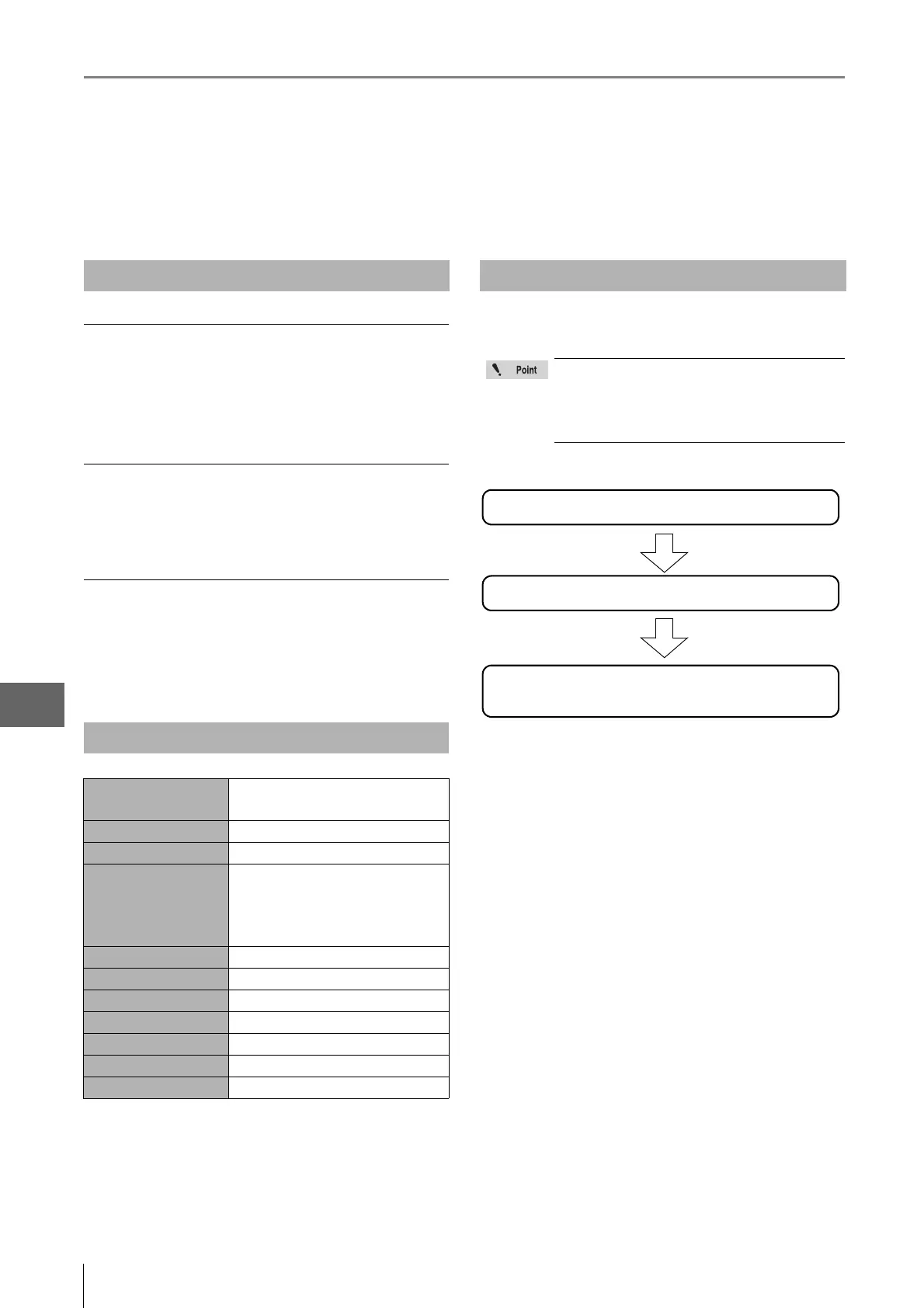
This section explains the flow of work to complete before
acquiring image data via the LAN connection.
Overview of LAN Connection
Operating Environment of the PC
Supported operating
systems
Windows XP SP3 or later, Vista SP1 or
later, or 7/8
Processor Intel Core™ 2 DUO E8400 or later
Memory 2 GB or more
Connection interface PC must be equipped with one of
these LAN ports:
LAN (RJ-45 1000BASE-T/100BASE-
TX/10BASE-T)
Display resolution 1280 x 1024 or higher
Hard disk 3 GB or more
Graphics memory 128 MB or more
Display colors 32 bits or more
Graphics chip Support for DirectX 9.0c
Direct X Version 9.0c or later
Others CD-ROM drive or USB port
Flow of Preparations
Before connecting the microscope to an
internal LAN, ask your system administrator to
assign an IP address to the microscope. Also
find out the subnet mask and default gateway
address.
Configuring the network on the VHX-5000. Page 13-5
PC connection and settings Page 14-3
FTP server function Page 14-19
File sharing function Page 14-21



 To Next Page