- Digital Microscope VHX-5000 User’s Manual -
Volume Measurement (Option)
10-38
Observing in 3D
Volume Measurement (Option)
This function allows you to measure volumes and surface areas of 3D images.
1 Display the 3D image.
Display the 3D image obtained using the depth up
function (Page 10-2), or the album function (Page 6-2).
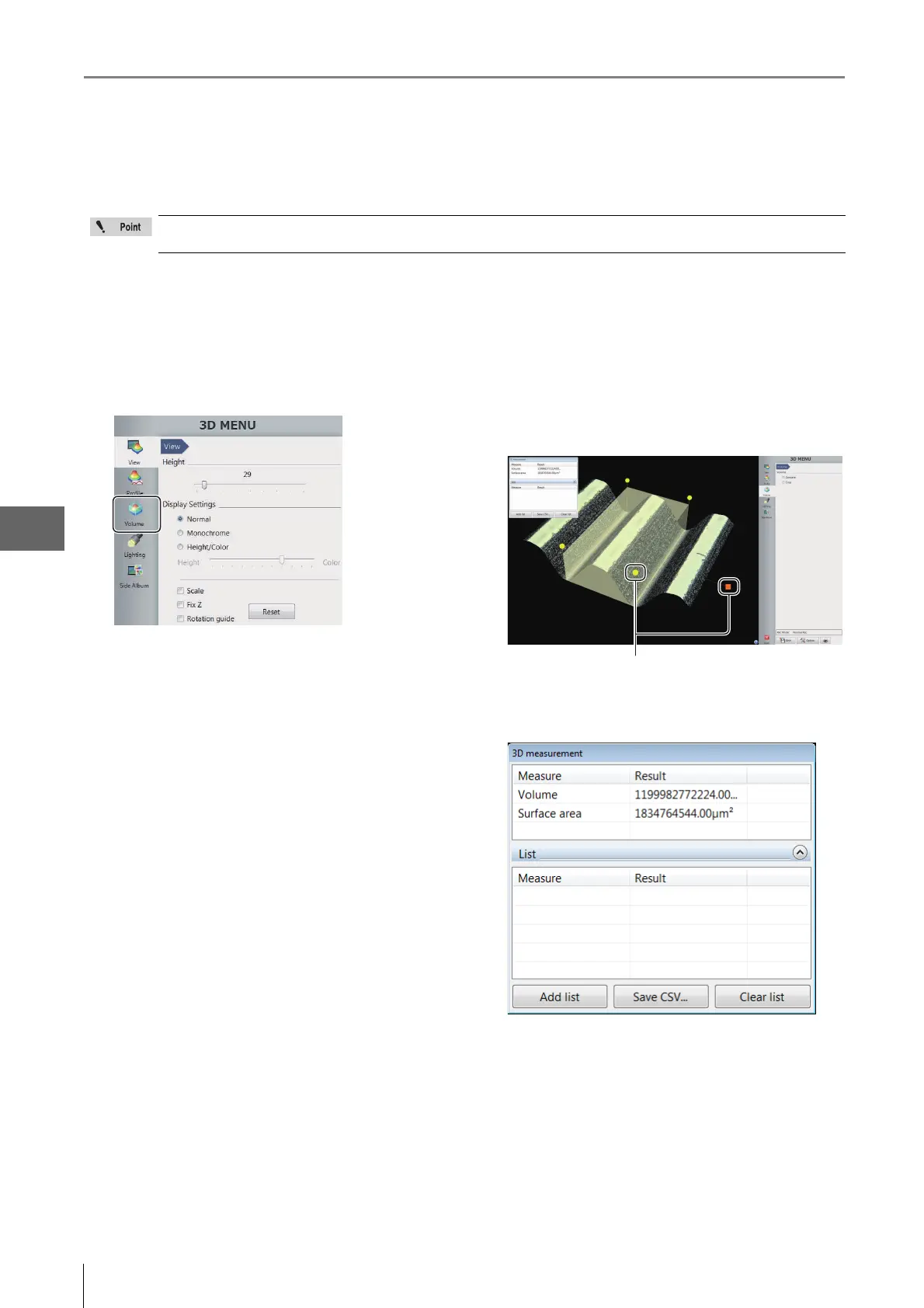
2 Click [Volume] from the 3D MENU.
Volume measurement menu appears.
3 Move the handles ( and ) displayed in the
observation window and set the range of
measurement target.
• If the [Concave] check box is checked, this display
shows only the volume of the concave portion.
• If the [Crop] check box is checked, the display shows
only the measurement range.
Measurement results appear on the [3D measurement]
dialog box.
• Add list
This command adds the current measurement
results to the list.
• Save CSV
This command allows you to save the current
measurement results as CSV format.
• Clear list
This command clears the list contents.
The separately sold "3D Profile Measurement Application" (model VHX-H4M) is required to perform volume
measurements. Make sure this application is installed beforehand.



 To Next Page