- Digital Microscope VHX-5000 User’s Manual -
Adjusting Image Brightness
4-4
Advanced Camera Settings
Normally, the brightness is adjusted using the
BRIGHTNESS dial on the console. Use the gain when you
want to adjust the brightness according to the object or
lighting while using a fixed shutter speed.
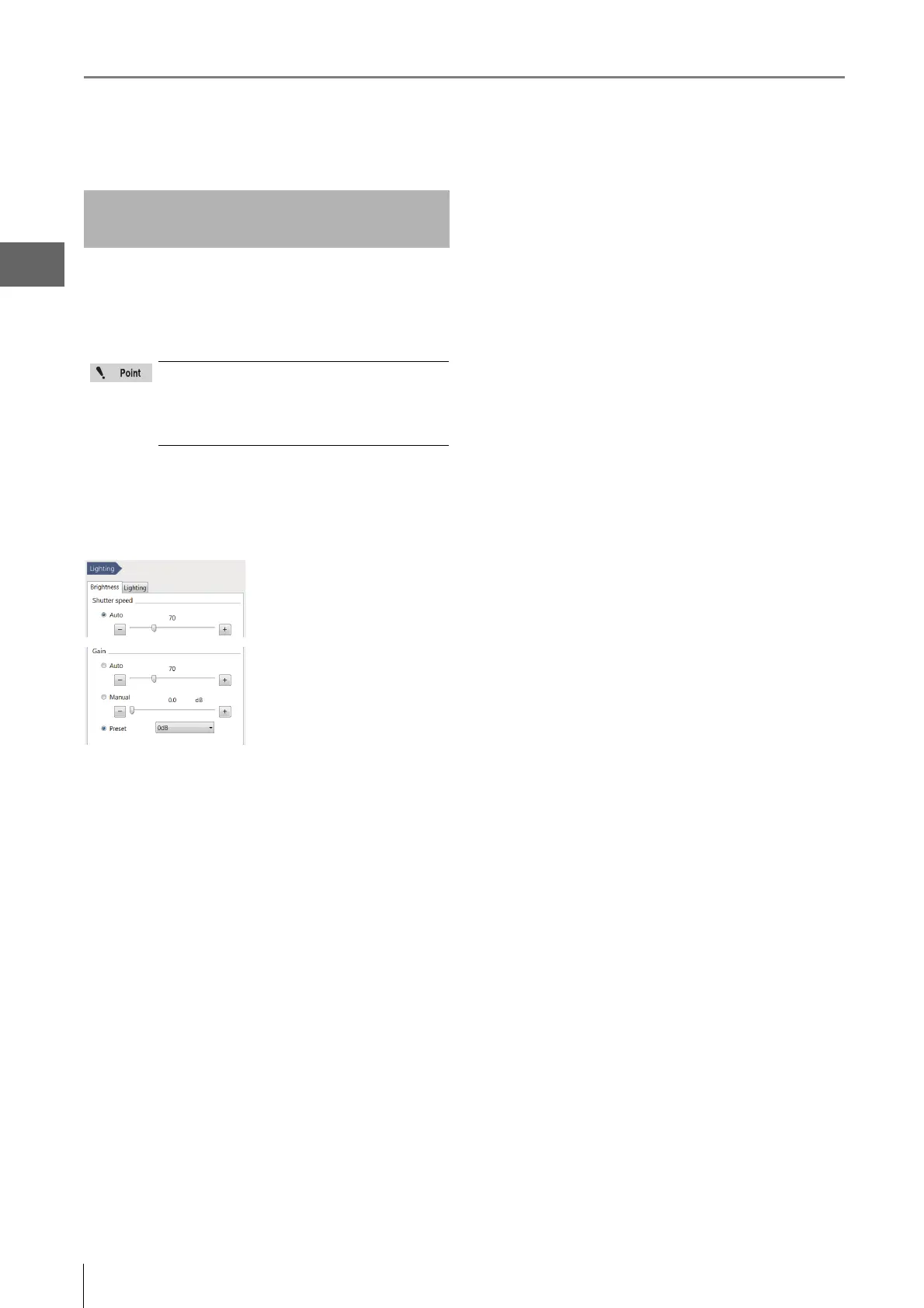
1 Click [Lighting] on the [VHX MENU].
This brings up the [Brightness] dialog in the operation
area.
Auto
The gain is automatically
adjusted to maintain the
brightness setting.
The gain changes as the
condition of the lighting or
object changes.
Manual
Adjust the gain amplification ratio (0dB to 6dB) by dragging
the slider on the dialog.
Manual allows a more precise adjustment than preset.
The gain remains fixed even if the condition of the object or
lighting changes.
Preset
Select from two gain amplifications: 0dB or 6dB.
The gain remains fixed even if the condition of the object or
lighting changes.
2 Click either [Auto], [Manual], or [Preset].
3 Adjust the image brightness.
For [Auto] or [Manual], adjust by dragging the slider.
For [Preset], select a value from the list box.
Adjusting the Gain using [Lighting]
from the VHX MENU
• Increasing the gain causes noise that can
degrade the picture quality.
• The BRIGHTNESS dial on the console always
overrides the gain set from the VHX MENU
and sets the gain to Manual, 0dB.



 To Next Page