- Digital Microscope VHX-5000 User’s Manual -
Installation/Connection
2-4
Installation/Connection
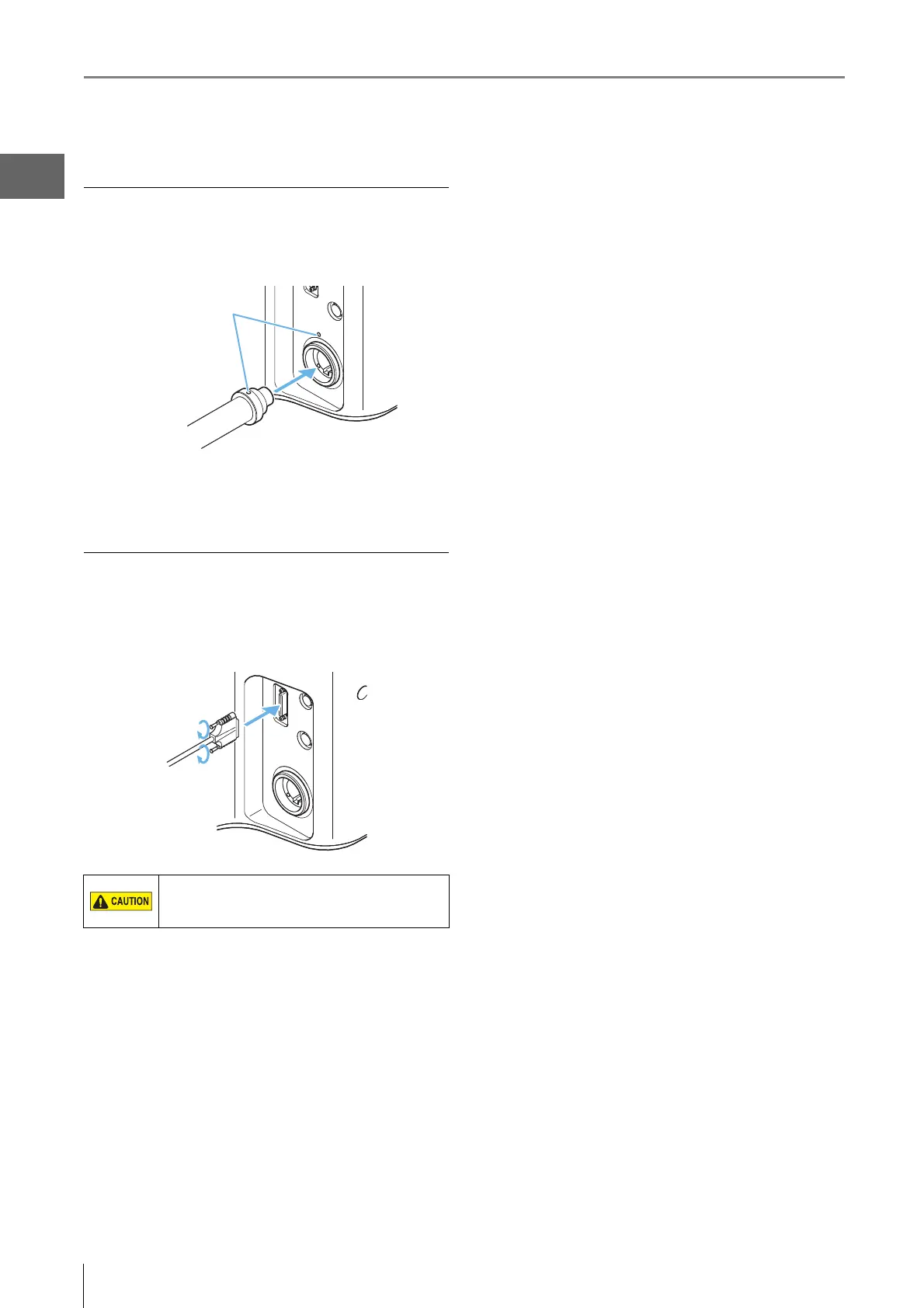
Connecting the optical fiber cable
Align the O marks on the fiber optic cable and
LIGHT connection port and insert u ntil you hear a click.
To remove
Pull out the cable to remove it.
Connecting the camera cable
Connect the camera cable to the connection port on the
controller and then fasten the fixation screws on both sides
of connector to fix the connection.
Fasten the fixation screws tightly. Loose screws
may cause a failure such as a communication
error.



 To Next Page