- Digital Microscope VHX-5000 User’s Manual -
Album
6-7
Playing and Editing Images
Playing HDR images
1 Select the HDR file to playback in the files window.
2 Click [Playback].
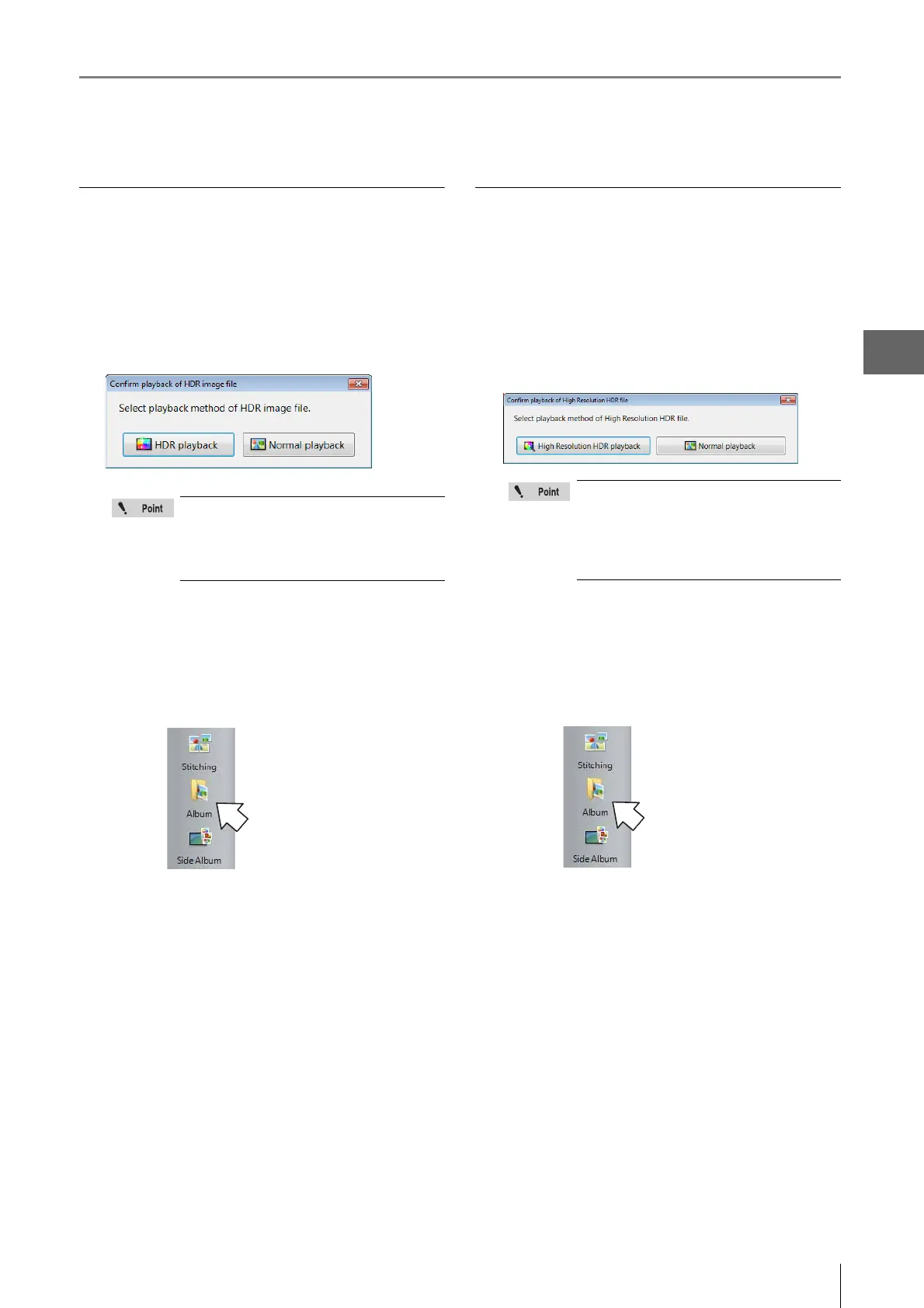
The "Confirm playback of HDR image file" message
appears.
3 Click [HDR Playback].
The HDR view (Page 7-2) appears.
To exit playback and return to the album
Click [Album] from the VHX MENU.
Playing high resolution HDR image
1 Select the high resolution HDR file to play in the
files window.
2 Click [Playback].
The "Confirm playback of High Resolution HDR file"
message appears.
3 Click [High Resolution HDR playback].
The high resolution HDR view (Page 7-4) appears.
To exit playback and return to the album
Click [Album] from the VHX MENU.
If the [Confirm playback method of HDR image
files] option is turned OFF in the [Option
Settings] (Page 6-16), the HDR playback will
start without displaying the "Confirm playback
of HDR image file" message.
If the [Confirm playback method of HHDR file]
option is turned OFF in the [Option Settings]
(Page 6-16), the high resolution HDR playback
will start without displaying the "Confirm
playback of High Resolution HDR file"
message.



 To Next Page