Reference Waveforms 5
Keysight InfiniiVision 2000 X-Series Oscilloscopes User's Guide 99
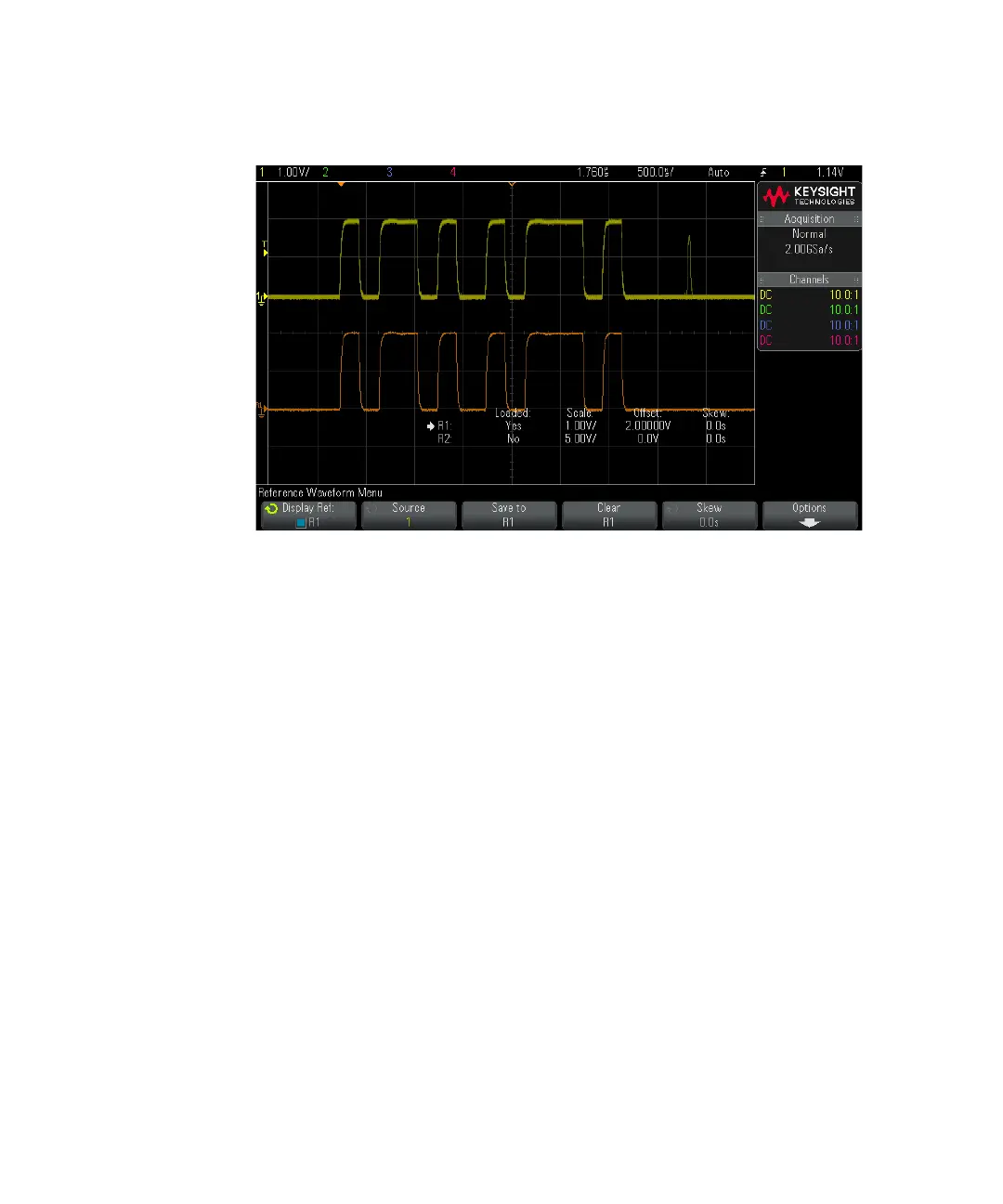
One reference waveform can be displayed at a time.
See Also • "To display reference waveform information" on page 100
To scale and position reference waveforms
1 Make sure the multiplexed scale and position knobs to the right of the [Ref] key
are selected for the reference waveform.
If the arrow to the left of the [Ref] key is not illuminated, press the key.
2 Turn the upper multiplexed knob to adjust the reference waveform scale.
3 Turn the lower multiplexed knob to adjust the reference waveform position.
To adjust reference waveform skew
Once reference waveforms are displayed, you can adjust their skew.
1 Display the desired reference waveform (see "To display a reference
waveform" on page 98).



 To Next Page
 Loading...