A75UM3EG (Ver. E.2)
3-115
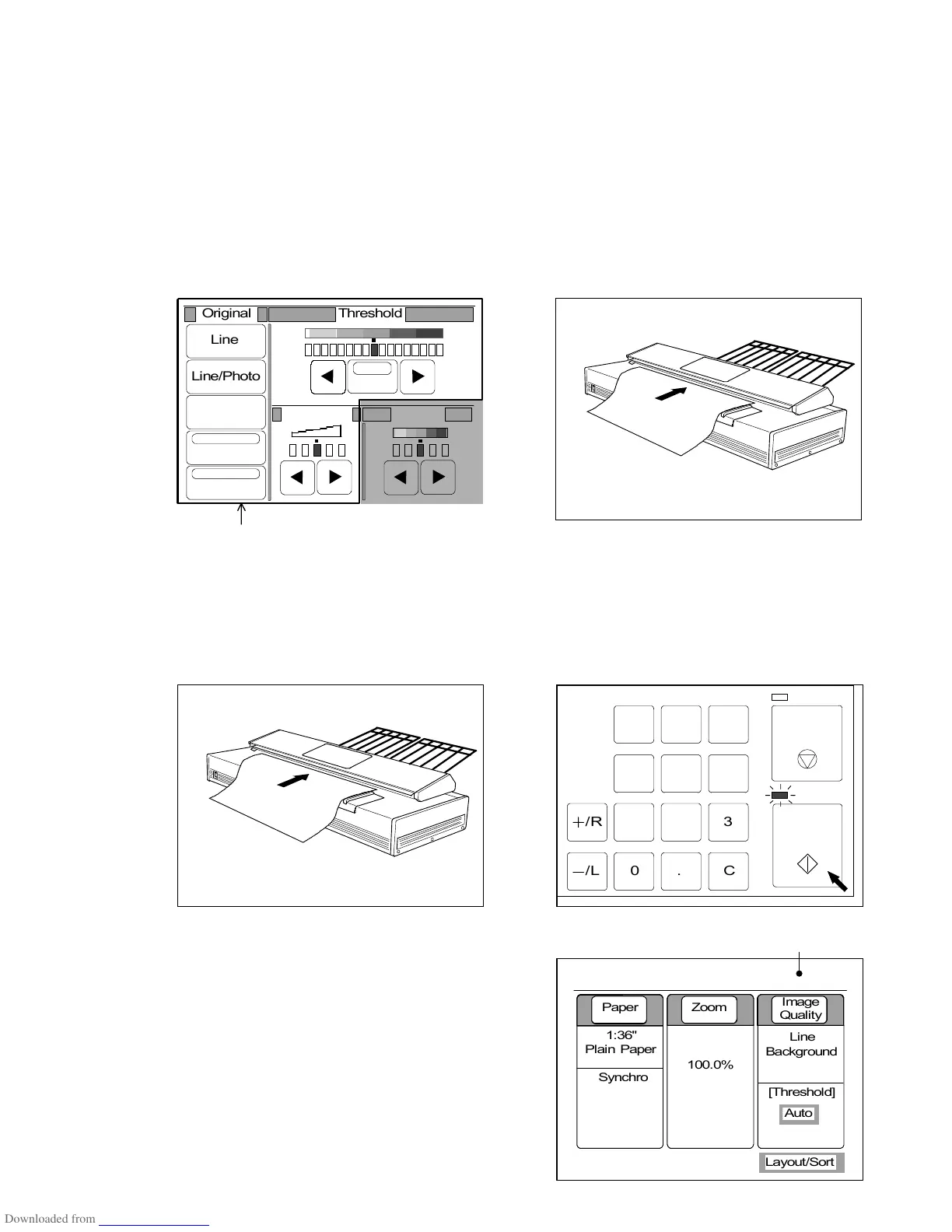
7) Change several settings such as Threshold Level and Density if required.
Note : If you wish to change such image quality settings as Original Type, Background
Mode, Despeckle Mode, Threshold and Sharpness (Density is excluded), make sure
to change them before you scan the original since these settings work at the time of
scanning in order to process the image data before it is sent and stored in the
memory as the Set Copy Job.
It is no use to change these settings after scanning.
Since it is possible to do sample copy in the Set Copy Mode, check the result of
copy for each original if required.
(Image data is not added to the Set Copy Job even if you do Sample Copy in the Set
Copy Mode.)
Make sure to change these settings before scanning.
8) Set the original to the scanner, and then push the Start Key to scan it.
Since the scanned image is not printed out but simply is stored in the memory, set the next original
and scan it.
Scan as many originals as you need in this way.
The LCD indicates how much percent of memory is occupied with the image data.
(2% of memory is occupied now.)
2%
001



 To Next Page