3-38
Common Operations > Using Various Functions
Continuous Scan
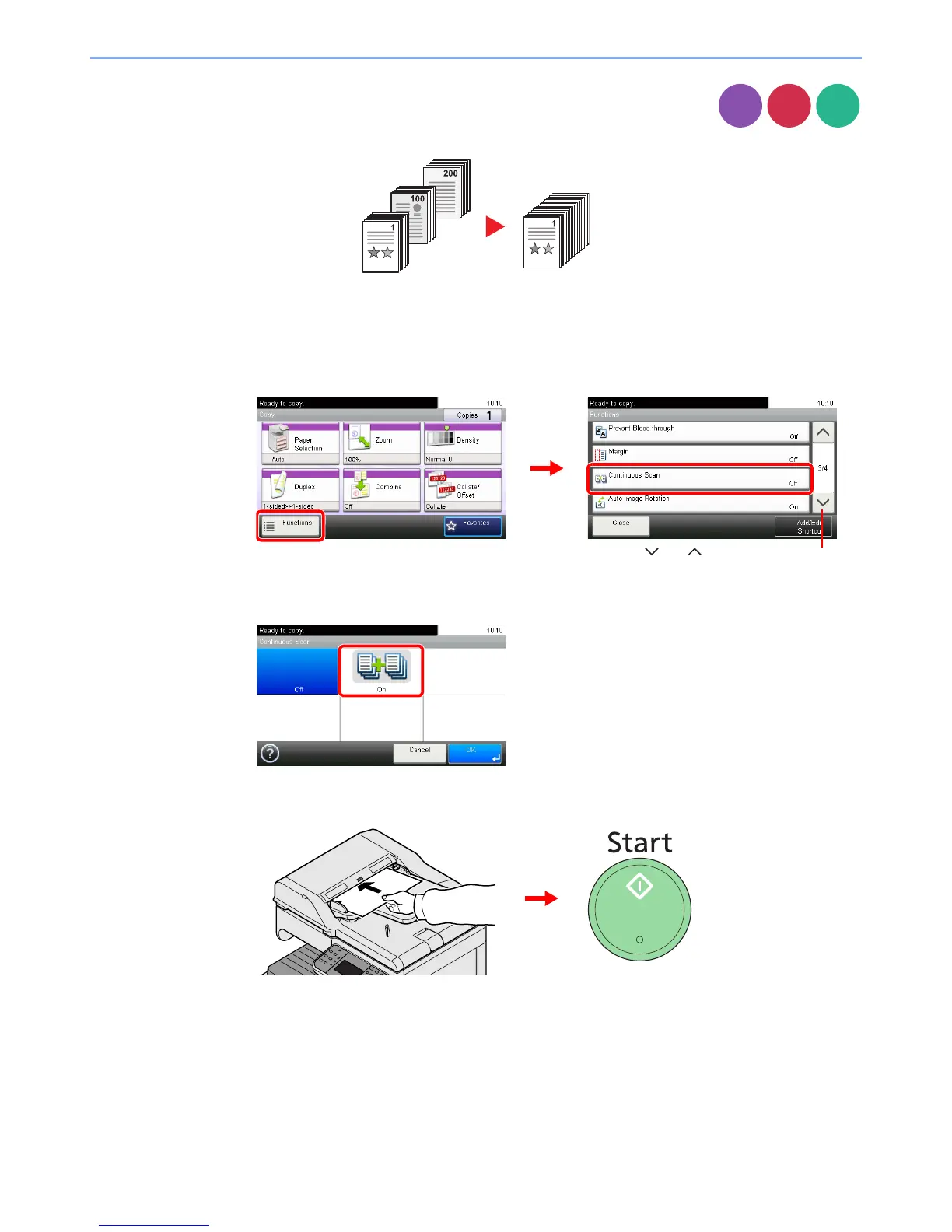
Scan a large number of originals in separate batches and then produce as one job. Originals will
be scanned continuously until you press [Finish Scan].
1
Display the screen.
1 Referring to Using Various Functions on page 3-29, display the screen.
2 Press [Functions] and then [Continuous Scan].
2
Select the function.
3
Scan the originals.
Load the original and press the Start key to start scanning.
Once the original has been scanned, load the next original and press the Start key. Use the
same procedure to scan any remaining originals.
Copy













 To Next Page