7-12
Document Box > Functions for Document Box
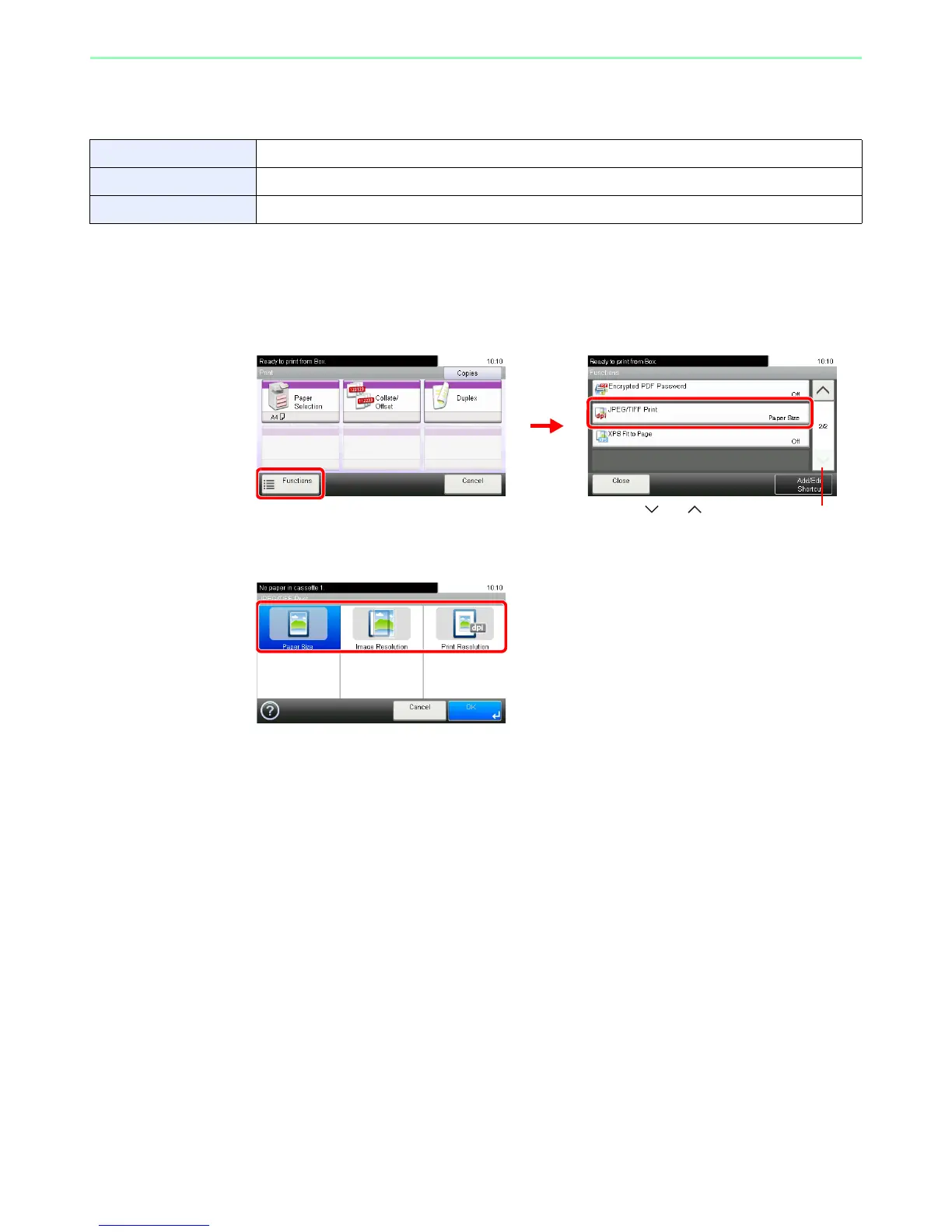
JPEG/TIFF Print
Select the image size when printing JPEG or TIFF files.
1
Display the screen.
1 Referring to Printing Documents Stored in Removable USB Memory on page 7-2, display
the screen.
2
2
Select the function.
Paper Size Fit the image size to the selected paper size.
Image Resolution Print at resolution of the actual image.
Print Resolution Fit the image size to the print resolution.













 To Next Page