3-40
Common Operations > Using Various Functions
Paper Selection
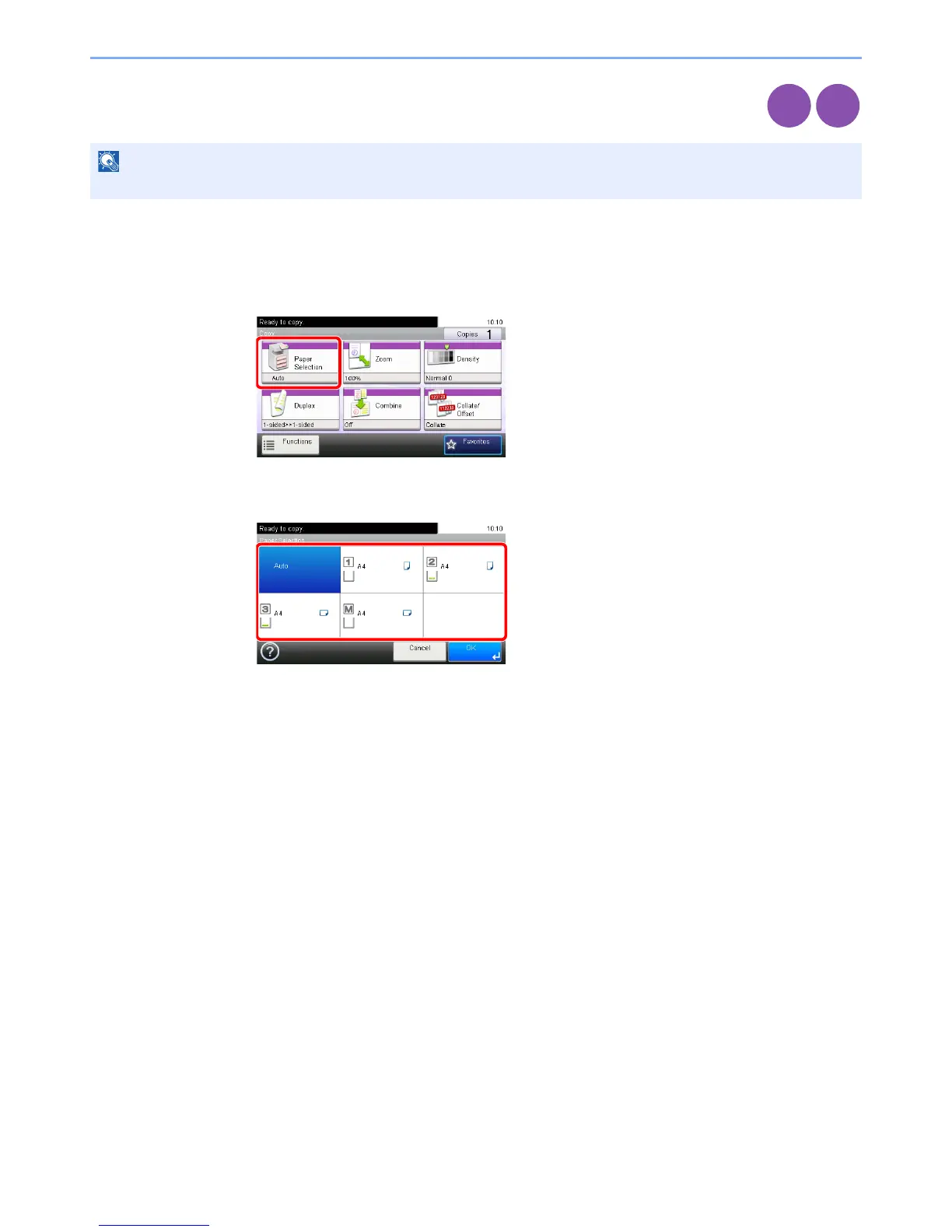
Select the cassette or multi-purpose tray that contains the required paper size.
1
Display the screen.
1 Referring to Using Various Functions on page 3-29, display the screen.
2 Press [Paper Selection].
2
Select the paper source.
If [Auto] is selected, the paper matching the size of the original is selected automatically.
[2] (Cassette 2) and [3] (Cassette 3) are displayed when the optional paper feeder is installed.
[M] indicates the MP tray.













 To Next Page