Copying > Basic Operation
4-2
Basic Operation
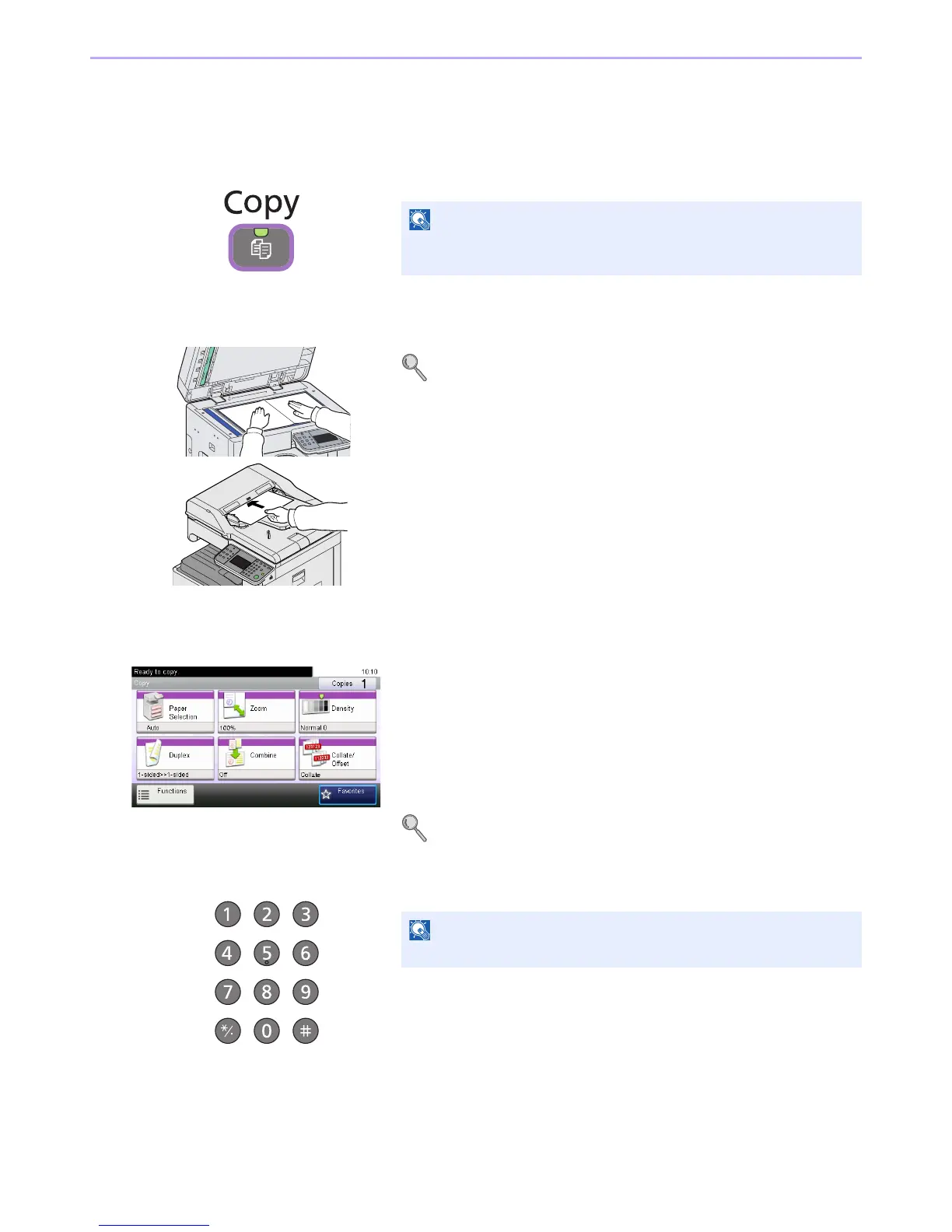
1 Press the Copy key
2 Place the originals
For details, refer to Loading Originals on page 3-7.
3 Selecting the functions
Select the copier’s functions to use.
Press [Functions] to display other functions.
Refer to Copying Functions on page 4-4.
4 Entering the copy quantity
If the touch panel is turned off, press the Energy Saver key or the
Power key and wait for the machine to warm up.













 To Next Page