9-64
Setup, Registration, and User Management > Job Accounting
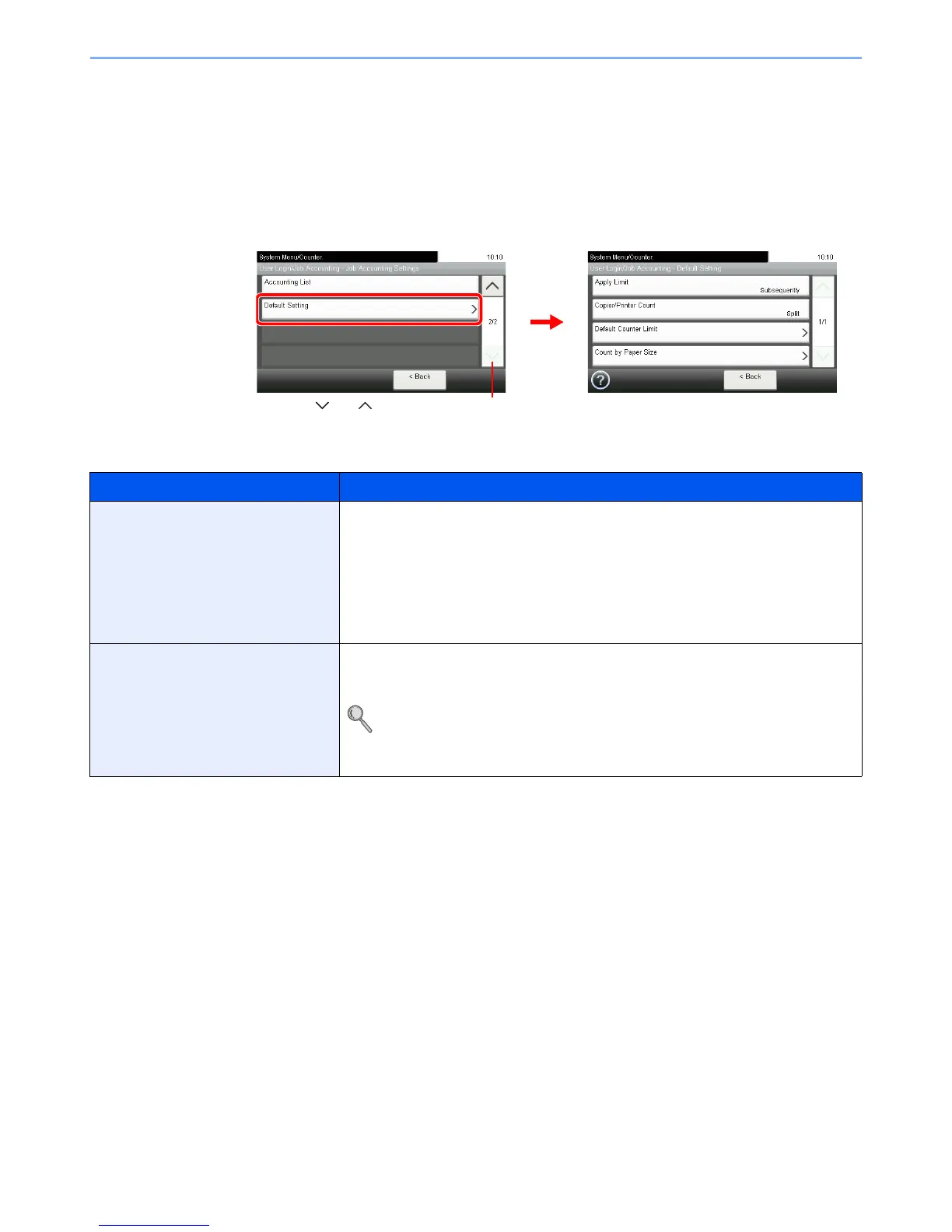
Job Accounting Default Setting
Sets default settings related to job accounting.
Display the screen.
1 Referring to Job Accounting Settings on page 9-52, display the screen.
2
Setting Items
Item Description
Apply Limit This specifies how the machine behaves when the counter has reached the limit of
restriction.
Value
Immediately*: Job stops when the counter reaches its limit.
Subsequently: Printing/scanning of the job continues but the subsequent job will be
rejected.
Alert Only: Job continues while displaying an alert message.
Copier/Printer Count You can select how the copying and printing page counts are shown - either the total of
both or each of copying and printing individually. The selection may influence restriction
on the count and count method.
Refer to Restricting the Use of the Machine on page 9-59, Counting the Number of
Pages Printed on page 9-61 and Printing an Accounting Report on page 9-63 for
details.
Value: Total, Individual













 To Next Page