8-7
Status / Job Cancel > Sending the Log History
Sending the Log History
You can send the log history by e-mail. You can either send it manually as needed or have it sent automatically
whenever a set number of jobs is reached.
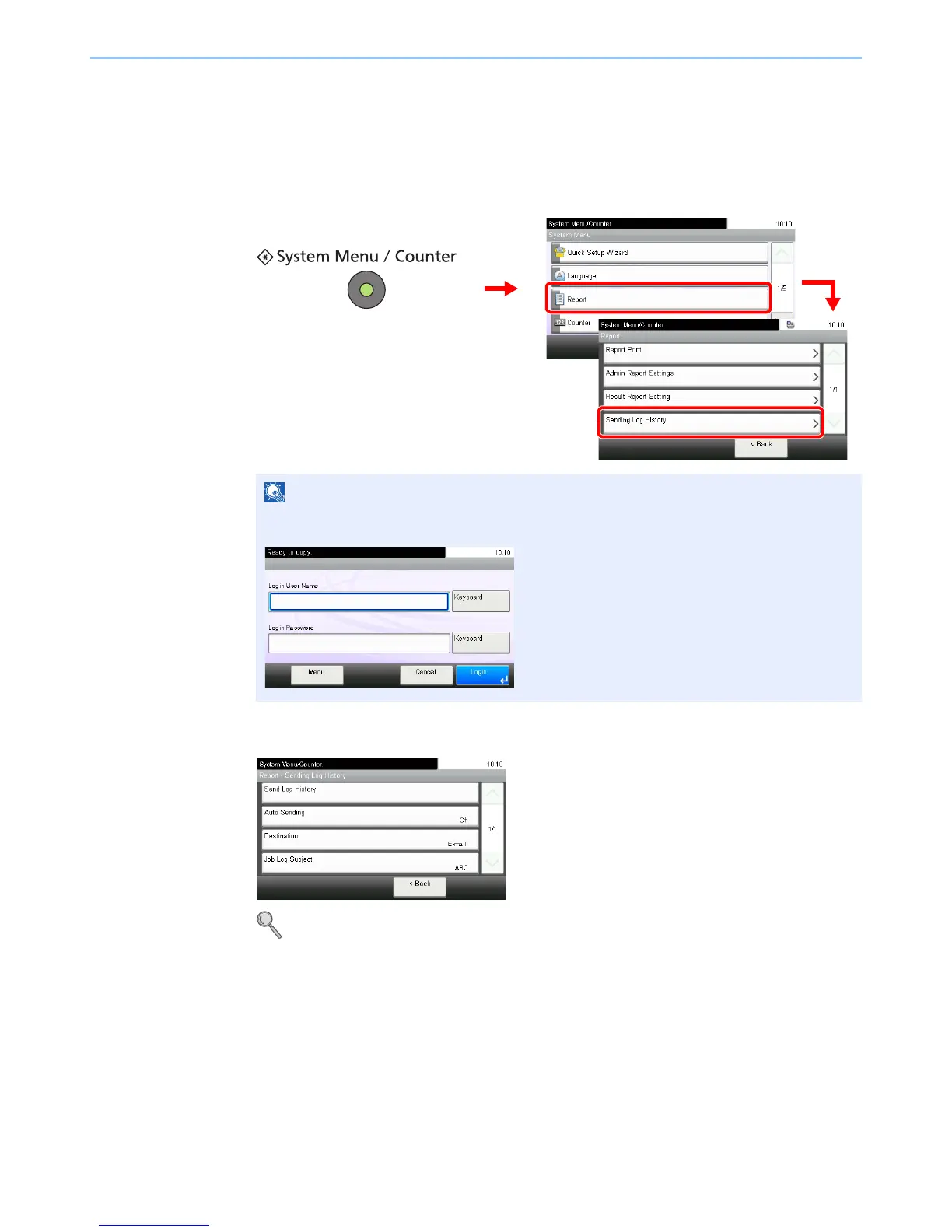
1
Display the screen.
2
Configure the function.
Refer to Setting the Destination on page 8-8, Automatic Log History Transmission on page 8-9,
Manual Log History Transmission on page 8-9 and Setting E-mail Subject on page 8-10.
If user login administration is enabled, you can only change the settings by logging in with
administrator privileges.













 To Next Page