3-44
Common Operations > Using Various Functions
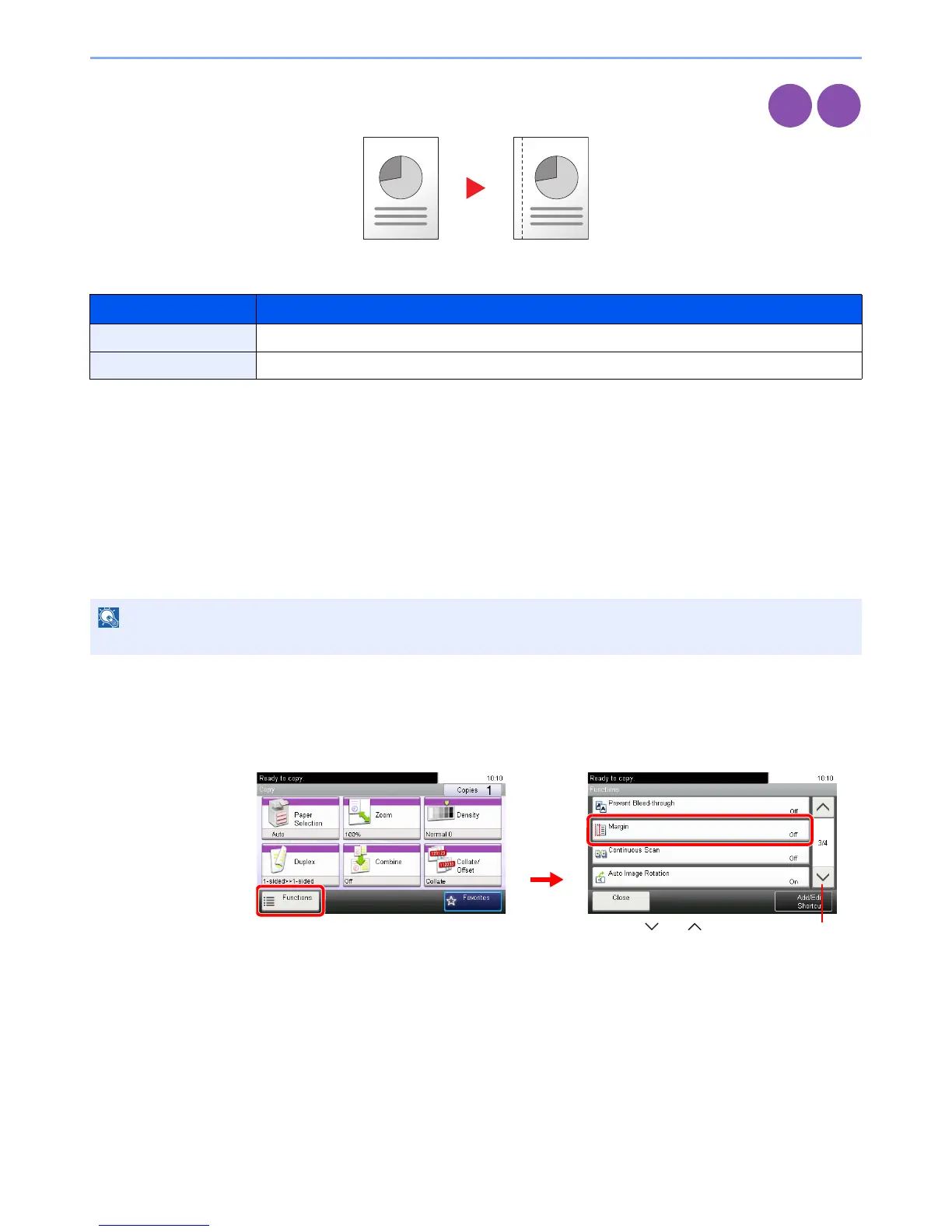
Margin
Add margins (white space).
Margin Width
Margin on the Back Side
When duplex copying, you can also specify the margin on the back side.
Auto
When [Auto] is selected, an appropriate margin is applied automatically on the rear page depending on a margin
specified for the front page and a binding orientation.
Manual
Enables you to specify the front and back settings separately.
1
Display the screen.
1 Referring to Using Various Functions on page 3-29, display the screen.
2 Press [Functions] and then [Margin].
Input units Margin Width
Inch Models -0.75 to 0.75" (in 0.01" increments)
Metric Models -18 mm to 18 mm (in 1-mm increments)













 To Next Page