3-51
Common Operations > Using Various Functions
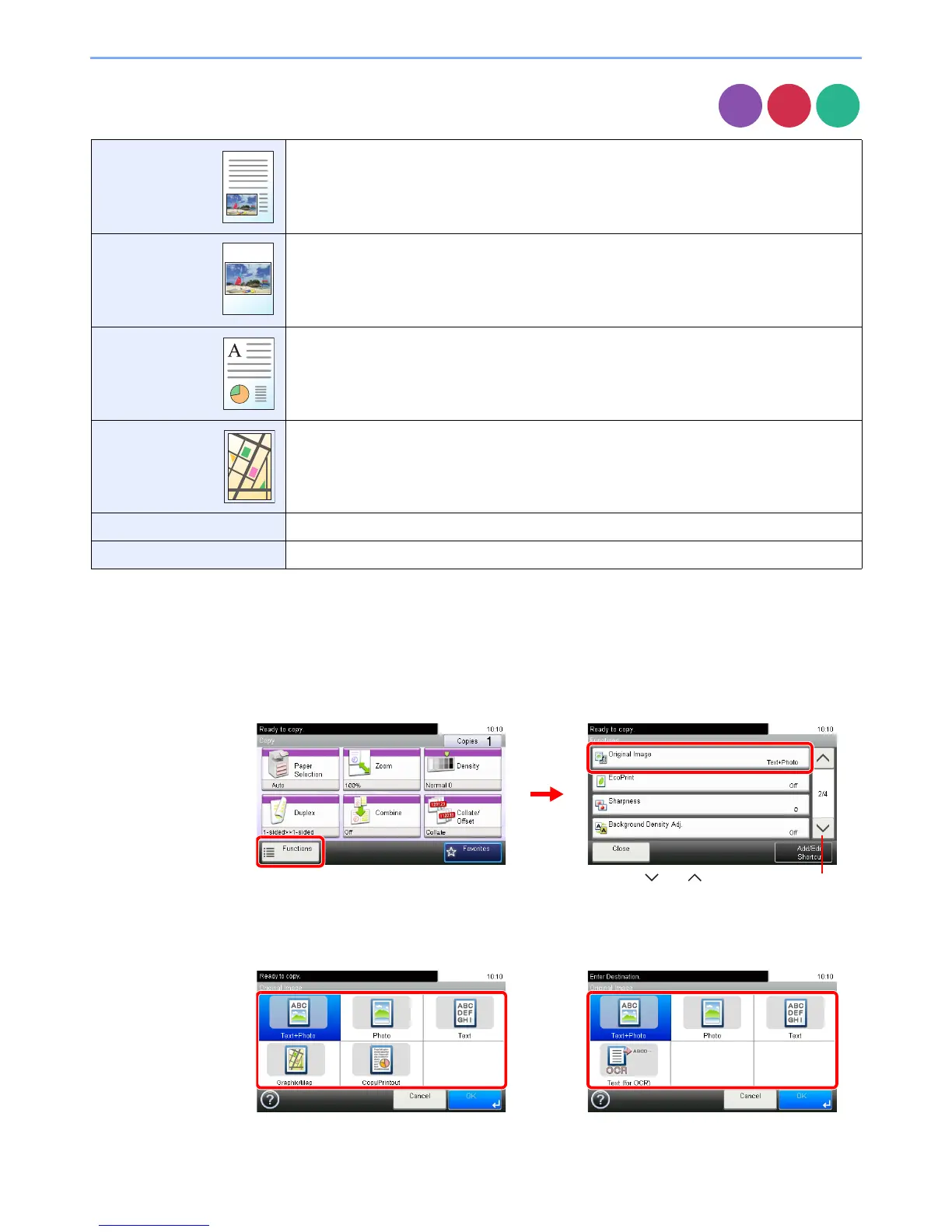
Original Image
Select original image type for best results.
1
Display the screen.
1 Referring to Using Various Functions on page 3-29, display the screen.
2 Press [Functions] and then [Original Image].
2
Select the image quality.
Text+Photo Best for originals which contain a mixture of text and photos.
Photo Best for photographs.
Text Sharply renders pencil text and fine lines.
Graphic/Map*
* This function can only be set while copying.
Best for graphics and maps.
Copy/Printout* Best for documents printed on this machine originally.
Text (for OCR)**
** This function can only be used when the color mode is Black & White or Auto (color/B&W) (when sending and storing).
For documents to be read by OCR.
Copy













 To Next Page