9-57
Setup, Registration, and User Management > Job Accounting
Editing and Deleting Accounts
This changes the registered account information or deletes the account.
1
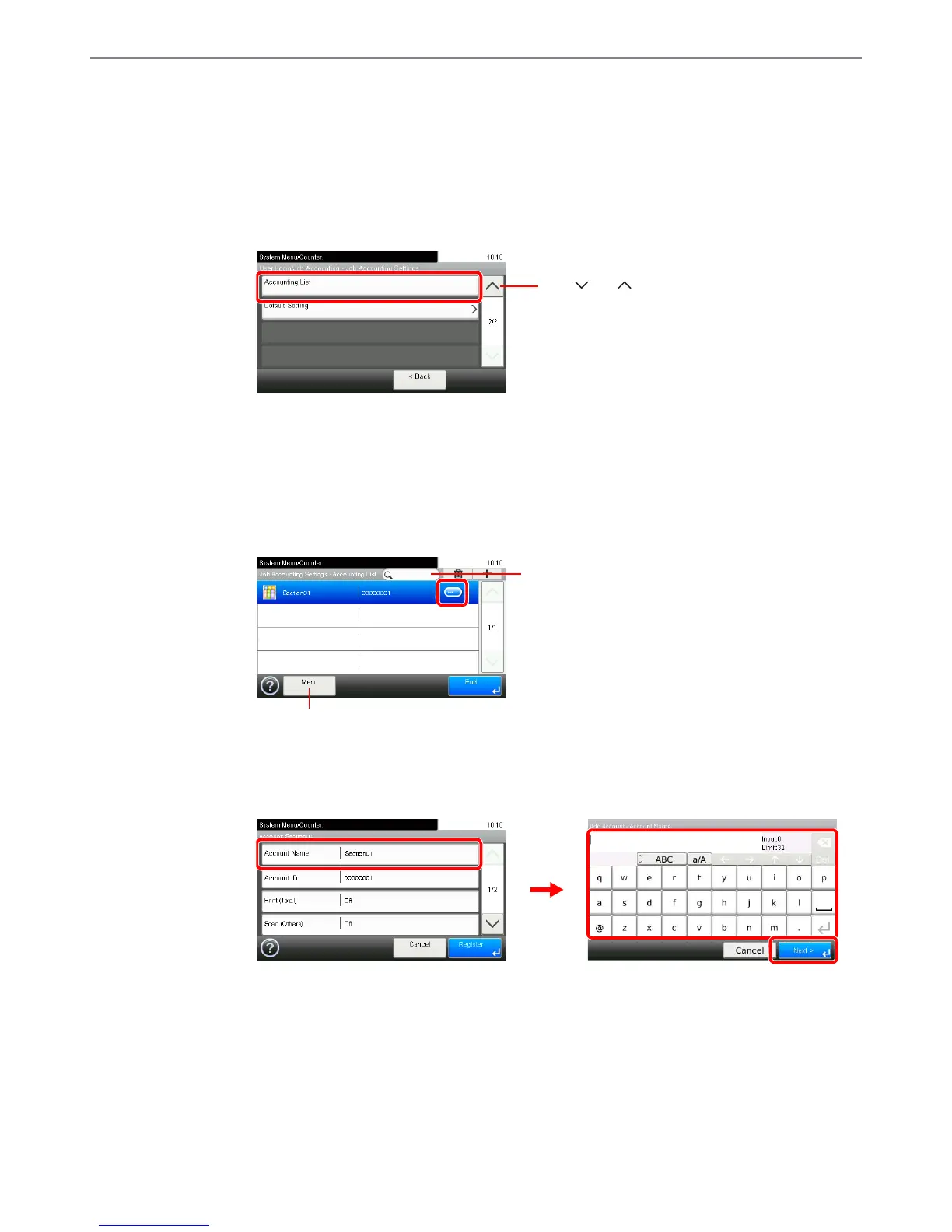
Display the screen.
1 Referring to Job Accounting Settings on page 9-52, display the screen.
2
2
Edit or delete an account.
To edit an account
1 Press […] for the account name you wish to edit.
You can specify an account name by account ID by pressing the Quick No. Search key.
2 Edit the account.
[Account Name]













 To Next Page