6-3
Sending > Basic Operation
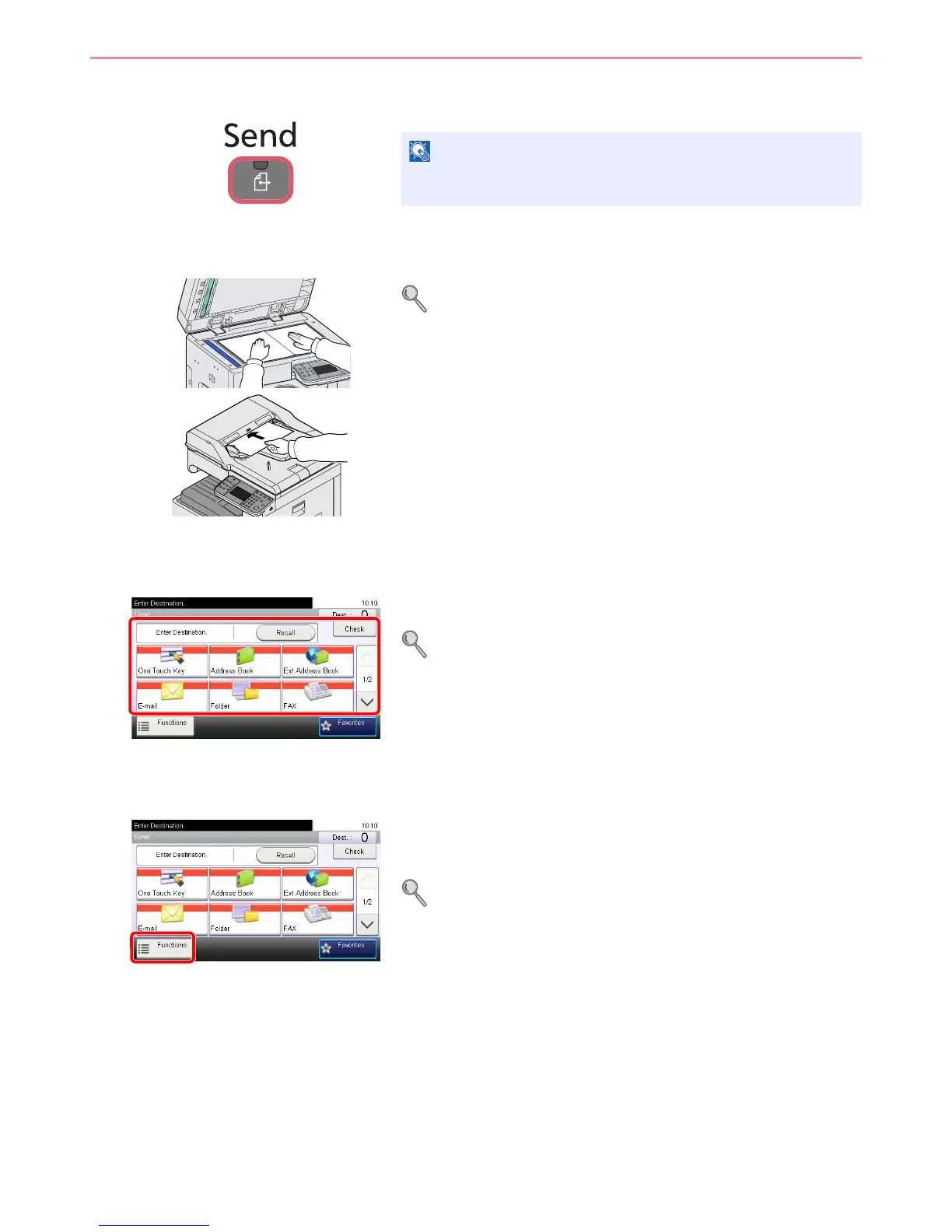
1 Press the Send key
2 Place the originals
For details, refer to Loading Originals on page 3-7.
3 Specifying destination
Select the destination to which to send an image.
For details, refer to Specifying Destination on page 6-15.
4 Selecting the functions
Select the sending functions to use.
Press [Functions] to display other functions.
For details, refer to Sending Functions on page 6-36.
If the touch panel is turned off, press the Energy Saver key or the
Power key and wait for the machine to warm up.













 To Next Page