Copying > Copying Functions
4-5
Zoom
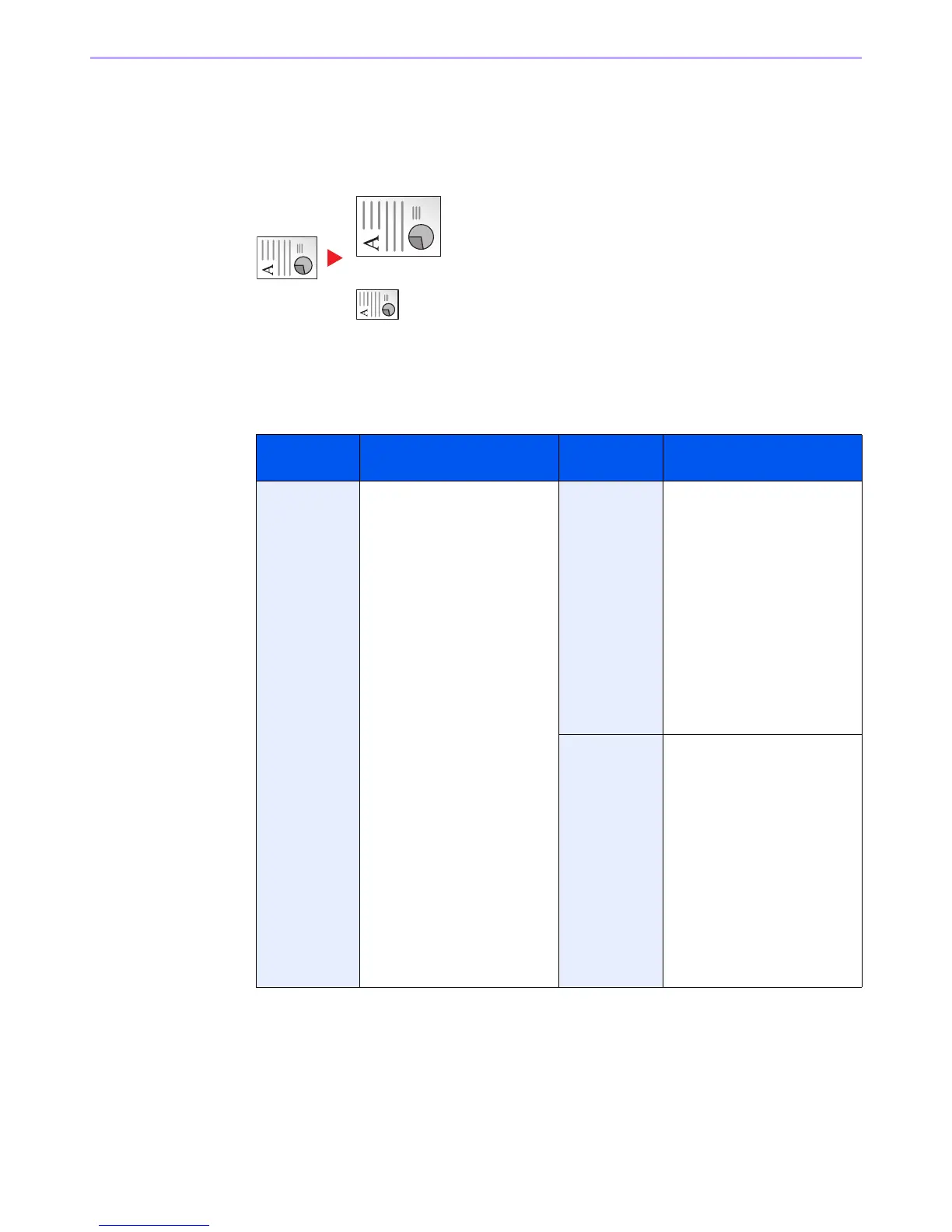
Adjust the zoom to reduce or enlarge the image.
Auto
Adjusts the image to match the paper size.
Standard Zoom
Adjusts the image to match present sizes.
Model Zoom Level (Original
Copy)
Model Zoom Level (Original
Copy)
Inch Models Auto
400% (Max.)
200% (STMT >>Ledger)
154%(STMT >> Legal)
129% (Letter >> Ledger)
121% (Legal >> Ledger)
100%
78% (Legal >> Letter)
77% (Ledger >> Legal)
64% (Ledger >> Letter)
50% (Ledger >> STMT)
25% (Min.)
Metric Models Auto
400% (Max.)
200% (A5 >> A3)
141% (A4 >> A3, A5 >> A4)
127% (Folio >> A3)
106% (11×15" >> A3)
100%
90% (Folio >> A4)
75% (11×15" >> A4)
70% (A3 >> A4, A4 >> A5)
50%
25% (Min.)
Metric Models
(Asia Pacific)
Auto
400% (Max.)
200% (A5 >> A3)
141% (A4 >> A3, B5 >> B4)
122% (A4 >> B4, A5 >> B5)
115% (B4 >> A3, B5 >> A4)
100%
86% (A3 >> B4, A4 >> B5)
81% (B4 >> A4, B5 >> A5)
70% (A3 >> A4, B4 >> B5)
50%
25% (Min.)













 To Next Page