8-11
Status / Job Cancel > Check of Device Status
Check of Device Status
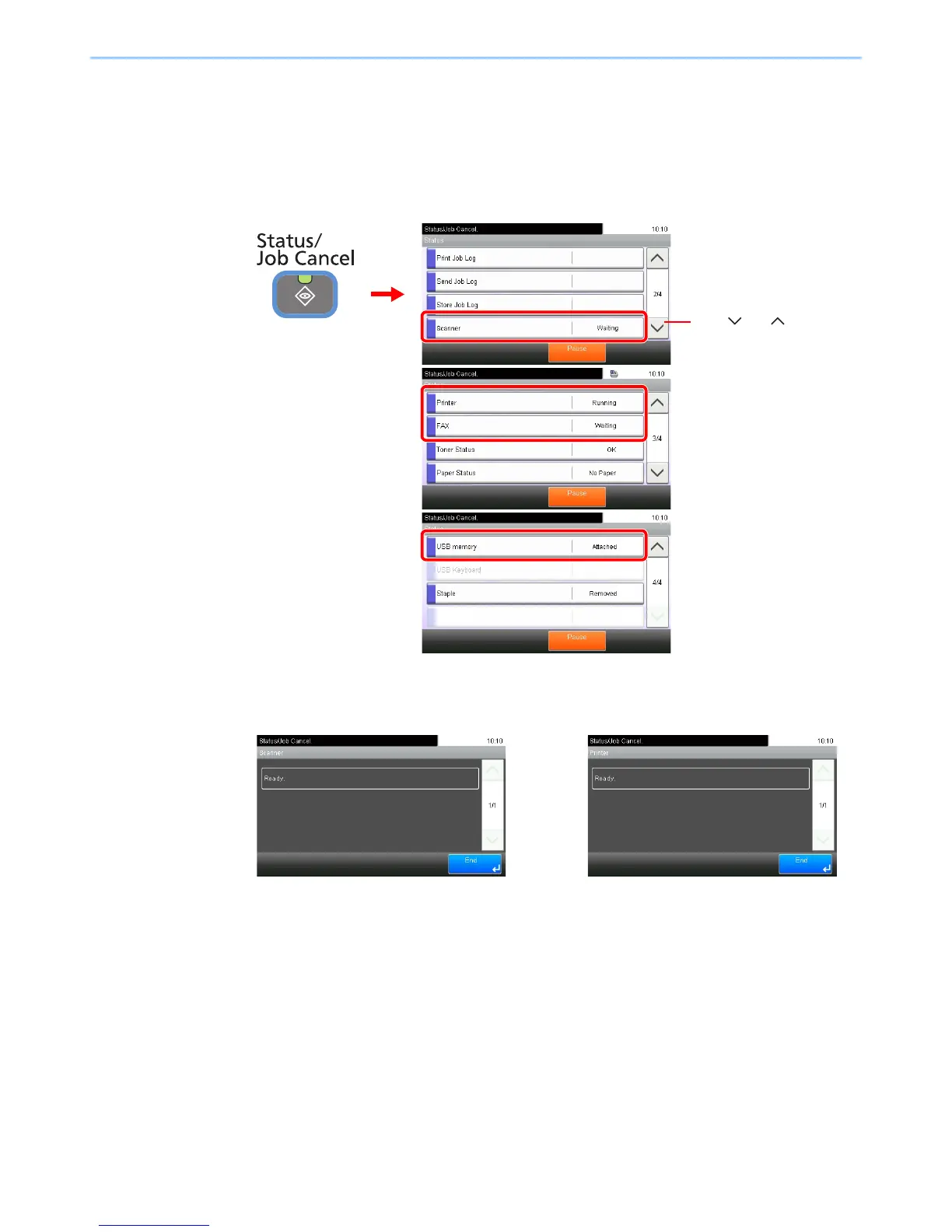
Configure the devices/lines installed or connected to this machine or check their status. You can also control devices
depending on their status.
1
Display the screen.
Select the device you wish to check.
2
Check the status.
Scanner
The status of an original scanning in the document processor (optional) or the error
information (paper jam, opened cover, etc.) is displayed.
Printer
Error information such as paper jam, out of toner, or out of paper, and status such as waiting or
printing are displayed.













 To Next Page