6-36
Sending > Sending Functions
Sending Functions
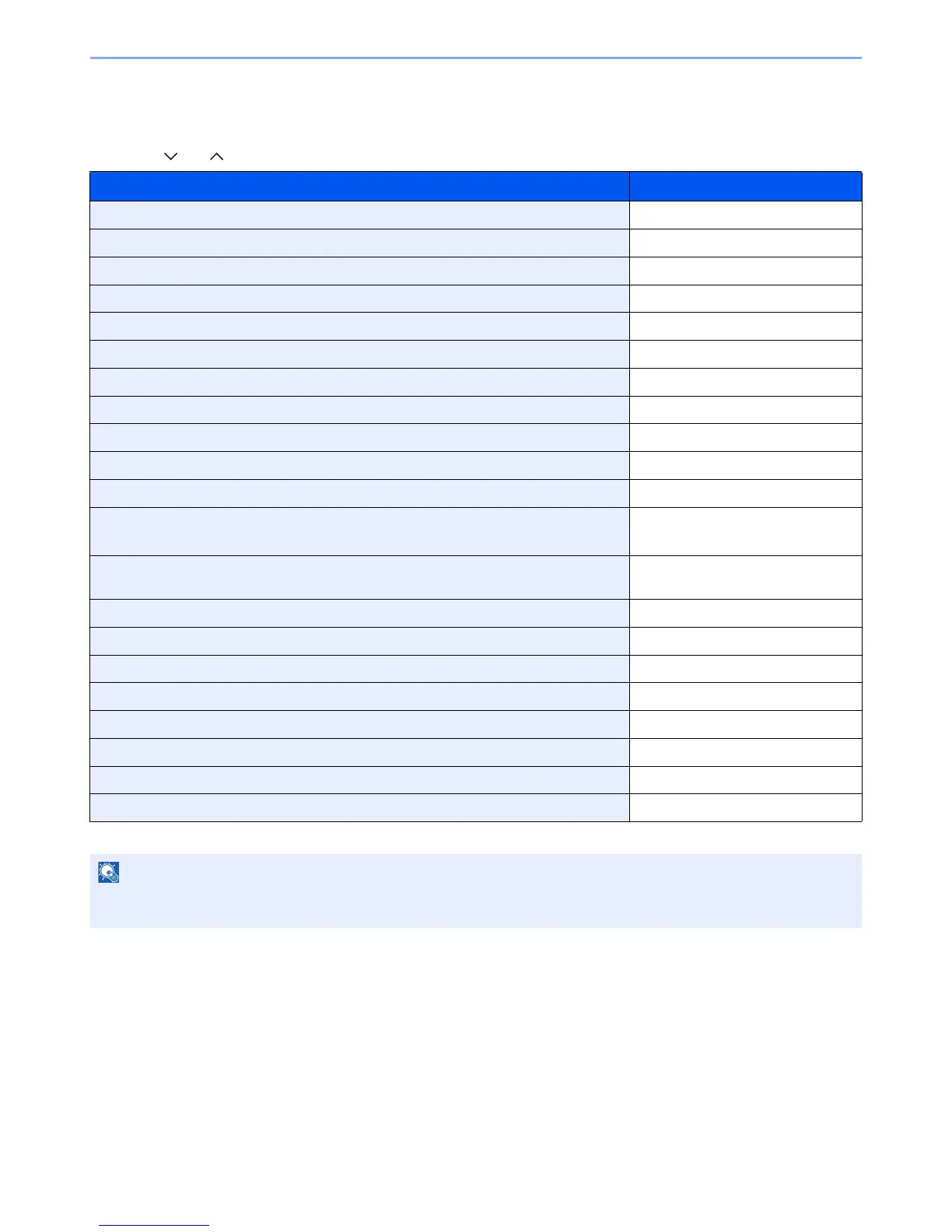
Send screen shows the commonly used functions. By pressing [Functions], other selectable functions will be shown as
a list. Use [ ] or [ ] to select the function.
What do you want to do? Reference Page
Select the file format for images being sent. File Format page 3-56
Specify the original size. Original Size page 3-31
Specify the original orientation to scan in the correct direction. Original Orientation page 3-33
Send mixed size originals. Mixed Size Originals page 3-34
Automatically scan 2-sided originals. 2-sided/Book Original page 3-36
Change the size of the image being sent. Sending Size page 6-37
Send each file on a separate page. File Separation page 6-39
Set the resolution at which to scan originals. Scan Resolution page 3-50
Adjust the density. Density page 3-49
Change the color mode for images being sent. Color Selection page 3-58
Select original image type for best results. Original Image page 3-51
Emphasize the outline of texts or lines.
Blur the image outline.
Sharpness page 3-52
Darken or lighten the background (i.e., the area with no text or images) of originals. Background Density Adjust
page 3-53
Prevent bleed-through for 2-sided originals. Prevent Bleed-through page 3-54
Enlarge or shrink originals according to the sending size. Zoom page 3-55
Scan a large number of originals separately and then produce as one job. Continuous Scan page 3-38
Add a file name to the job to easily check its status. File Name Entry page 3-61
Add an E-mail subject and body (when sending E-mail). E-mail Subject/Body page 6-40
Send notice by e-mail when a job is complete. Job Finish Notice page 3-59
Encrypt your message. FTP Encrypted TX page 6-41
Send a message to a WSD-compatible computer. WSD Scan page 6-42













 To Next Page