6-34
Sending > Adding a Destination on One Touch Key
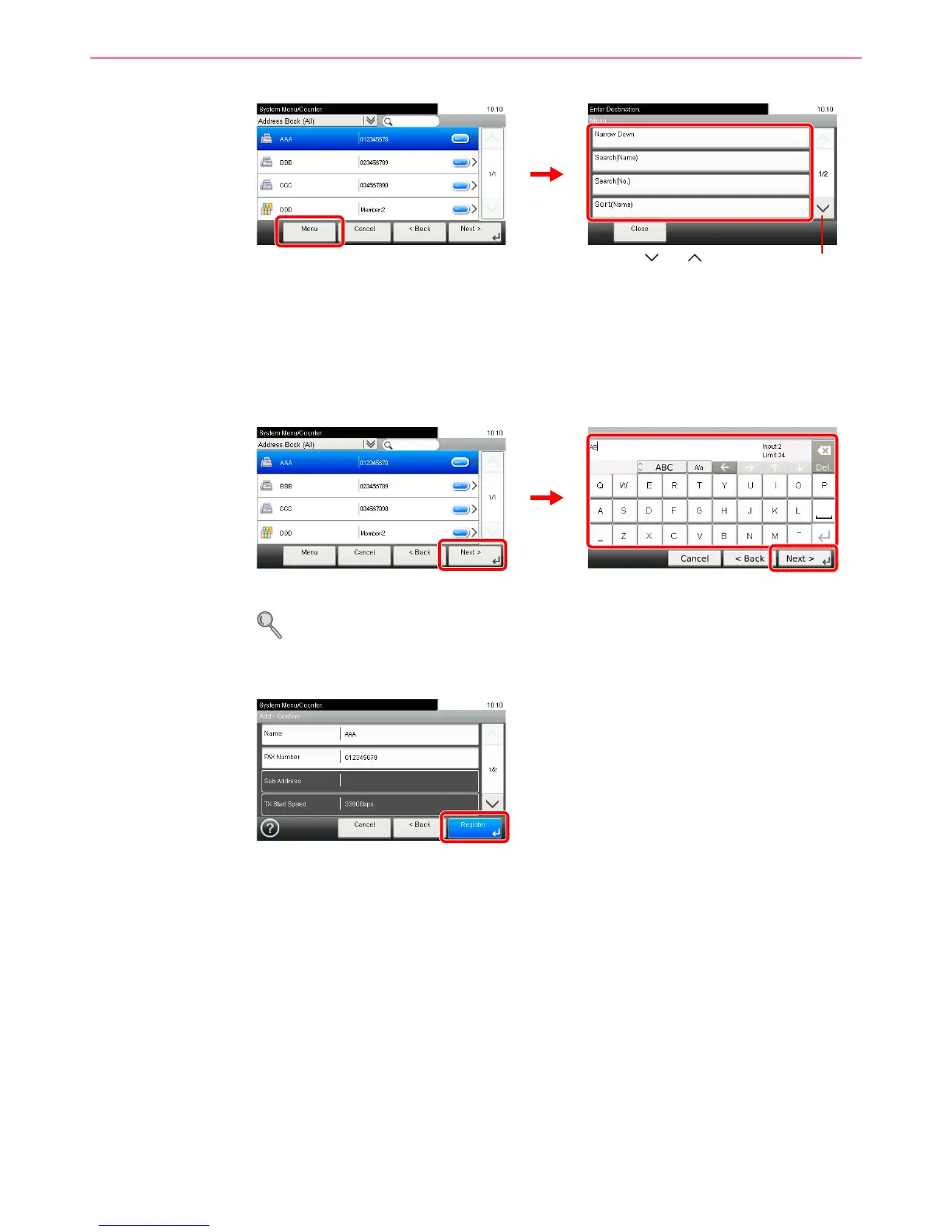
You can also press [Menu] to perform a more detailed search.
Narrow Down: Advanced search by type of registered destination (E-mail, Folder (SMB/FTP),
FAX or Group).
Search (Name) and Search (No.): Searches by destination name or address number.
Sort (Name) and Sort (No.): Sorts the list by destination name or address number.
4
Enter the One Touch Key name.
Up to 24 characters can be entered.
Refer to Character Entry Method on page 11-7 for details on entering characters.
5
Register the destination.













 To Next Page