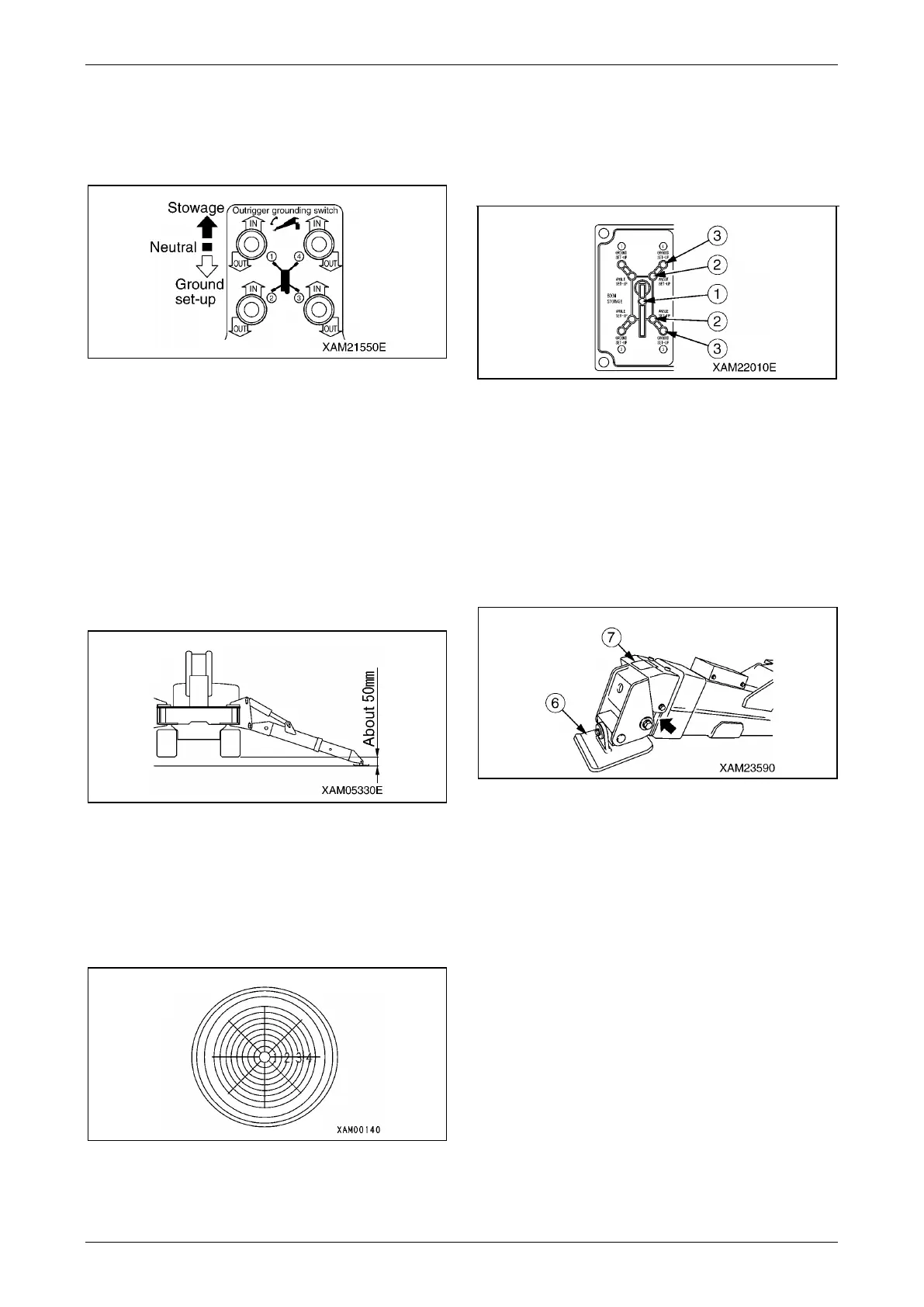
Section 4 – OUTRIGGER SETTING Mini-Crawler Crane M A E D A
4-42 3/2019 MC305C-3
6. After all the trays were set, push down an
outrigger grounding switch or two of them at
the same time to the "OUT" (downward)
position.
Fig. 4-104
When the setting cylinder extends and the
machine is slightly raised, set the switch to
the "Neutral" position.
Operate the remaining switches in the same
way so that the four outriggers are raised to
the same height. Set the switch to the
"Neutral" position.
Repeat this operation to gradually raise the
machine until the rubber tracks will be at the
height of about 50 mm above the ground.
Fig. 4-105
7. When the machine was raised to about
50 mm above the ground, operate the
outrigger operation switches while checking
the position of the bubble in the level to adjust
the machine to be levelled.
Fig. 4-106
8. After setting the outriggers, operate all the
outrigger operation switches to the "Neutral"
position.
9. Verify that the four outrigger grounding lamps
(3) (green) on the outrigger display are ON.
Fig. 4-107
NOTICE: On the outrigger display, all the boom
stowing lamp (1), four outrigger extension lamps
(2), and four outrigger grounding lamps (3) are
illuminated in green.
CAUTION: If any of the grounding lamps (3) is
flashing in red, remove the cover (7) of the
outrigger tray (6) and check if there is any
foreign object pinched in the bending section.
Fig. 4-108



 To Next Page