Section 4 – MODE SETTING OF THE TRANSMITTER Mini-Crawler Crane M A E D A
4-92 3/2019 MC305C-3
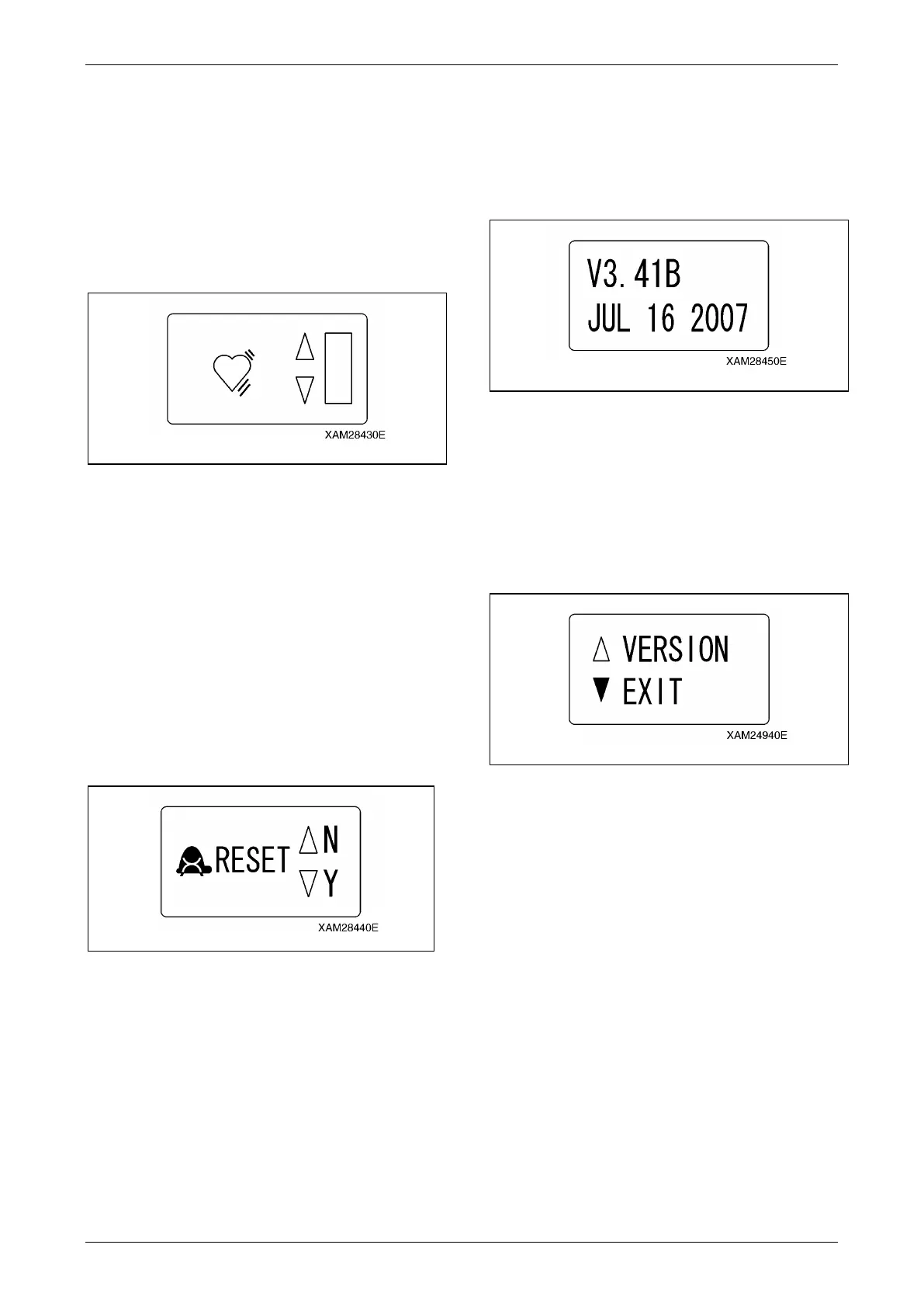
Low Idling Up
CAUTION: The low idling rate regulated by
this idling-up function is valid only during
crane operation levers are manipulated.
Once the lever is released, the low idling rate
is reset to the normal rate.
Adjust the engine‘s low idling rate to higher than
the normal rate, during the crane operation
levers are manipulated.
Fig. 4-246
1. Shift the cursor (▲ or ▼) using the Hook
raising and lowering lever. When all the
bars light, the idling up is in the maximum,
otherwise, when the all are OFF, the idling
up is cancelled.
2. When the suitable idling up rate is obtained,
push the Hook stow/Setting button. The
value obtained in above 1. will be fixed and
the display returns to the A MODE screen.
Micro Speed Mode Reset
Select either to reset or preserve the value at the
micro speed mode.
Fig. 4-247
1. Shift the cursor (▲ or ▼) using the Hook
raising and lowering lever and select "N" or
"Y".
To reset, select "Y", otherwise, select N" to
preserve.
2. Whether reset or not is fixed, push the Hook
stow/Setting button. The status in above 1.
will be fixed and the display returns to the A
MODE screen.
Version Information
Push the Hook stow/Setting button, so that
version information of the Transmitter firmware
is displayed. Another push of the same button
makes the display returns to the A MODE
screen.
Fig. 4-248
Exit
CAUTION: Once setting-up the desired
function items of all is completed, do not
forget to practice the termination procedure,
below. Otherwise, when this process is not
correctly terminated, the latest setting will
not become valid.
Fig. 4-249
1. Once setting-up the desired function items
of all is completed, ensure that the display
has returned to the A MODE screen.
2. Shift the cursor (▲ or ▼) using the Hook
raising and lowering lever and select
"EXIT".
3. Push the Hook stow/Setting button, which
will terminate the "A MODE" and turn the
mode to the "CRANE MODE".



 To Next Page