Section 7 - Environment and Navigation Menu
90-8M0070299 eng MAY 2012 Page 103
VesselView Skyhook Screens
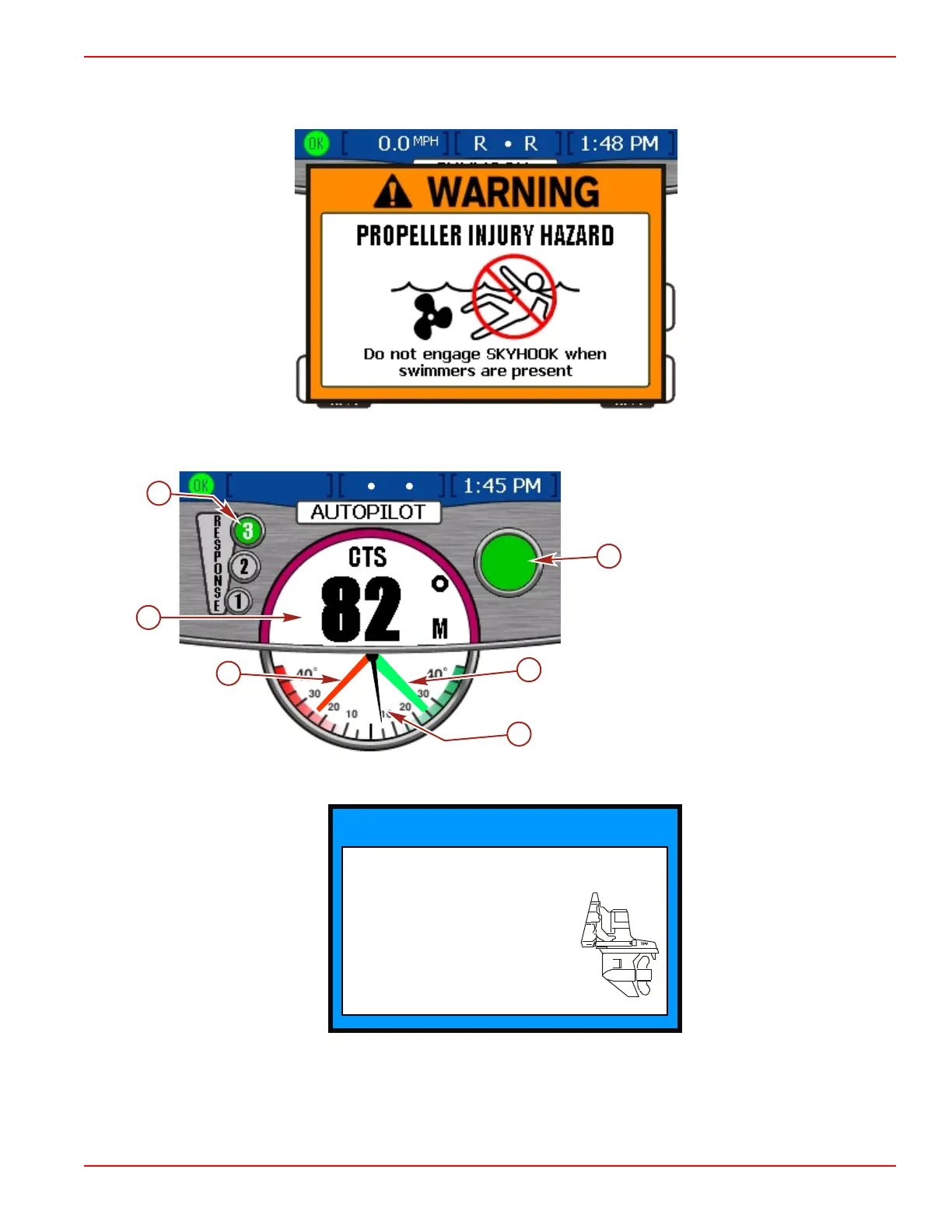
• A warning will be displayed on the VesselView screen prior to Skyhook engagement.
• A single beep will be heard when engaging Skyhook mode. The display shows the drive location as different colors: red for
port, black for center, and green for starboard.
Triple engine power package display
a - Response level
b - Skyhook engaged "SH"
c - Starboard drive location (green)
d - Center drive location (black)
e - Port drive location (red)
f - Compass heading
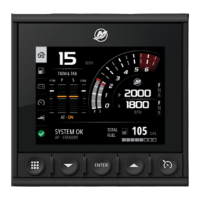
• A "NOTICE" pop‑up screen may be seen for a few seconds after engaging Skyhook. The information on the pop‑up
advises "Optimal Performance Occurs When Drives Are Fully Trimmed Down" and to "Adjust Trim Position."
NOTICE
ADJUST TRIM POSITION
Optimal Performace
Occurs When Drives
Are Fully Trimmed Down
45156
• A single beep sounds when the Skyhook is disengaged or the GPS signal is lost.
45154
a
f
e
c
b
SH
0.1
MPH
SOG
F
F
F
d









 To Next Page