Operator Maintenance 169
__________________________________________________________________________________________
_________________________________________________________________________________________
Microplex logiJET TC8 Edition 1.2
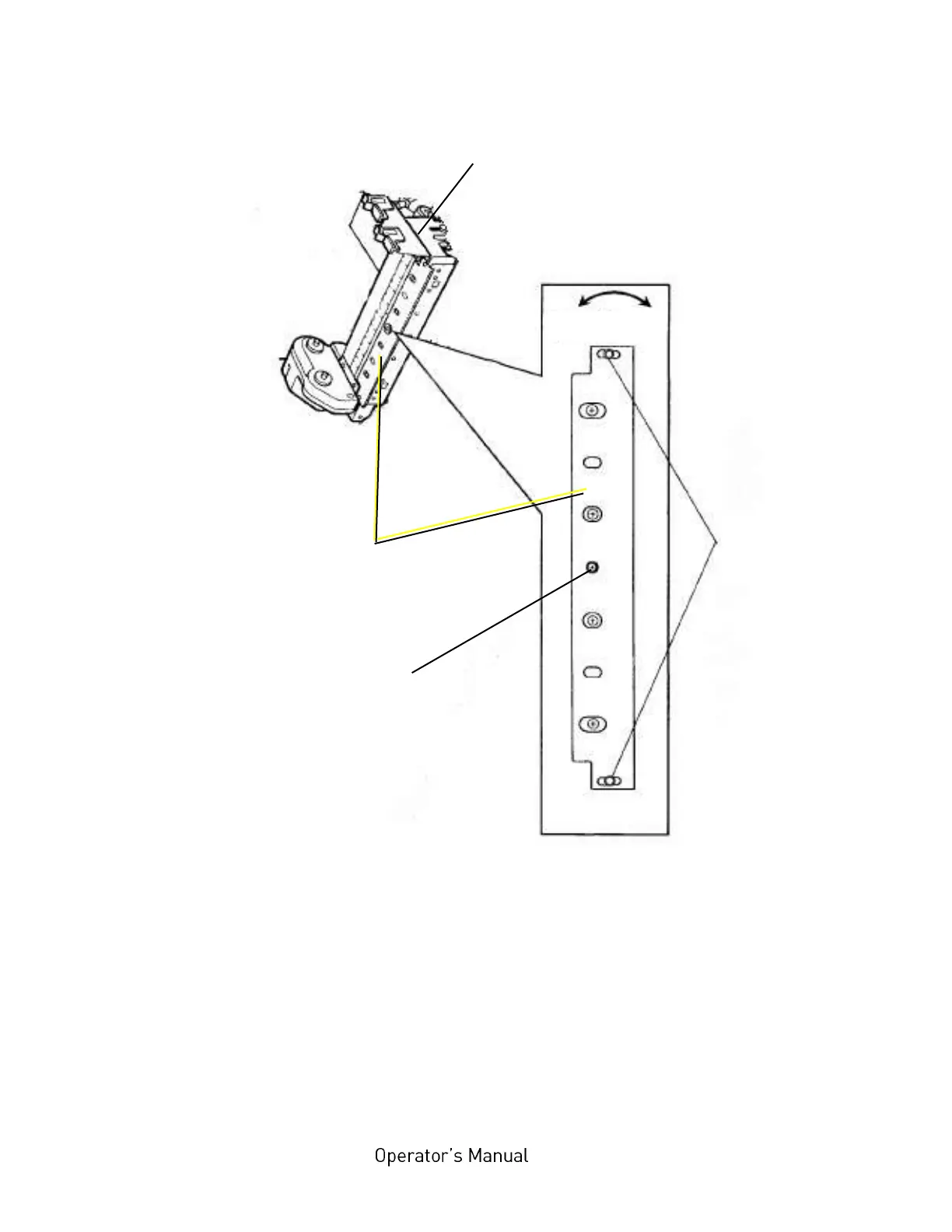
Fig. 8.2.c Adjusting the ribbon guide plate (this illustration shows no ribbon)
15. Remove any slack by turning the knob of the ribbon rewind
shaft clockwise.
16. Check that the ribbon has no folds and is running straight.
Correct the adjustment of the ribbon guide plate, if need be.
Tauten the ribbon by turning the rewind shaft.
Center set
scew as rigid
point of
support
Knurled screws
(loosened)



 To Next Page