5-38 QX-830 Compact Industrial Scanner User’s Manual
Communication
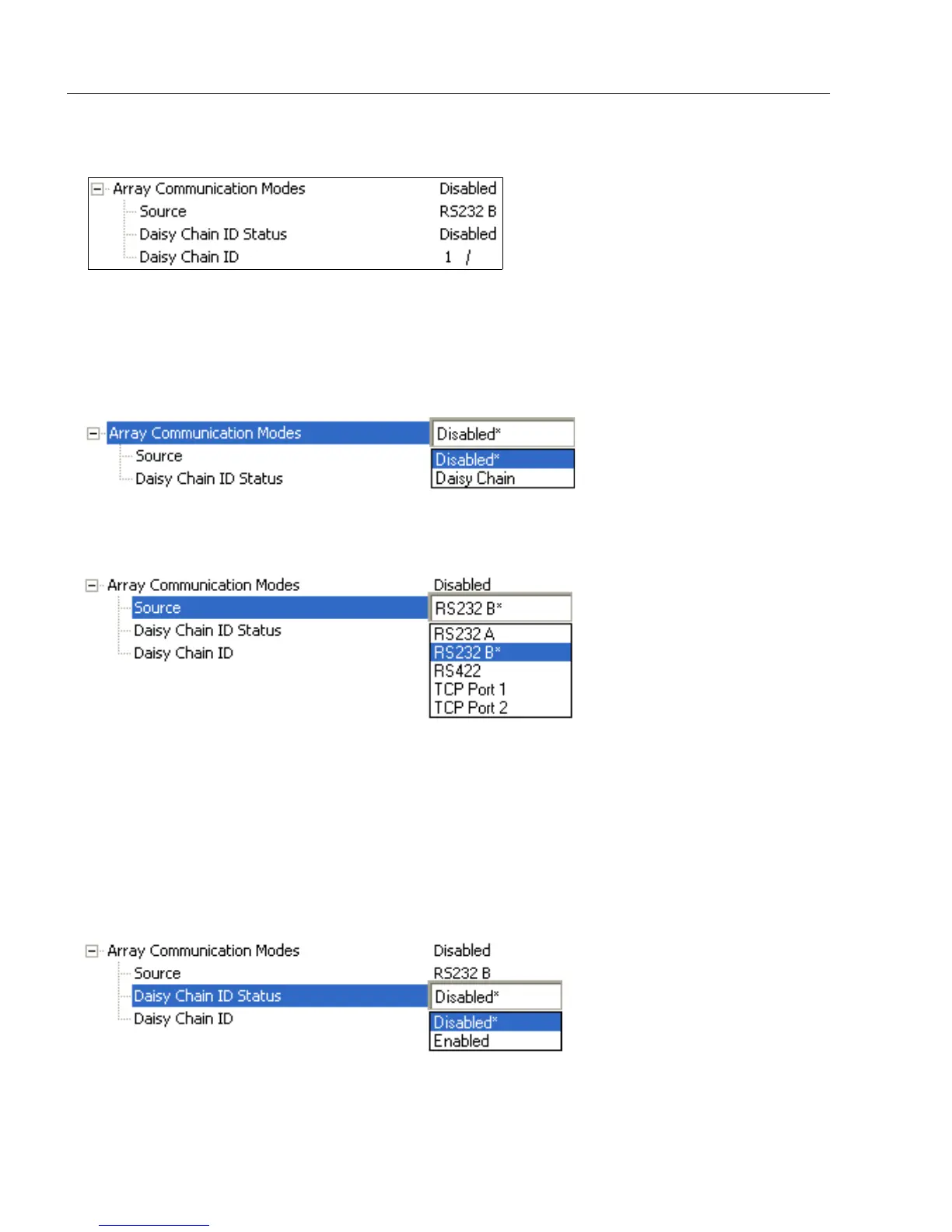
Array Communication Modes
Mode
Daisy Chain
When set to Daisy Chain, follows Microscan Daisy Chain protocol.
Note: Daisy Chain can also be autoconfigured by sending the Daisy Chain Autoconfigure
serial command.
Source
Defines the communication port.
Daisy Chain ID Status
When enabled, the scanner will append a two-character prefix to each scanner in the
array. This allows the user to identify which scanner sent the data.
Note:
Daisy Chain ID will automatically disable Symbol Data Output, Extra Symbol Information,
and Diagnostics Output for the Source Port.
Symbol Data Output will be automatically enabled, Extra Symbol Information will be
automatically enabled, and Diagnostics Output will be automatically disabled for the
Destination Port.



 To Next Page