7-12 QX-830 Compact Industrial Scanner User’s Manual
Master Database
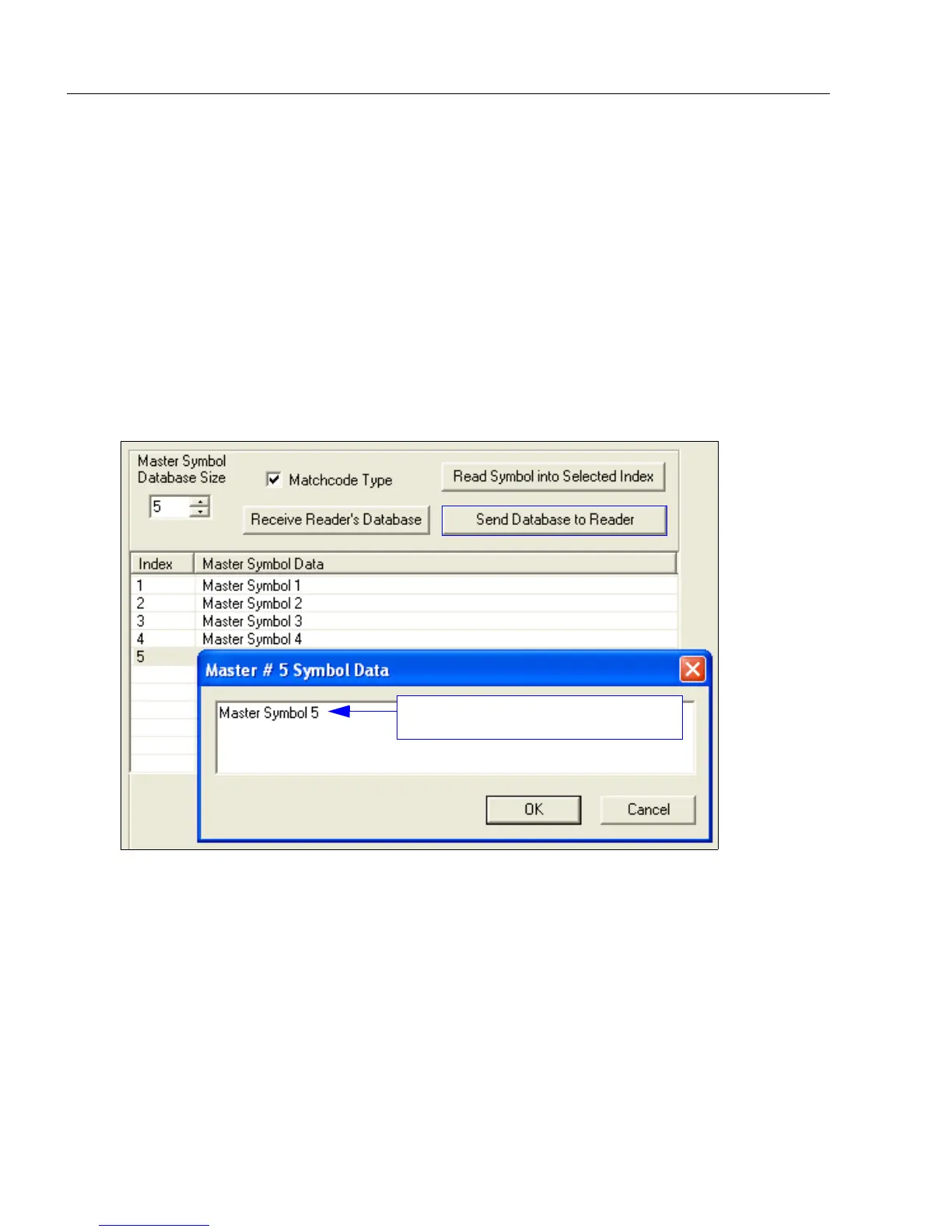
Enter Master Symbol Data
Allows the user to enter master symbol data for any enabled master symbol index number
(1 to 10), provided the total number of characters does not exceed the maximum allowed.
Enter data for 1 to 10 master symbols.
Caution: If no data is entered, the existing data will be deleted.
1. Open the Utilities menu.
2. Set the number of master symbols to be created in Master Symbol Database Size.
3. Double-click on each master symbol number in the table, type master symbol data in
the popup dialog that appears, and click OK.
4. When all master symbol data has been entered, click the Send Database to the
Reader button.
Enter master symbol data in this field.



 To Next Page