QX-830 Compact Industrial Scanner User’s Manual 7-15
Utilities
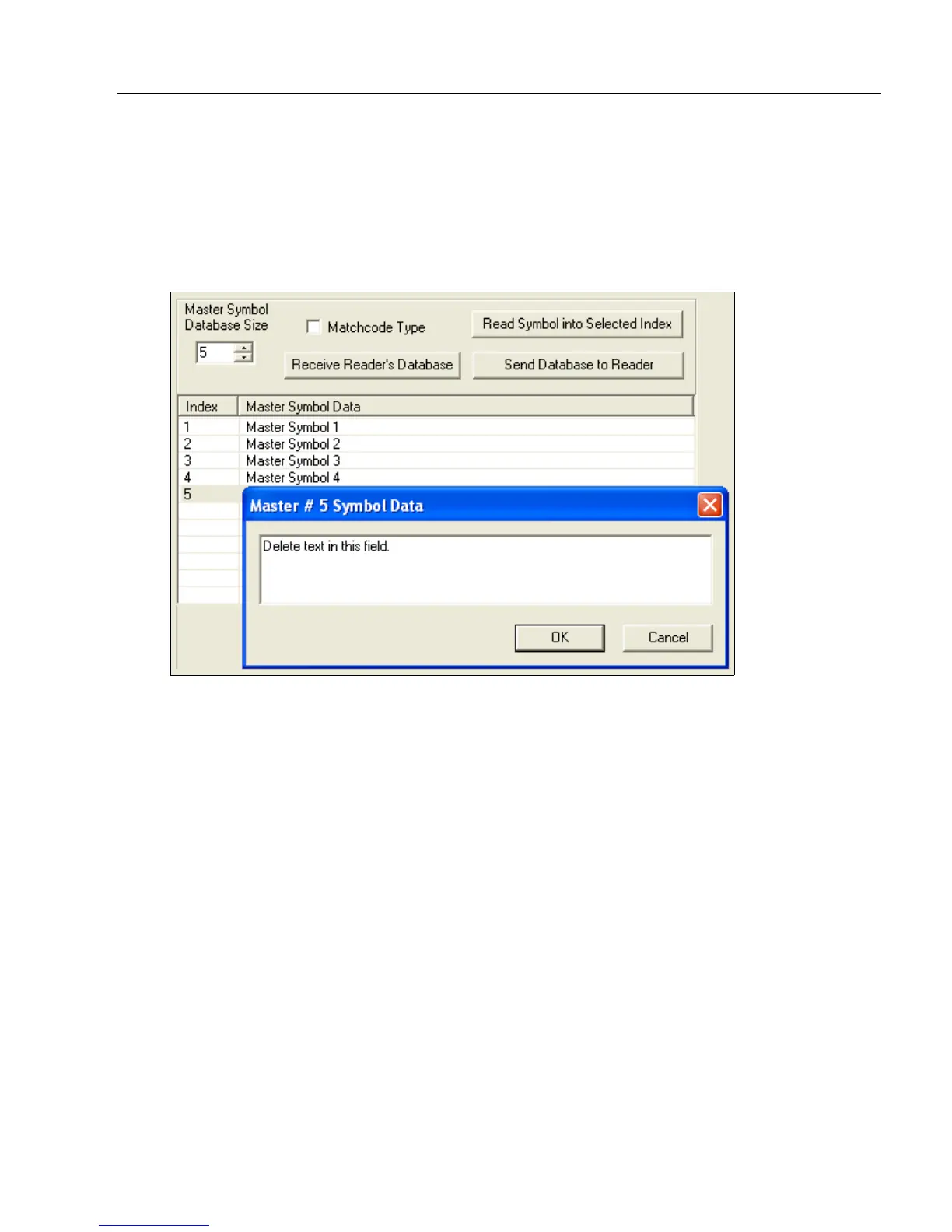
Delete Master Symbol Data
Master symbol data can be deleted using ESP.
1. Click the Utilities button to access the master symbol.
2. Click the Master Database tab and double-click the symbol number to be deleted.
3. Delete text and click OK.



 To Next Page