QX-830 Compact Industrial Scanner User’s Manual 2-3
Using ESP
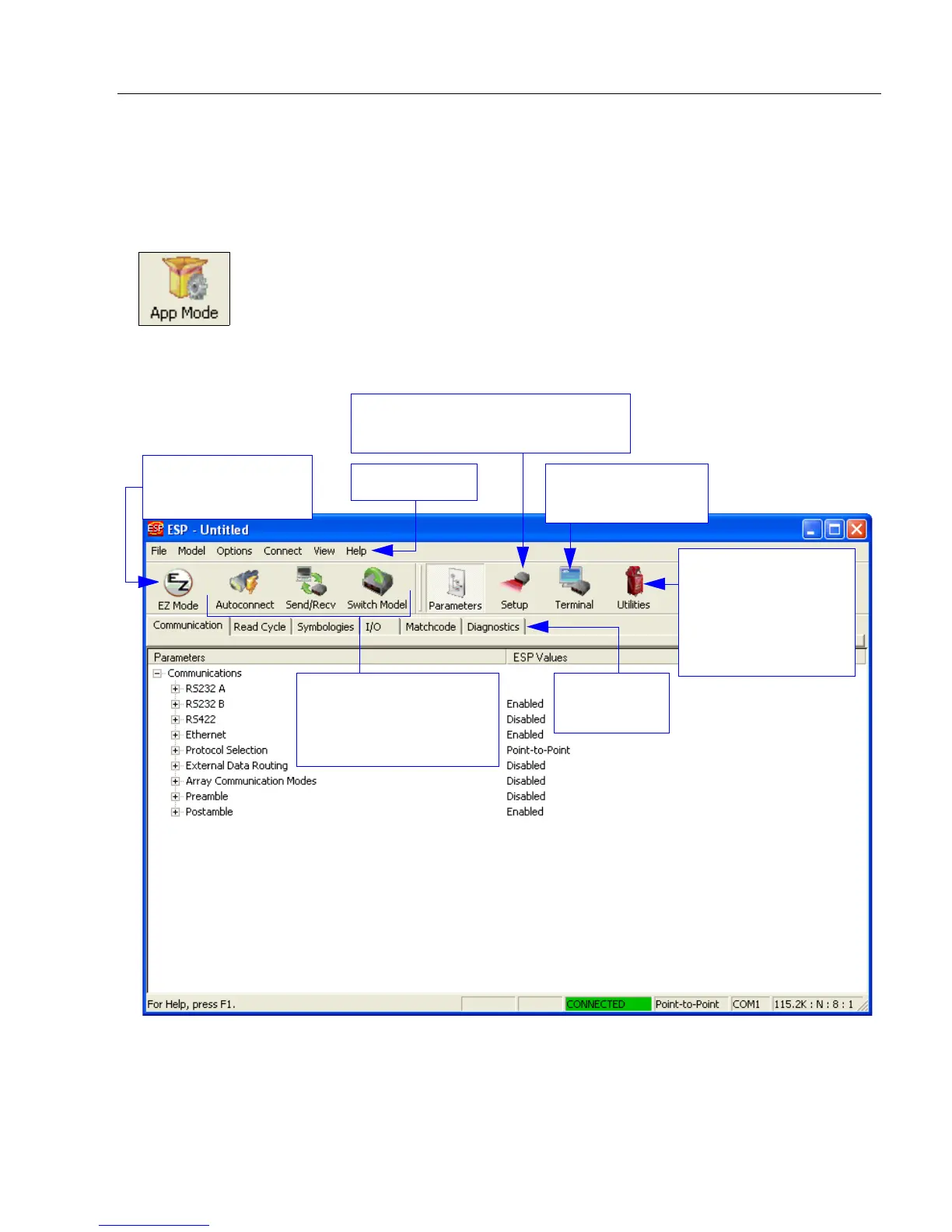
App Mode
From EZ Mode, click on the App Mode button to access the tabbed tree controls in
Parameters, the intuitive user interfaces in Setup, the Terminal interface, and the Utilities
interface.
Note: The App Mode and EZ Mode buttons appear in the same position to allow easy
switching between these primary modes.
Click here to open
the Terminal view.
Menu toolbar
Click this icon to
return to EZ Mode.
Read Rate,
Counters, Device
Control, Differences
from Default, Master
Database, Digital
Bar
Code, Firmware
Tabbed tree
controls
Calibration, Configuration Database,
Ordered Output, Output Format
Autoconnect to the
scanner, Send and
Receive
command settings,
and Switch Model



 To Next Page