QX-830 Compact Industrial Scanner User’s Manual 1-11
Quick Start
Step 9 —
Save Changes in ESP
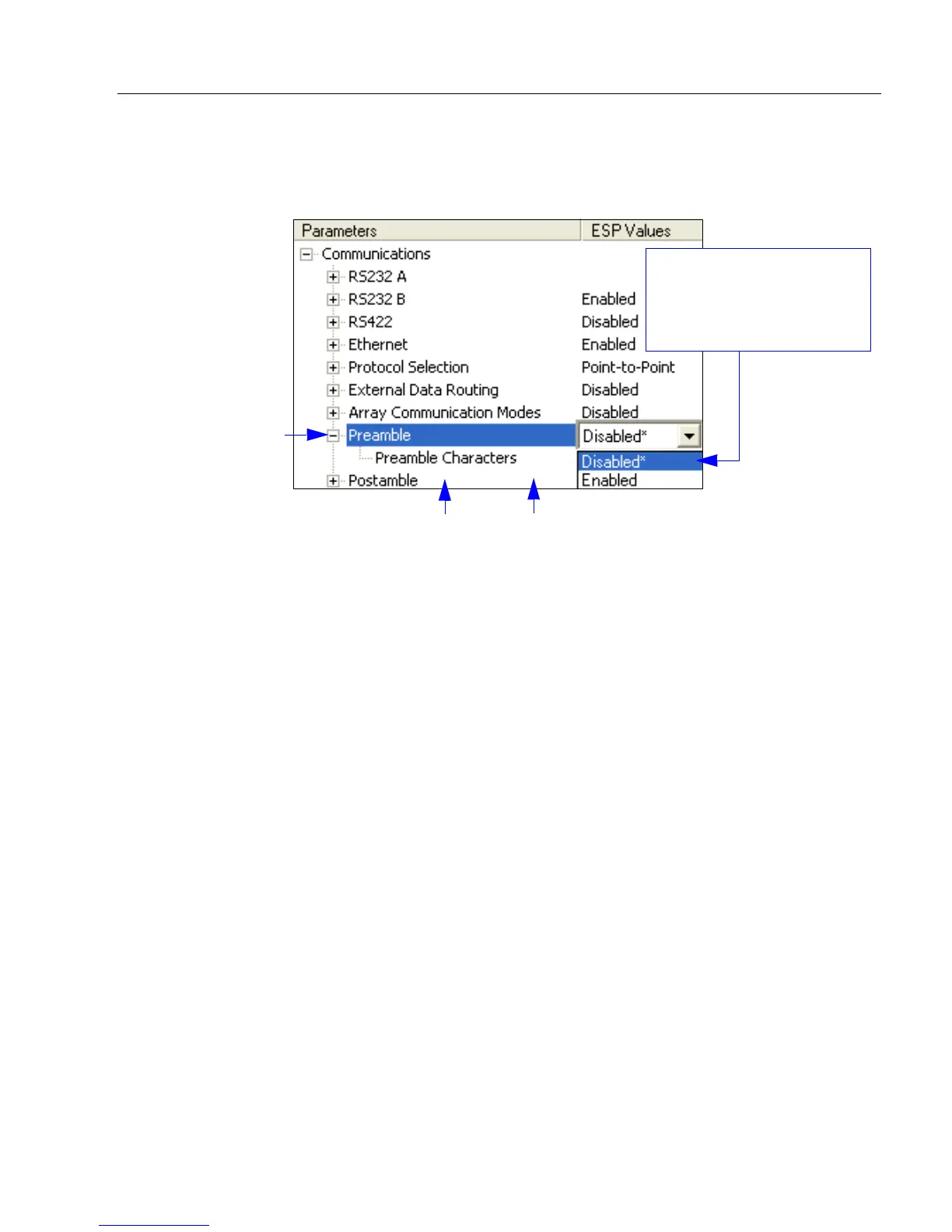
To make changes to a configuration setting:
Saving Options
• Send, No Save. Changes will be lost when power is re-applied to the scanner.
• Send and Save. This activates all changes in current memory and saves to the scanner
for power-on.
1. Left-click on the +
to expand the
desired tree.
2. Double-click on the
desired parameter
and click once in the
selection box to view
options.
5. Right-click on the open
screen and select Save to
Reader to implement the
command in the scanner.
4. Left-click again
on the open
screen to complete
the selection.
3. Place the cursor in the
selection box, scroll
down to the setting to be
changed, and click once
on the setting.



 To Next Page