2-4 QX-830 Compact Industrial Scanner User’s Manual
Menu Toolbar
Menu Toolbar
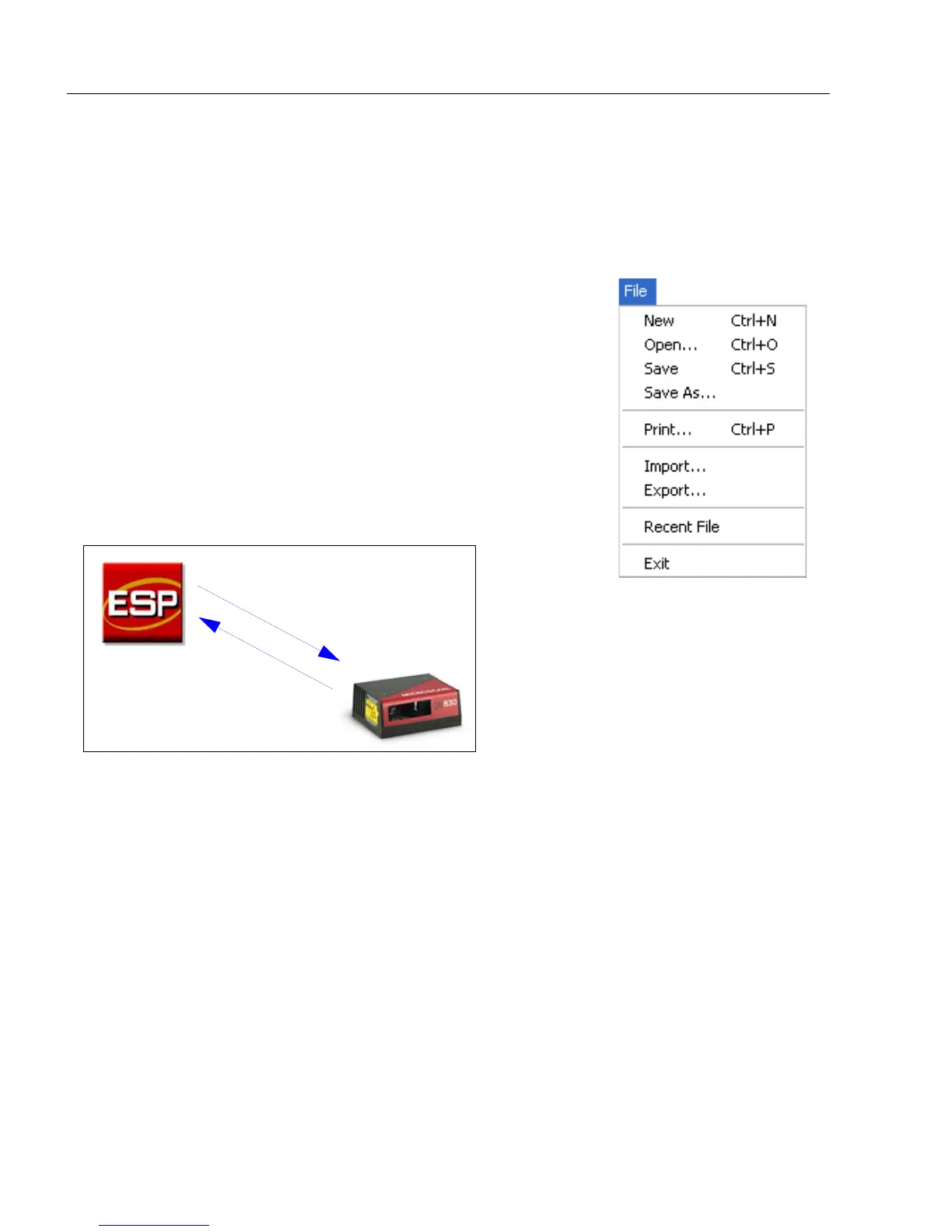
File
New
Whenever New is selected, the default configuration of ESP is
loaded.
Open/Save
When Save or Save As is selected, the ESP configuration is
saved to the host computer’s hard drive and available whenever
the same file is selected under Open.
Important: When configuration changes are saved to the hard
drive, these changes are not automatically saved to the scanner.
The illustration below shows how settings can be saved and
received between ESP and the scanner, and ESP and the host
hard drive.
Import/Export
Import converts the ASCII settings from a text file to ESP configuration settings.
Export converts the active ESP configuration settings to an ASCII text file.
(Save to Scanner)
(Receive Scanner
Settings)



 To Next Page