2-2 QX-830 Compact Industrial Scanner User’s Manual
EZ Mode
EZ Mode
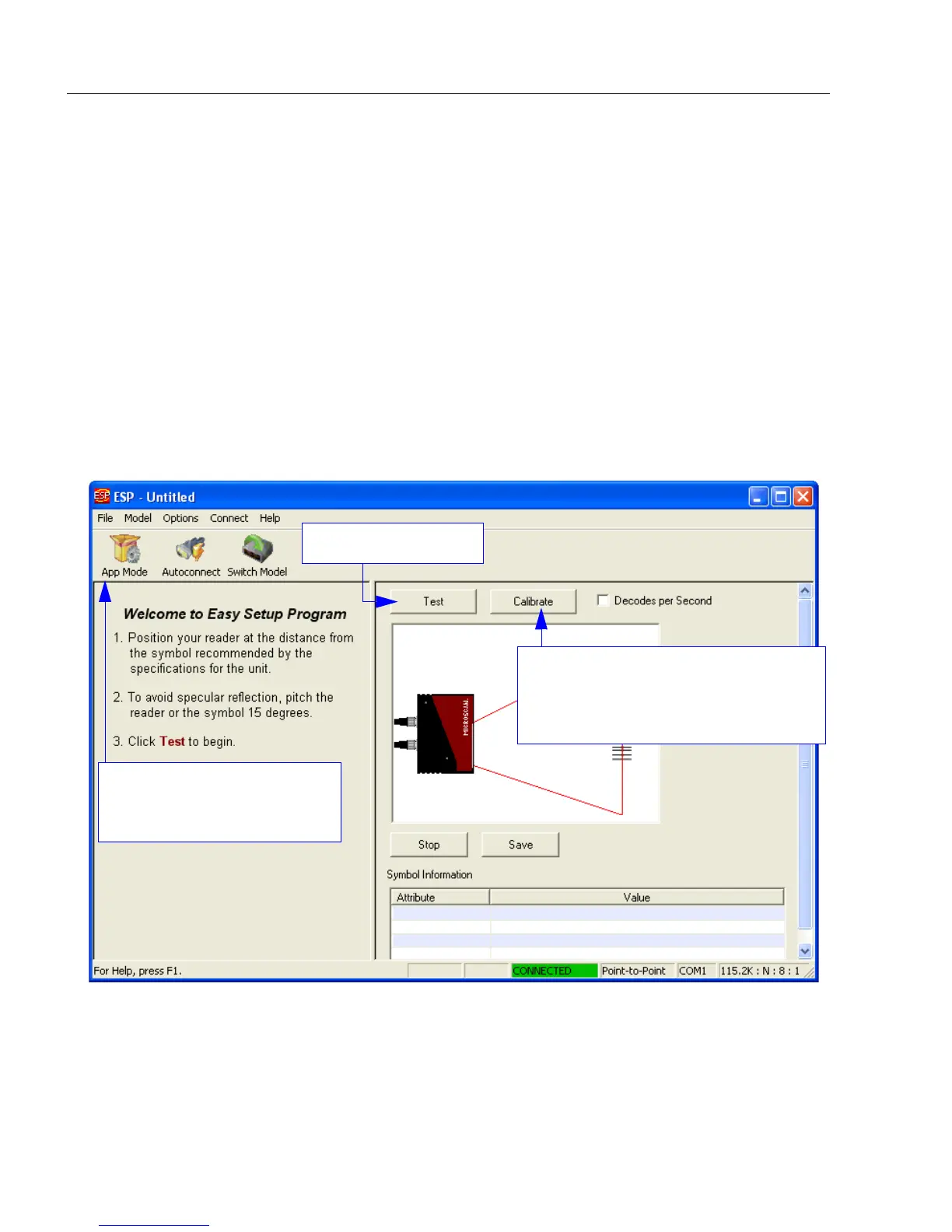
EZ Mode allows the user to test read rate and calibrate the scanner. After connecting to
the scanner, the EZ Mode view will appear. On-screen instructions assist the user with
positioning, testing, and calibration.
Test
Click the Test button to start the read rate test for a quick indication of the scanner’s read
capabilities and the limits of the application. When Decodes per Second is unchecked,
the test will count the percentage of decodes relative to the number of actual scans. Click
Stop to end the test.
Calibrate
The calibration routine that will optimize the scanner by comparing Read Rates at various
camera and image processing settings.
Click the App Mode button
to access configuration trees
and other setup features.
Starts Read Rate test.
Click Calibrate to begin the calibration
routine. Calibration is explained at the
left of the EZ Mode screen, and also
in Quick Start.



 To Next Page