QX-830 Compact Industrial Scanner User’s Manual 5-181
Scanner Parameters
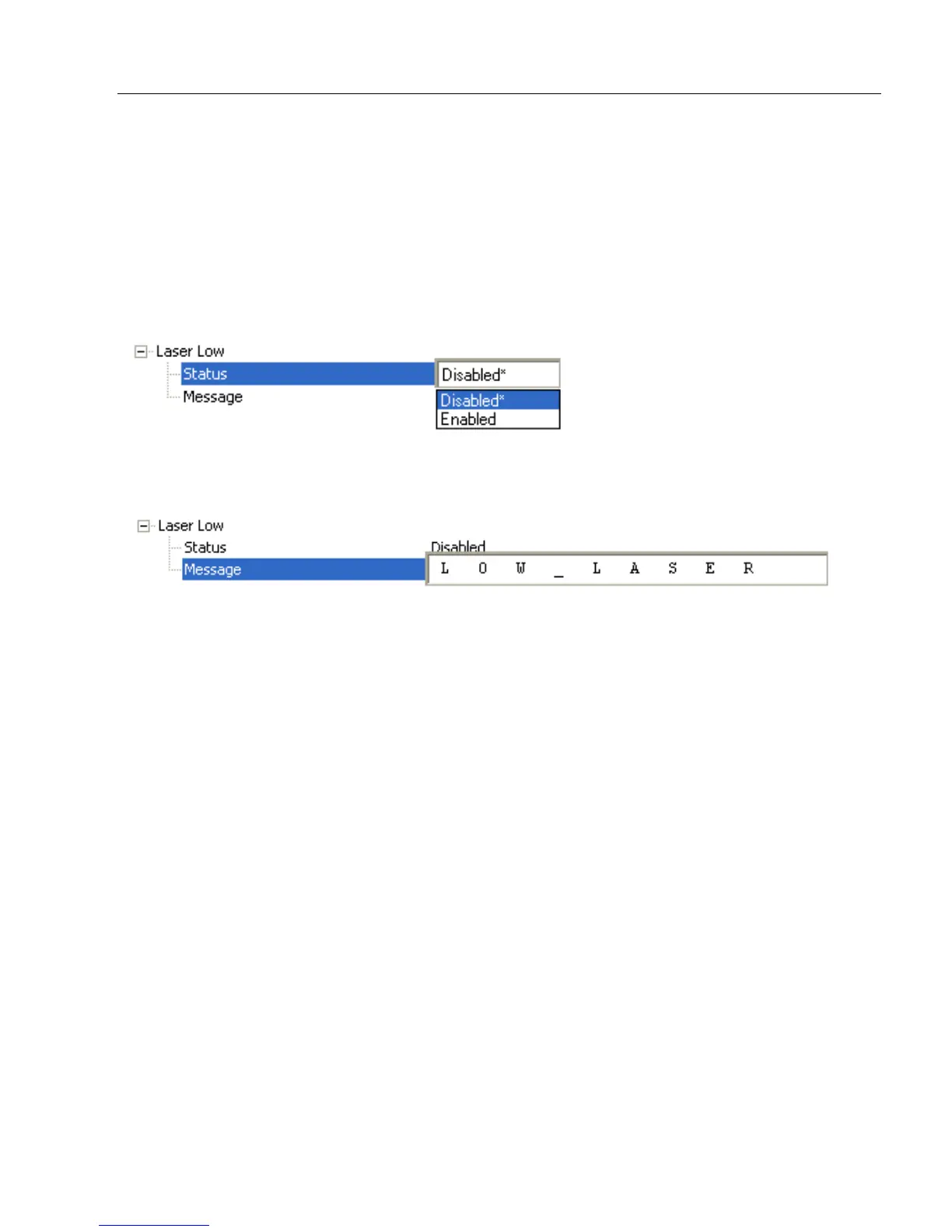
Laser Low
When Enabled, a Laser Low message is transmitted whenever the laser current falls
below a factory-calibrated reference value which cannot be altered. The message repeats
once every 30 minutes until the condition is corrected.
Alerts the user to impending laser failure. (Contact Microscan Service.)
Status
Allows the user to Enable or Disable the Laser Low message.
Message
Defines the Laser Low message.



 To Next Page