7-6 QX-830 Compact Industrial Scanner User’s Manual
Counters
Counters
Counter commands can be a numeric value from 00000 to 65535. After reaching the
maximum numeric limit of 65535, an error message will be displayed and the counter will
automatically roll over and start counting again at 00000. To obtain the cumulative total of
counts after the rollover has occurred, add 65536 per each rollover (the scanner does not
keep track of the number of rollovers) to the current count.
Note: All counter values will be lost if power is recycled to the scanner, or if the scanner
receives a Reset or Save command.
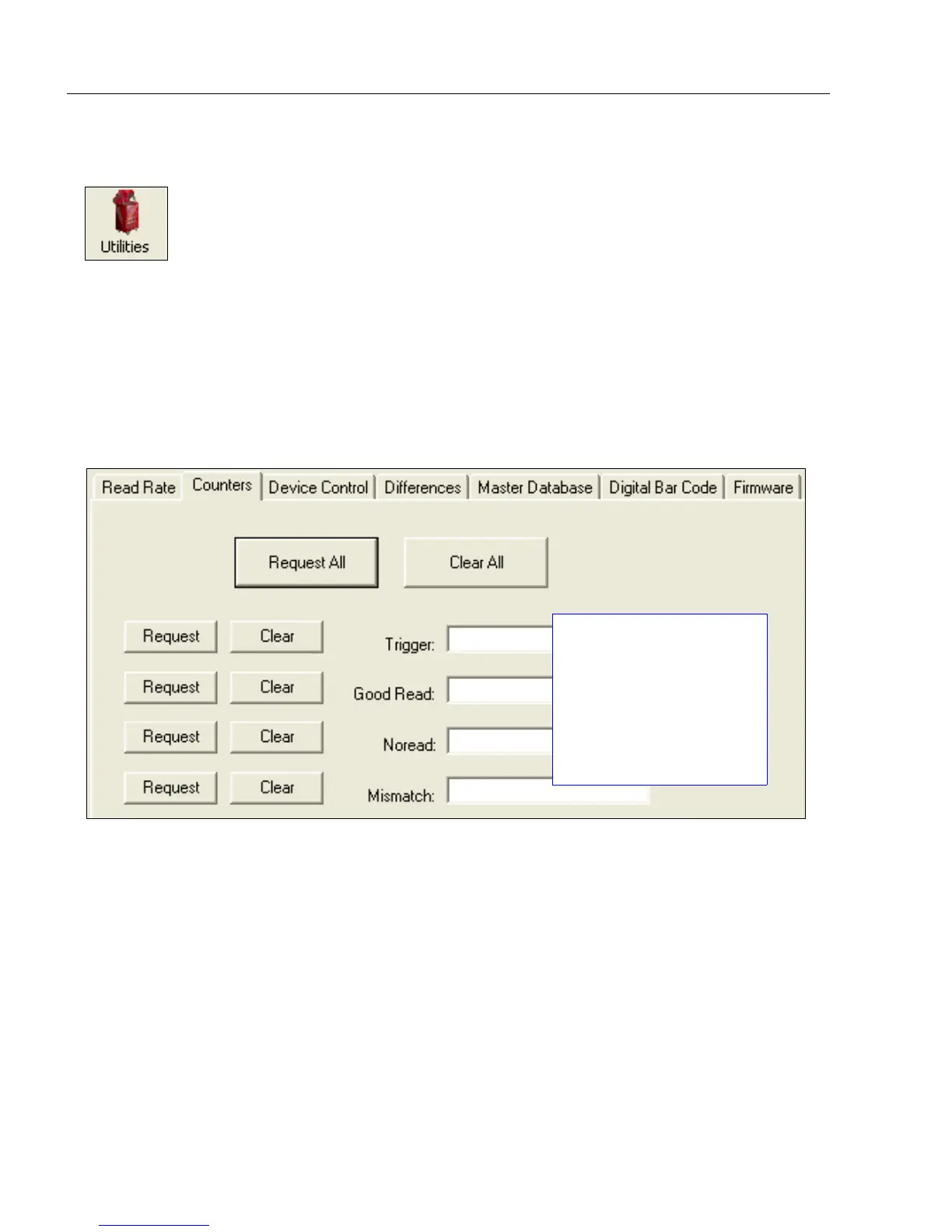
Click the Request button to display the appropriate count or Clear to set the counter to zero.
Click the Utilities button and then the Counters tab
to display the Counters view.
Trigger, Good Read, No
Read, and Mismatch
counters can be
requested and cleared
simultaneously (Request
All and Clear All buttons)
or individually (Request
and Clear buttons to the
left of each item).



 To Next Page