5-68 QX-830 Compact Industrial Scanner User’s Manual
Read Cycle
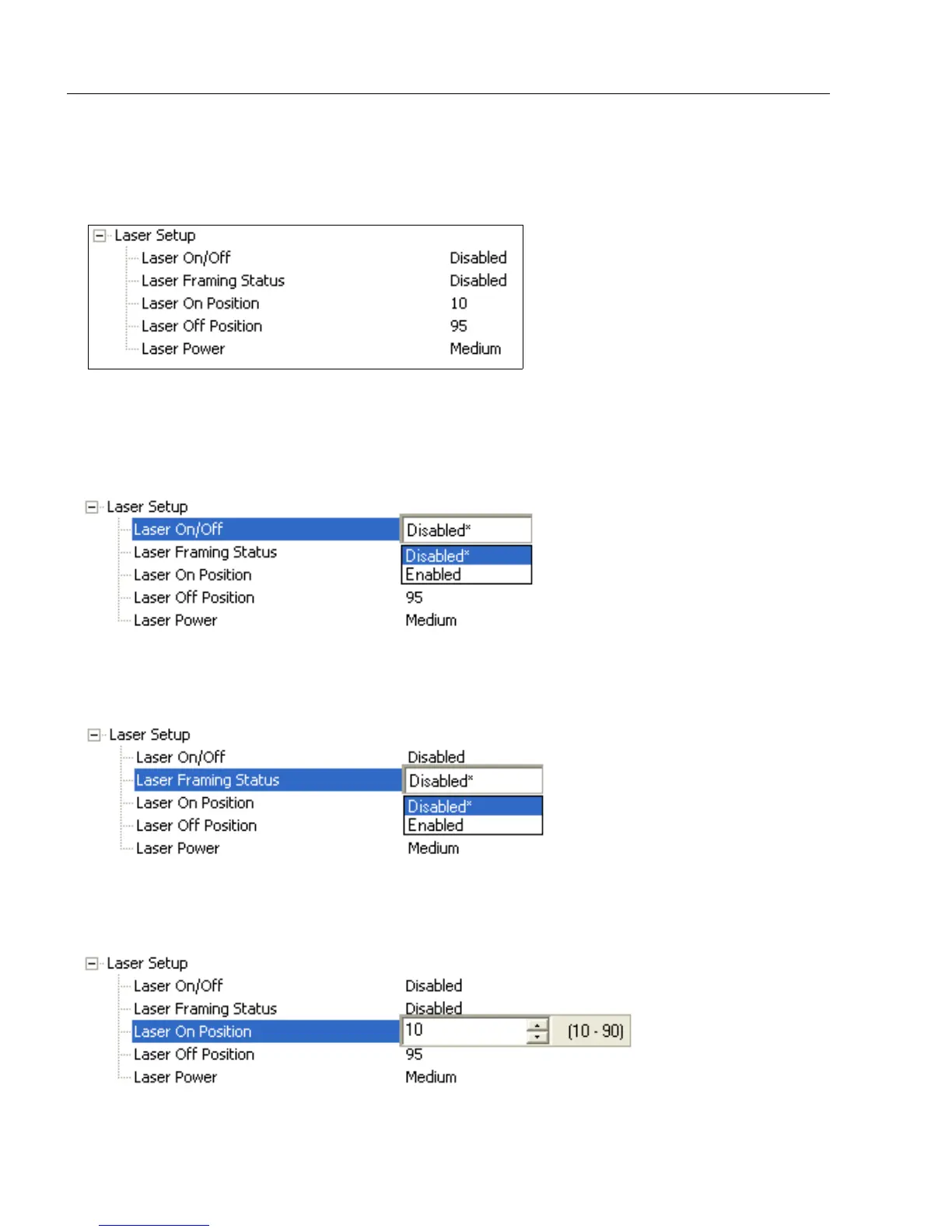
Laser Setup
Laser Setup allows the user to configure Laser On/Off, Laser Framing Status, Laser
On Position, Laser Off Position, and Laser Power.
Laser On/Off
When Enabled, the laser is On only during the read cycle. When Disabled, the laser
operates continuously.
Note: A serial trigger or external trigger must be enabled for Laser On/Off to take effect.
Laser Framing Status
When Enabled, the laser will be off for the duration of the Laser Off time (beginning from
the start of the read cycle), and the laser will then be
on
for the duration of the
Laser On
time.
Laser On Position
The duration of Laser Off time. Laser On Position is a ratio of the total scan width, with
increments equal to 1/100th of the total scan width.



 To Next Page