4-10 QX-830 Compact Industrial Scanner User’s Manual
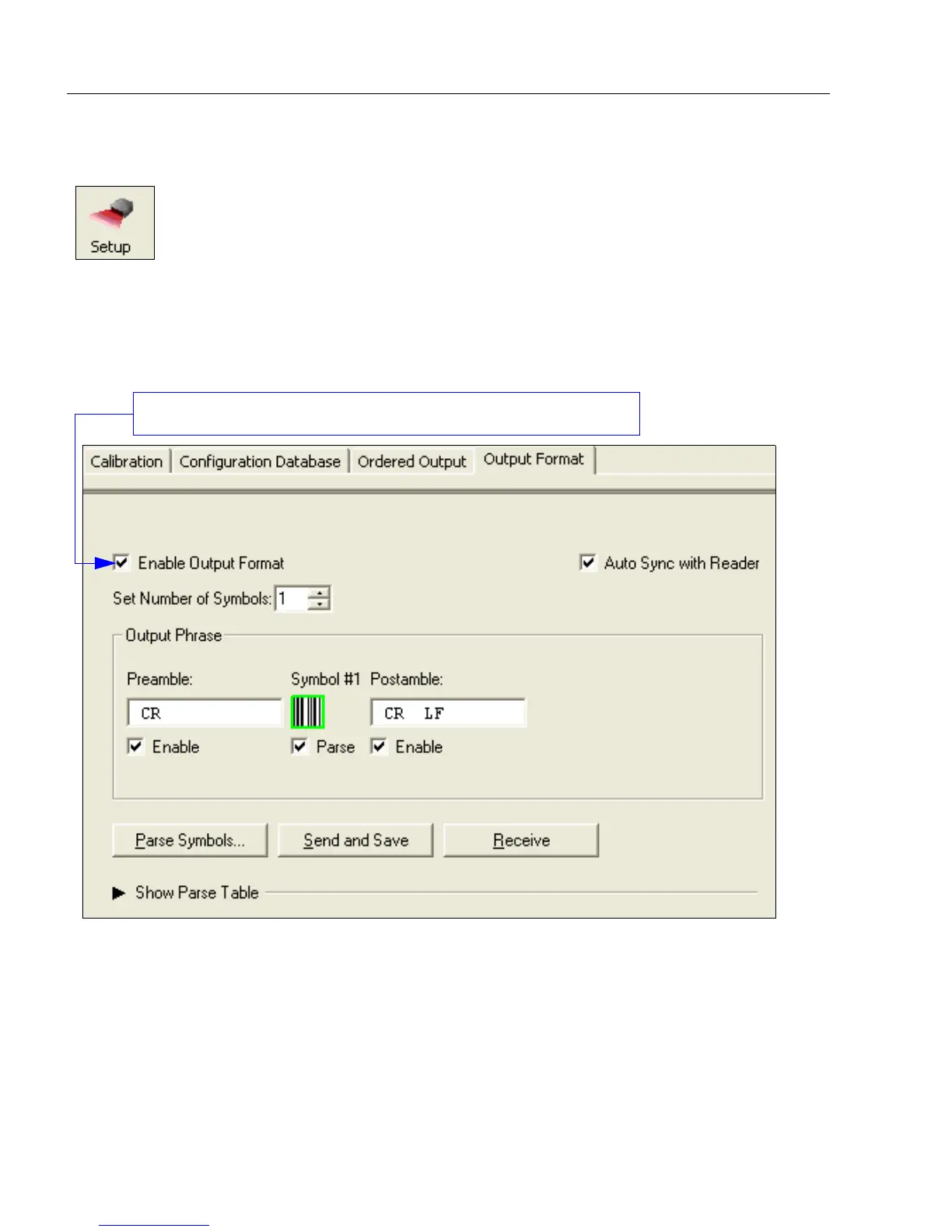
Output Format
Output Format
Enable Output Format
This is a global enable/disable parameter. Use Set Number of Symbols and Output
Phrase to assign symbols for formatting, and Symbol Parse to determine the specific
output content for the assigned symbols.
Click the Setup button and then the Output Format tab
to display the Output Format view.
On the Output Format tab, check the Enable Output Format box.



 To Next Page